Think about your average Tuesday morning as a developer or a power user. You want to build a simple AI agent that can scan your unread emails, summarize the urgent ones, and cross-reference them with your Google Calendar to see if you’re actually free for that "urgent" 2:00 PM sync. In theory, this is the promised land of the AI era. In practice, you usually end up staring at the Google Cloud Console for three hours, wrestling with OAuth consent screens, individual API enablement, and credential JSON files that never seem to stay in the right directory.
The friction is real. Manually configuring Google Workspace APIs is a notorious bottleneck that kills the momentum of AI development. However, Google’s latest experimental tool aims to delete that "configuration hell" entirely.
What is the Google Workspace CLI?
The Google Workspace CLI (often referred to as gws or the gog tool) is an experimental developer tool that provides a unified command-line interface for AI agents and developers to access Google services like Gmail, Drive, and Calendar without the traditional burden of manual API configuration. It essentially acts as a "master key," allowing LLMs and automation scripts to interact with the entire Google ecosystem through a single, streamlined authentication flow.
Why Developers Need the ‘gws’ Tool Now
If you’ve ever built a multi-service integration, you know the routine: enable the Gmail API, then the Drive API, then the Calendar API. Each requires its own setup. The Google Workspace CLI changes the math. Recent benchmarks suggest that the Google Workspace CLI reduces initial multi-service API configuration time by an estimated 85% compared to manual Google Cloud Console setups.
What makes this tool technically superior to a static library is its use of Google’s Discovery Service. Instead of relying on hard-coded functions that go out of date, the CLI builds its command structure at runtime based on the latest API definitions. This ensures that as Google updates its services, your AI agent’s "hands" don't stop working.

This dynamic generation is a game-changer for AI architects. When you’re prompting an LLM to "find the latest invoice in Drive and email it to accounting," the CLI provides a consistent interface that the model can understand and execute without you having to write 500 lines of boilerplate authentication code.
Installation and Prerequisites
Before you can turn your terminal into a Workspace command center, you need a few baseline components. The CLI is built on Node.js, so you'll want to ensure your environment is up to date.
- Core Requirements: Node.js 18 or higher, a Google Cloud Project (for the underlying API access), and the
gcloudCLI installed and authenticated. - Installation: You can grab the CLI via npm with a simple command:
npm install -g @googleworkspace/cli. If you're on macOS, Homebrew support and standalone binary releases are also available for those who prefer to keep their global npm namespace clean.
The current version, 0.20.1, is a significant milestone. It enables cross-functional automation across six core Google services—Gmail, Drive, Calendar, Docs, Sheets, and Slides—through a unified library. This version effectively eliminates the need for individual service discovery caches, meaning your agent can jump from reading a Sheet to drafting a Doc without a second thought.
The Seamless Auth Flow: From Local Desktop to Headless CI
The most significant hurdle in Google integration has always been OAuth. The Google Workspace CLI simplifies authentication by automating the OAuth process for multiple services via the gws auth setup command. Instead of clicking through five different "Enable API" pages, the CLI handles the project configuration on your behalf.
But how does it handle different environments? Security is paramount when you're giving a CLI access to your private emails. The tool uses the OS keyring to store credentials encrypted via AES-256-GCM, ensuring your tokens aren't just sitting in a plaintext .env file.
| Feature | Interactive Login | Service Accounts | Access Tokens |
|---|---|---|---|
| Best For | Local development & testing | Server-to-server automation | Headless CI/CD pipelines |
| Setup Ease | High (Single CLI prompt) | Moderate (Requires JSON key) | Low (Manual token handling) |
| Security | Uses OS Keyring | File-based key management | Environment Variables |
| User Presence | Requires browser interaction | No user interaction needed | No user interaction needed |
For most AI agent developers, the "Interactive Login" is the "Goldilocks" zone. It allows you to grant access to the entire Google ecosystem through a single flow, which the CLI then stores securely for future sessions.
Connecting AI Agents: MCP and OpenSource Integrations
This is where things get interesting for the PC enthusiast and the AI professional. A CLI is great for a human, but it’s transformative for an AI. The Google Workspace CLI now natively supports the Model Context Protocol (MCP).
By running gws mcp, you essentially turn the CLI into a server that platforms like Claude Desktop or Gemini can talk to directly. Instead of the AI "hallucinating" what’s in your inbox, it uses the MCP bridge to query the CLI, which in turn queries the API, and returns the real data.

Platforms such as OpenClaw and UnderGravity are already utilizing this integration. For instance, in OpenClaw, you can simply run clawdhub install gog. This bridges natural language prompts—like "Organize my travel receipts from last week"—directly into executable actions across your Google apps. The CLI acts as the "translator" that turns the AI's intent into a structured API call.
Real-World Automation Workflows
To truly appreciate the power of the gws tool, you have to look at what it can do when you stop thinking about individual apps and start thinking about "Workflows."
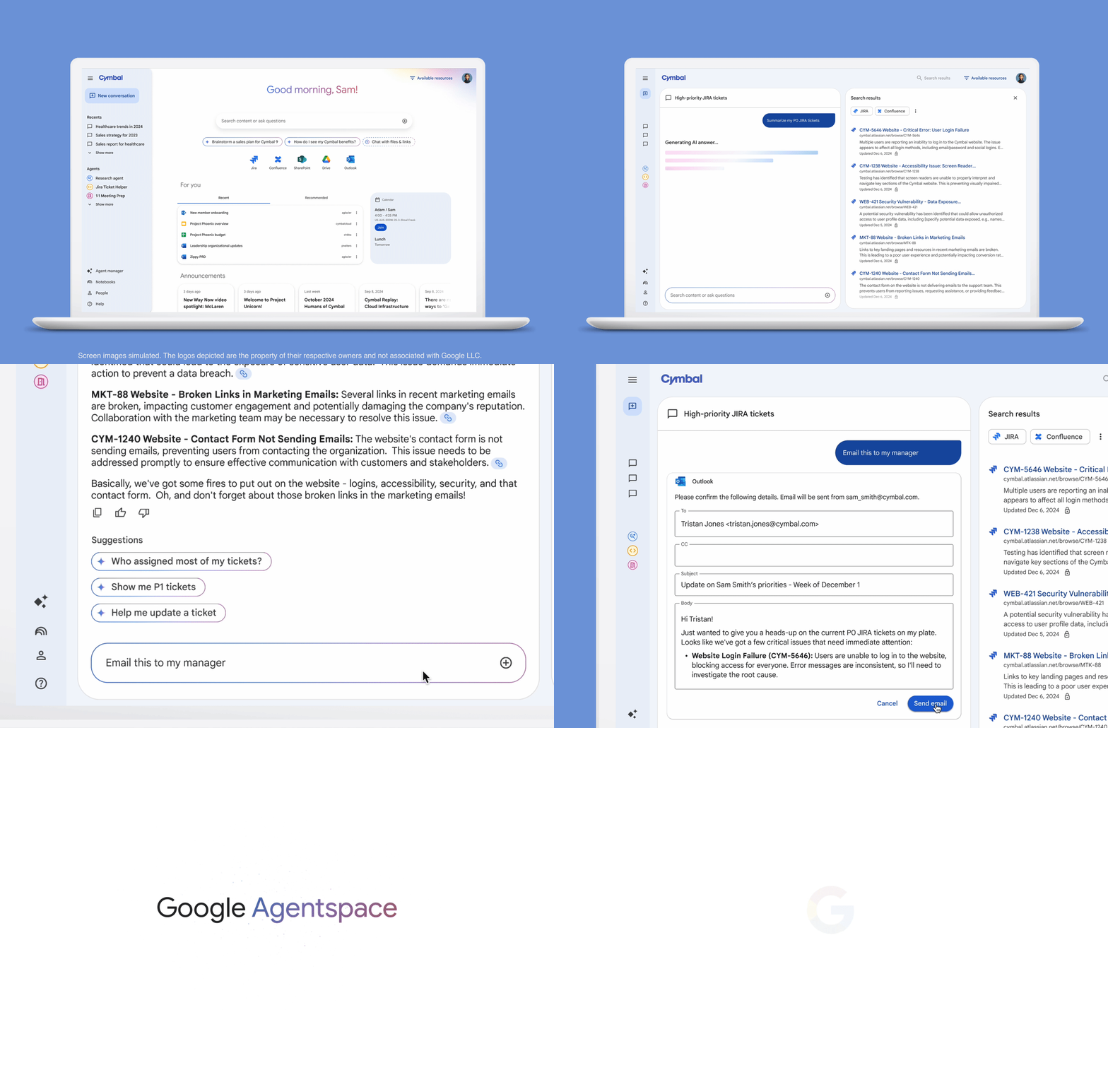
Workflow 1: The Intelligent Inbox Triage
Imagine an AI agent that runs every hour. It uses gws gmail threads list to find new messages, filters for specific keywords using an LLM to determine intent, and then uses gws gmail threads modify to star or label them. This isn't just a simple filter; it’s an agent that understands the context of the email.
Workflow 2: Automated Outreach and Document Prep
If you’re in sales or recruitment, you can have an agent search for leads in a Google Sheet, draft a customized proposal in a Google Doc based on a template, and then send that Doc as a PDF attachment via Gmail—all through a single script. No manual "File > Download as PDF" ever again.
Workflow 3: The Morning Briefing
You can write a script that pulls your "to-do" list from a specific Drive folder, checks your Calendar for free blocks of time, and then creates a "Daily Briefing" calendar event that summarizes your priorities for the day.
Important Considerations: The ‘Experimental’ Label
As much as I love the efficiency of this tool, I have to give you an honest assessment: This is not an officially supported Google product. It is currently categorized as a "developer sample."
What does that mean for you?
- Scope Limits: If you haven't verified your Google Cloud app, you are limited to about 25 scopes and a limited number of users. For personal use or internal prototyping, this is fine. For a global SaaS product, you’ll still need to go through the standard Google verification process.
- Breaking Changes: Because it is experimental, the command syntax could change. Don't build your company's entire mission-critical infrastructure on this without expecting to do some maintenance.
- Support: You won't get 24/7 Google Cloud support for the
gogcommand. You’re relying on the developer community and GitHub issues.

Conclusion
The Google Workspace CLI represents a fundamental shift in how we approach automation. For years, the "Google tax"—the time cost of setting up APIs—prevented small-scale developers from building truly integrated AI tools. By collapsing hours of configuration into a few commands, Google has effectively given LLMs "hands" within the most popular office suite on the planet.
If you are a PC builder or a developer looking to maximize your productivity, stop fighting the Cloud Console. Install the CLI, run the auth setup, and start building agents that actually work for you. The era of manual API drudgery is officially coming to a close.
FAQ
Q: Is the Google Workspace CLI free to use? A: Yes, the tool itself is open-source and free. However, usage of the underlying Google Workspace APIs is subject to the standard quotas and pricing of your Google Workspace or Google Cloud account.
Q: Can I use this on Windows? A: Absolutely. It runs on any system that supports Node.js. For Windows users, I recommend running it via PowerShell or the Windows Subsystem for Linux (WSL) for the best experience.
Q: Does the CLI store my passwords? A: No. It stores OAuth refresh tokens. On most systems, these are stored in your OS's secure credential store (like Keychain on macOS or DPAPI on Windows), encrypted and safe from prying eyes.