Quick Facts
- Custom Advantage: Tailors dimensions to fit specific iPad models and bulky protective cases perfectly.
- Core Materials: Uses PLA filament for standard desktop use and PETG for high-heat or high-stress environments.
- Primary Technology: Relies on FDM technology printers to build durable, functional mobile accessories.
- Top Repositories: Leverages community repositories like Printables and Thingiverse for thousands of free designs.
- Ergonomic Focus: Optimizes workspace ergonomics by allowing users to set custom tilt angles and heights.
- Market Growth: The global 3D printed accessories market is projected to reach USD 5.53 billion by 2034.
- Feature Integration: Enables the addition of specialized features like cable routing and Apple Pencil holders.
Creating a custom 3d printed stand allows for precise dimensions tailored to specific iPad models and protective cases, integrating specialized features like cable routing or Apple Pencil holders that retail products lack. These DIY solutions provide a superior level of customization, ensuring that your device sits at the perfect angle for hands-free productivity while maintaining a footprint that fits your exact desk space.
Essential Toolkit: Printers, Slicers, and Files
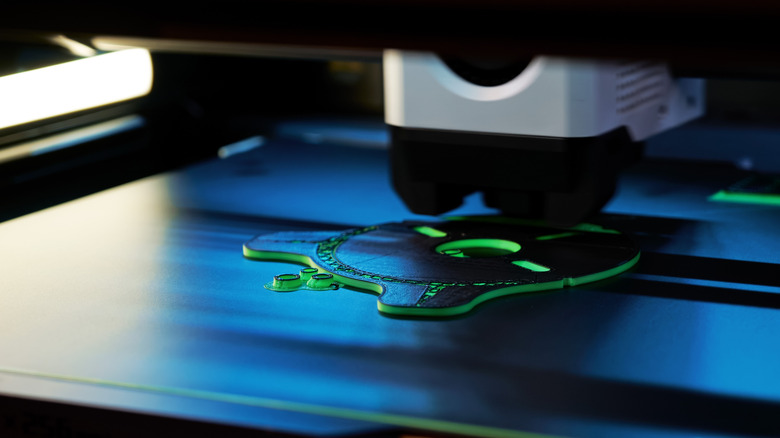
When you start your journey into customizing your tablet setup, understanding the hardware and software pipeline is the first step toward success. Most makers utilize FDM technology, or Fused Deposition Modeling, which involves melting a plastic filament and extruding it layer by layer to build an object. Printers from brands like Prusa or FlashForge are common choices because they handle the structural requirements of a 3d printed stand with ease. This technology is accessible and affordable, making it the gold standard for home-grown tech accessories.
Before you can hit the print button, you need a digital model. For those who aren't experts in CAD (Computer-Aided Design), community repositories like Printables and Thingiverse are gold mines. You can find everything from a simple 3d print display shelf to complex mechanical assemblies. Once you find an STL files format model that you like, you will need to process it through Slicer software such as Cura or PrusaSlicer. This software translates the 3D model into G-code, which are the specific instructions your printer follows.
In the slicer, you can adjust settings to ensure your print is strong enough to hold a heavy iPad Pro. Pay attention to support structures; many modern designs are optimized to be printed without supports, which saves material and cleanup time. By choosing a well-vetted design from a reputable creator, you ensure that the final product will be stable and functional from the moment it leaves the print bed.
The Professional Artist: Workspace and Drawing Hubs
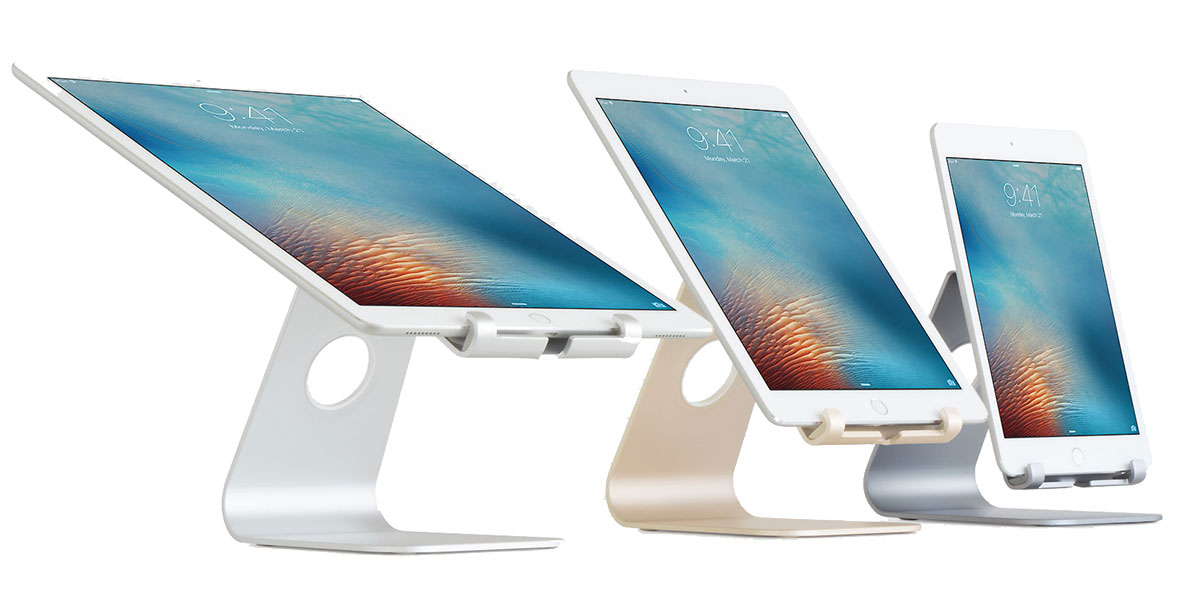
For digital illustrators and designers, the standard iPad stands often fall short. They are either too upright for comfortable drawing or too flimsy to handle the pressure of an Apple Pencil. This is where a 3d printed stand shines. You can choose a 3d printed display stand that offers a low-angle tilt specifically designed for artists, mimicking the feel of a traditional drafting table.
A significant advantage for power users is the ability to customize a 3d printed ipad pro stand with pencil holder. Commercial cases often have a slot for the pencil, but having a dedicated, gravity-fed or magnetic dock integrated into the stand itself keeps your workspace organized. Furthermore, workspace ergonomics are greatly improved when you can align the screen orientation perfectly with your eye level or arm reach.
Designers also frequently struggle with cable management. A custom design can include internal cable routing channels that guide your USB-C or Lightning cable through the base of the stand. This prevents the cord from tugging on the device during a creative session, ensuring hands-free productivity without the clutter of wires crossing your desk.
The Home & Travel Pro: Wall Mounts and Car Holders
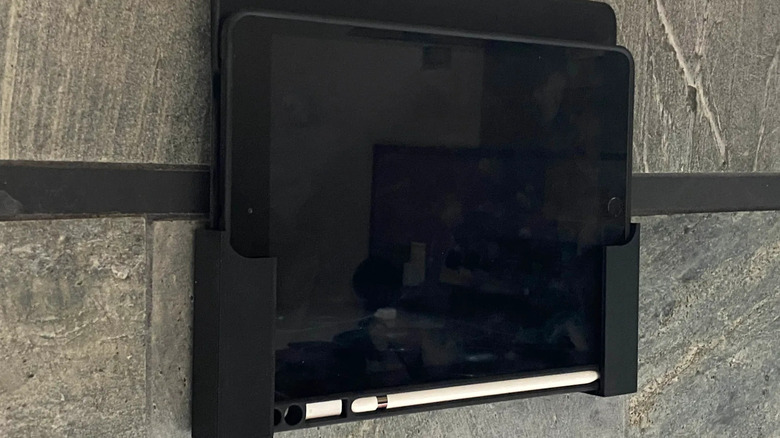
The versatility of 3D printing extends far beyond the desktop. In the kitchen, a 3d printed ipad kitchen mount can be a game-changer for following recipes without getting flour on your screen. Many makers design these mounts to be attached with non-destructive adhesive strips, making them perfect for renters or those who don't want to drill into their cabinetry.
For those who spend a lot of time on the road, a 3d printed ipad car holder can turn the backseat into a mobile cinema. By using a design that clamps onto the headrest posts, you can provide entertainment for passengers using a secure, custom-fit 3d printed ipad mount. In these scenarios, material choice is critical, as car interiors can reach high temperatures that might warp standard plastics.
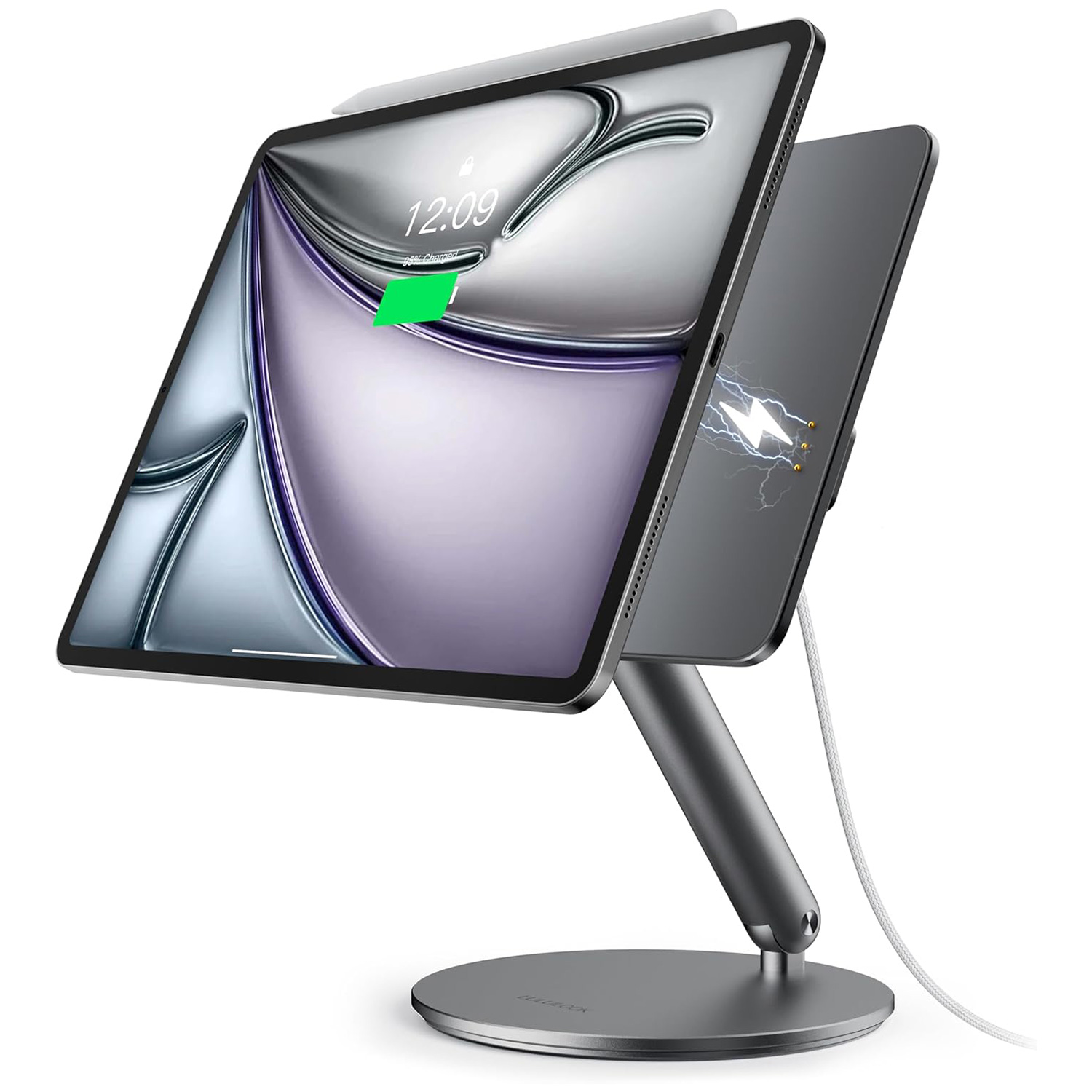
If you prefer a more minimalist look at home, a 3d printed ipad wall mount is an excellent way to turn an old tablet into a smart home controller. Some advanced makers even create a 3d printed magnetic ipad stand. By embedding small neodymium magnets into the print, you can create a snap-on system that holds the iPad securely but allows for quick release when you want to take it to the couch.
Technical Optimization: Stability and Durability Tips
To ensure your custom 3d printed stand lasts as long as your device, you need to make smart technical choices. The first is material selection. While PLA filament is the easiest to print with and comes in endless colors, it can become brittle over time and softens at relatively low temperatures. For a 3d printed tablet stand that will see heavy use or be exposed to sunlight, PETG durability is a better bet. It offers more flexibility and higher heat resistance.
When preparing your file in the slicer, focus on structural integrity. Instead of just increasing infill density, which can waste plastic, try increasing the wall thickness (perimeter count). A stand with four or five walls is often significantly stronger than one with a high infill percentage but only two walls. Another pro tip is to use a random seam position to prevent a "zipper" line from creating a structural weak point along the back of your print.
| Feature | PLA Filament | PETG Filament |
|---|---|---|
| Ease of Use | High (Beginner friendly) | Moderate (Requires higher heat) |
| Heat Resistance | Low (Deforms at 60°C) | Moderate (Deforms at 80°C) |
| Durability | Rigid but brittle | Impact resistant and flexible |
| Best For | Indoor desktop stands | Car mounts and outdoor use |
Finally, always enter the prototyping phase before committing to a long, high-quality print. Print a small "slice" of the stand to check the precise dimensions against your iPad and its case. Tablet cases vary wildly in thickness, and a few millimeters can be the difference between a perfect fit and a stand that is useless. If the base feels too light, you can pause the print mid-way and drop in some lead weights or metal washers to lower the center of gravity.
FAQ
What are the benefits of using a 3D printed stand?
The primary benefit is the ability to achieve a custom fit that commercial products cannot match, especially if you use a thick protective case. You can also integrate specific features like a 3d printed adjustable ipad stand mechanism or dedicated slots for accessories like the Apple Pencil, all while choosing colors and materials that match your aesthetic.
What is the best material for a 3D printed laptop stand?
While the focus here is on iPads, the same rules apply for larger devices. PETG is generally considered the best material for a 3d printed stand for laptops or heavy tablets because it offers the necessary strength and heat resistance to handle the weight and the warmth generated by the device during use.
How do I make a 3D printed stand more stable?
Stability is achieved by lowering the center of gravity and increasing the surface area of the base. You can add rubber feet to the bottom to prevent sliding, or design the model with internal cavities where you can add weights like sand or metal during the printing process. Increasing the wall count in your slicer settings also helps prevent the stand from flexing.
Do I need supports to 3D print a stand?
It depends entirely on the design. Many creators on community repositories optimize their models for "supportless" printing by using 45-degree angles that the printer can handle without extra scaffolding. However, for a 3d printed ipad mount with complex overhangs or horizontal bridges, you may need to enable supports in your Slicer software.
Is it cheaper to 3D print a stand or buy one?
In terms of raw material, 3D printing is significantly cheaper, as a standard 3d printed ipad stand only uses about $2 to $5 worth of filament. While the initial investment in a printer is higher, the cost-per-item for custom accessories becomes much lower over time, especially when you factor in the value of getting a bespoke solution that perfectly fits your ergonomic needs.
As a mobile device editor, I have seen the accessory market flooded with generic plastic. 3D printing represents a shift toward personalizing our tech to fit our lives, rather than the other way around. Whether you are building a professional artist hub or a simple kitchen mount, the ability to iterate and improve your own tools is the ultimate upgrade for any iPad user. Share your custom creations with the maker community and keep experimenting with new ways to make your mobile devices work harder for you.