Quick Facts
- Incident Date: June 5, 2026
- Affected Accounts: Fewer than 20 personal plan users
- Attack Method: Automated brute-force exploitation of the device registration API
- Data Impact: Encrypted user vaults were exfiltrated for potential offline decryption
- Security Status: Dashlane internal infrastructure remained uncompromised due to zero-knowledge architecture
- Primary Recommendation: Update master passwords to high-entropy passphrases and migrate to hardware security keys or passkeys
- Compliance Standards: Immediate alignment with NIST SP 800-63B is required for at-risk users
On June 5, 2026, a brute-force attack on Dashlane's 2FA systems was disclosed, affecting a small number of users. While the breach was limited, it highlights critical vulnerabilities in traditional authentication. Ensuring robust password manager security is now more vital than ever to protect your digital life. The Dashlane 2FA exploit involved attackers using automated brute-force tools to bypass authentication and download encrypted user vaults. While the company's zero-knowledge architecture ensures Dashlane cannot access your data, stolen vaults remain vulnerable to offline decryption if the master password lacks sufficient complexity and entropy.
To effectively harden your vault against similar exploits, we recommend transitioning away from traditional six-digit codes. Implementing hardware security keys or passkeys offers the most resilient defense. These physical devices and cryptographic methods are resistant to phishing and brute-force attempts because they are bound to the specific service and do not rely on guessable numeric sequences.
The June 2026 Dashlane 2FA Exploit Explained
When we analyze modern cybersecurity incidents, we often look for gaps in the perimeter. However, the June 2026 exploit targeted a specific functional layer: the device registration API. In June 2026, Dashlane disclosed that a brute-force attack on its two-factor authentication (2FA) system resulted in the exposure and download of encrypted password vaults belonging to fewer than 20 personal plan users.
The mechanics of the attack were sophisticated in their simplicity. Attackers targeted the device registration API, where they attempted to authorize new devices by rapidly guessing six-digit verification codes before the system prompted for a master password. This suggests a specific rate-limiting failure in the API's authentication layer. By successfully guessing the 2FA code, the attackers gained the "authorized" status required to request a copy of the vault data.
It is important to understand what a password manager security breach of this nature actually means for the average user. Dashlane reported that no internal infrastructure was breached during the incident. The servers stayed intact, and no "master key" was stolen from the company because such a key does not exist. Instead, the attackers used the exploit to act as if they were a legitimate user registering a new phone or laptop.
Once the vault is downloaded, the battle shifts from the cloud to the attacker’s local machine. This is what we call offline decryption. The attacker can use powerful GPU clusters to try millions of password combinations per second against the stolen file. If your master password is easy to guess, the zero-knowledge architecture can only protect you for so long.
Immediate Action: Dashlane 2FA Exploit Recovery Steps
If you are a Dashlane user or simply concerned about the general state of password manager security, waiting for an official "you are affected" email isn’t enough. We advise taking these dashlane 2fa exploit recovery steps immediately to ensure your data remains inaccessible to third parties.
- Rotate Your Master Password: This is the single most critical step. Since the attackers have exfiltrated vaults, they are currently attempting to crack them. Changing your password now doesn't "fix" the stolen vault, but it ensures that if you haven't been breached yet, your new vault is significantly harder to access.
- Revoke Authorized Devices: Go into your account settings and view the list of "Authorized Devices." If you see any hardware you don't recognize, revoke access immediately. Even if everything looks normal, revoking and re-authorizing your main devices can clear out stale sessions that might be exploited.
- Upgrade Multi-Factor Authentication (MFA): If you are still using SMS or a mobile app that generates a Time-based One-Time Password, you are vulnerable to the same type of API bypass or SIM-swapping attacks. Move to hardware-based solutions.
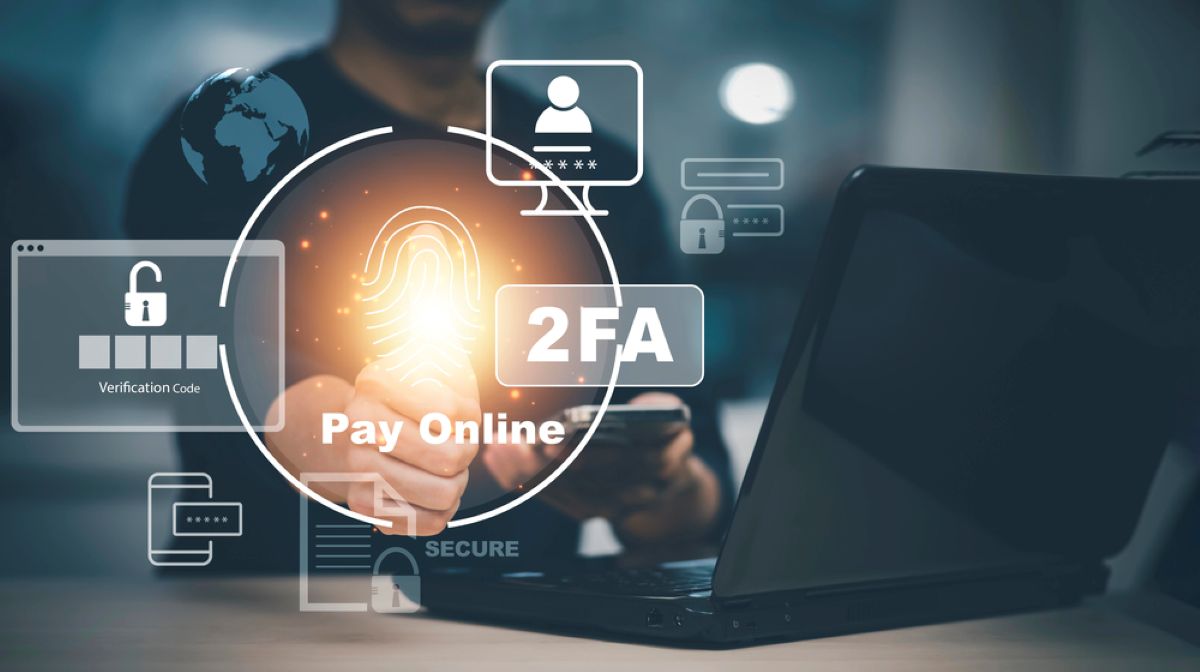
Understanding how to secure password manager vault data requires a look at the hierarchy of MFA reliability. We have categorized these levels in the table below to help you choose the best deterrent.
| MFA Method | Security Level | Resistance to Brute-Force | Resistance to Phishing |
|---|---|---|---|
| SMS Codes | Low | Poor | Low |
| Email Codes | Medium-Low | Poor | Low |
| TOTP Apps (Google Auth) | Medium | Moderate | Low |
| Passkeys | High | Excellent | High |
| Hardware Keys (Yubikey) | Maximum | Absolute | Maximum |
Implementing credential stuffing prevention starts with ensuring your credentials aren't reusable across sites. However, at the vault level, your concern is phishing-resistant authentication. This is where hardware security keys come into play, as they require physical presence and a cryptographic handshake that cannot be mimicked by a script.
Master Password Best Practices 2026
The industry standards for what constitutes a "strong" password have shifted. In 2026, we no longer focus on "complexity"—the annoying mix of uppercase, lowercase, numbers, and symbols—because modern cracking tools handle these variants with ease. Instead, we focus on passphrase entropy.
Following master password best practices 2026 involves choosing length over character diversity. A password like "Tr0ub4dor&3" is actually easier to crack than a long passphrase like "correct-staple-battery-horse-staple." The latter provides a higher level of entropy, which refers to the randomness and unpredictability of the sequence.
When we discuss my passwords with builders and professionals, we advocate for the following NIST SP 800-63B guidelines:
- Minimum length of 12 to 16 characters.
- Use of "dictionary-word" passphrases that are unrelated to your life.
- Avoiding common sequences or "leet speak" (e.g., using '3' for 'E'), which are built into modern brute-force dictionaries.
The security of my passwords rests entirely on the time it would take an attacker to perform offline decryption. If your passphrase is long enough, the cost of the electricity required to crack it becomes higher than the value of the data inside, making you an unappealing target.
Beyond Passwords: The Role of Hardware Keys and Passkeys
The ultimate evolution of password manager security is the removal of the password entirely in favor of the FIDO2 protocol. By switching to passkeys for vault security, you eliminate the possibility of someone "guessing" your way into your account.
Hardware security keys for password managers, such as those made by Yubico or Google, act as a physical "root of trust." When you attempt to log in, the service sends a challenge to your key. The key signs this challenge with a private key stored on its secure element and sends it back. Because this process is cryptographically bound to the URL of the site, it is impossible to phish.
For those who prioritize convenience, syncable passkeys are a strong middle ground. These are stored in your OS keychain (like Apple's iCloud Keychain or Google Password Manager) and are synced across your devices. While not as "locked down" as a physical hardware key, they offer significantly better protection than a standard master password because they are not vulnerable to remote brute-force mitigation failures.
If you are serious about protecting your digital identity, we recommend purchasing two hardware security keys. Set one as your primary authentication method and keep the second in a safe, offline location as a backup. This ensures you never lose access to your vault while maintaining the highest possible security posture.
FAQ
Is password manager really secure?
Password managers remain the most effective way for individuals to manage their digital security. While exploits like the 2026 Dashlane incident do occur, the zero-knowledge architecture ensures that even in a breach, your data is encrypted. Compared to the alternative of reusing passwords or storing them in unencrypted formats, a password manager is exponentially safer.
What is the safest password manager to use?
The safest manager is one that employs a zero-knowledge architecture and supports phishing-resistant MFA like FIDO2 hardware keys. Dashlane, 1Password, and Bitwarden are frequently recommended by experts because they undergo regular third-party security audits and have a history of transparently disclosing incidents.
Which password managers have never been hacked?
The term "hacked" is broad. Most major providers have faced "incidents" or "exploits" at some level, including Bitwarden and 1Password, though these are often limited in scope. It is more important to look at how a company responds to a breach (with transparency and rapid patching) than to find one with a perfectly "clean" record, which often just means a lack of disclosure.
Do security experts recommend password managers?
Yes, the consensus among security professionals, including those at NIST and CISA, is that password managers are essential. They solve the human problem of memory, allowing for the use of unique, high-entropy passwords for every single service, which is the best defense against credential stuffing attacks.
What is the downside of using a password manager?
The primary downside is the "single point of failure" risk. If an attacker gains access to your master password and you do not have strong MFA enabled, they have the keys to your entire digital life. Additionally, if you forget your master password and have no recovery key, the zero-knowledge nature of the service means the company cannot help you recover your data.
Final Steps for Vault Hardening
Technological threats will continue to evolve, and the June 2026 Dashlane 2FA exploit is a reminder that even our most trusted tools require active management. Don't wait for the next headline to audit your security settings. Take thirty minutes today to evaluate your master password length, check your authorized devices, and consider investing in a hardware security key.
By staying proactive and following the latest master password best practices, you turn your password vault from a potential target into a digital fortress. We strongly encourage all readers to stay informed through official Dashlane security advisories and to maintain a mindset of continuous improvement regarding their digital hygiene.