Quick Facts
- Burglary Deterrence: Smart lights and automated window blinds simulate activity, making homes less attractive to intruders who look for empty properties.
- Energy Efficiency: Adjusting your thermostat by 7 to 10 degrees while traveling can lead to a 10% reduction in annual energy costs.
- Insurance Benefits: Installing a professionally monitored smart home security system can result in insurance premium discounts between 5% and 20%.
- Remote Management: Using a single smart home security app allows you to monitor entry logs, environmental sensors, and camera feeds from anywhere in the world.
- Proactive Protection: More than just cameras, modern systems use glass break detection and sound signatures to alert you to emergencies before they escalate.
- Security Gap: Despite the benefits, a 2023 survey revealed that only 53% of summer vacationers currently use a system to monitor their property while away.
Planning your next trip? Before you lock the door, ensure your smart home security is optimized for your absence. Use these 8 adjustments to protect your property and save energy. The best way to secure your home is through a multi-layered approach using a smart home security app to manage occupancy simulation, environmental sensors, and remote access control, which significantly reduces the risk of break-ins and property damage while away.
1. Network Segmentation and Firmware Synchronisation
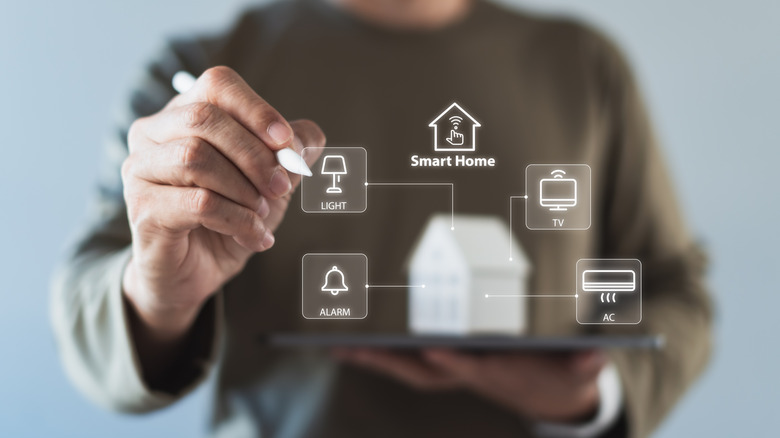
Before you even step out the door, the first line of defense is digital. Your smart home security relies entirely on the stability and security of your home network. Many homeowners overlook the fact that their smart bulbs, plugs, and sensors are potential entry points for hackers. To mitigate this risk, I recommend network segmentation.
By setting up a dedicated guest network on your Wi-Fi 6 router, you essentially isolate your IoT devices from your primary computers and smartphones. If a single smart device is compromised, the rest of your data remains safe. For those using advanced hubs, modern Zigbee and Z-Wave protocols provide a more robust, low-interference environment that does not clog up your main Wi-Fi bandwidth.
Furthermore, a pre-travel audit must include firmware synchronization. Nothing is more frustrating than trying to check your camera feed from a beach in Bali only to find the device is offline because of a pending update. Ensure every hub, sensor, and camera is running the latest software to avoid glitches and ensure security patches are active. This focus on smart home sensor maintenance before travel prevents the "ghost in the machine" issues that often plague unattended systems.

2. Activate Randomized Occupancy Simulation
Burglars look for signs of a vacant home: mail piling up, dark windows at 8:00 PM, and stationary curtains. Traditional plug-in timers are predictable; a savvy intruder will notice if the porch light turns on at exactly 7:00 PM every night. This is where occupancy simulation becomes your greatest ally.
Rather than static schedules, modern home security automation allows for presence mimicry. Devices like Philips Hue or Lutron Caseta offer a dedicated vacation mode that fluctuates the timing of your lights by 15 to 30 minutes each day. This randomness creates a visual deterrent that makes the property appear less vulnerable to intruders.
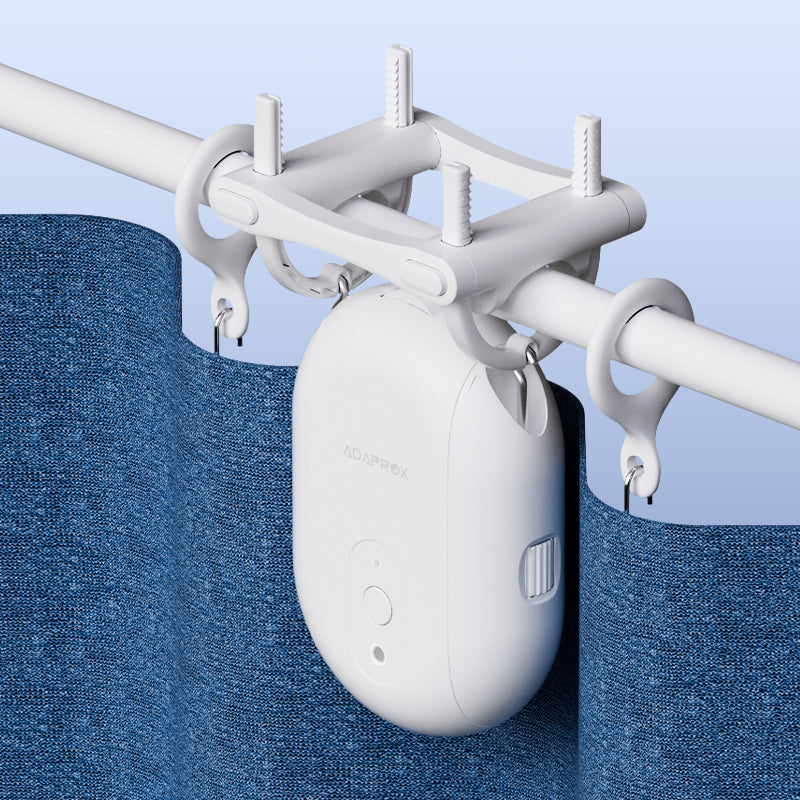
I also suggest integrating automated window blinds into this routine. Having your shades open in the morning and close at dusk suggests an active life inside. When you pair smart lights vacation mode automation with these moving parts, you create a convincing illusion of life that no standard timer can replicate.
3. Optimize Climate for Energy Conservation
Transitioning your home into a low-energy state is vital for both your wallet and your property's safety. Environmental protection during travel relies on smart thermostats to prevent catastrophes like burst pipes or mold growth. According to the U.S. Department of Energy, homeowners who adjust their thermostat by 7°F to 10°F from its normal setting while away can reduce annual heating and cooling costs by as much as 10%.
Activating the away mode for smart thermostat ensures the HVAC system operates efficiently while maintaining safe humidity levels. You should avoid turning the system off entirely, as extreme humidity can damage electronics and furniture, and extreme cold can lead to devastating plumbing failures. Use your smart home vacation mode settings to find that "Goldilocks" temperature—cool or warm enough to protect the structure, but conservative enough to save money.

4. Configuring Priority Push Notifications
While you are traveling, your phone is often in your pocket or a bag, perhaps even on "Do Not Disturb" during a flight or dinner. If a water leak occurs or smoke is detected, a standard notification might get buried under social media pings. This is why you must configure your smart home security app for priority push notifications.
Apps from brands like SimpliSafe, Ring, and Nest allow you to designate certain alerts as critical. These can bypass silent modes and play a distinct sound to grab your attention immediately. Ensure your Smoke and CO detection systems are linked to these high-priority channels. Additionally, if your system supports glass break detection, make sure those alerts are active and tested. Being able to distinguish between a low-battery warning and a fire alarm from 1,000 miles away is essential for peace of mind.
5. Implement Keyless Entry Management
The days of hiding a physical key under a doormat or a fake rock are over. Not only is it a security risk, but it also provides no trail of who entered your home. Smart locks and virtual assistant ecosystems provide critical remote access and monitoring during emergencies.
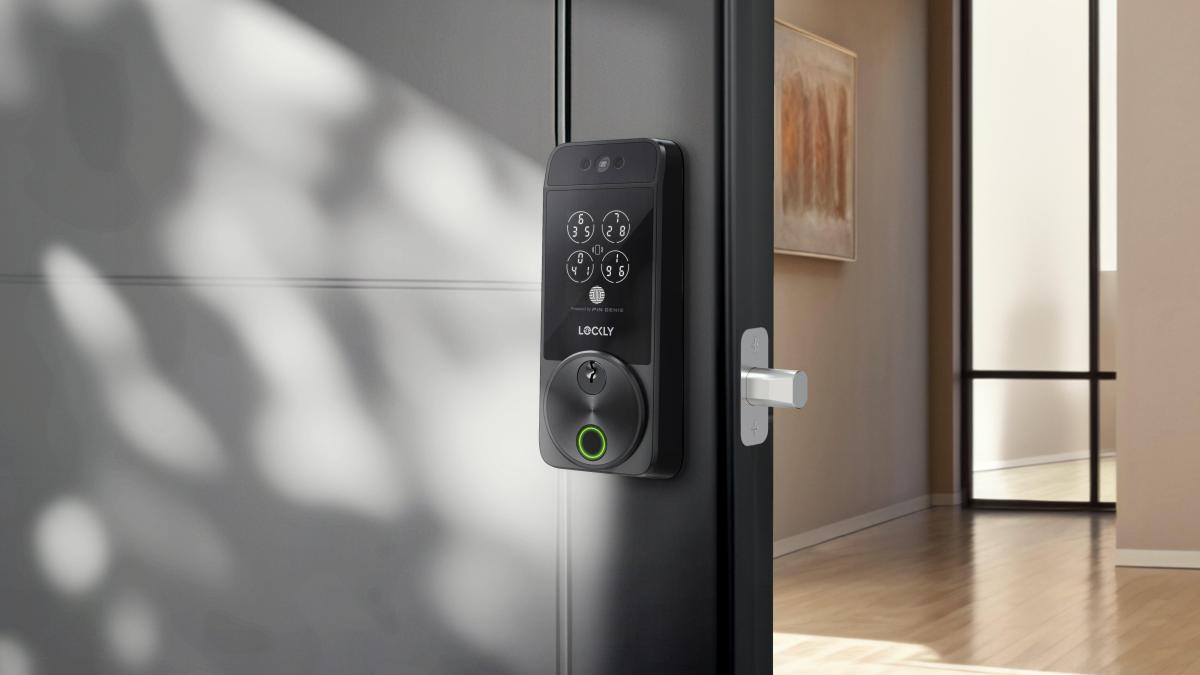
Before you leave, use your smart home security app to create temporary smart lock codes for neighbors, pet sitters, or family members. These codes can be scheduled to only work during specific hours (e.g., 9:00 AM to 5:00 PM) and can be deleted instantly once you return. If a maintenance emergency arises, such as a burst pipe, you can remotely unlock the door for a plumber without having to leave a key with a stranger. Monitoring the entry logs allows you to see exactly when someone arrives and leaves, giving you a transparent view of home activity.
6. Visual Monitoring and Camera Calibration
Your smart home security cameras are your eyes on the ground, but they are only effective if they are positioned and calibrated correctly. A common mistake I see is leaving motion sensitivity too high, leading to a barrage of false alerts from blowing leaves or passing cars. This can lead to "notification fatigue," where you begin to ignore alerts that might actually be important.
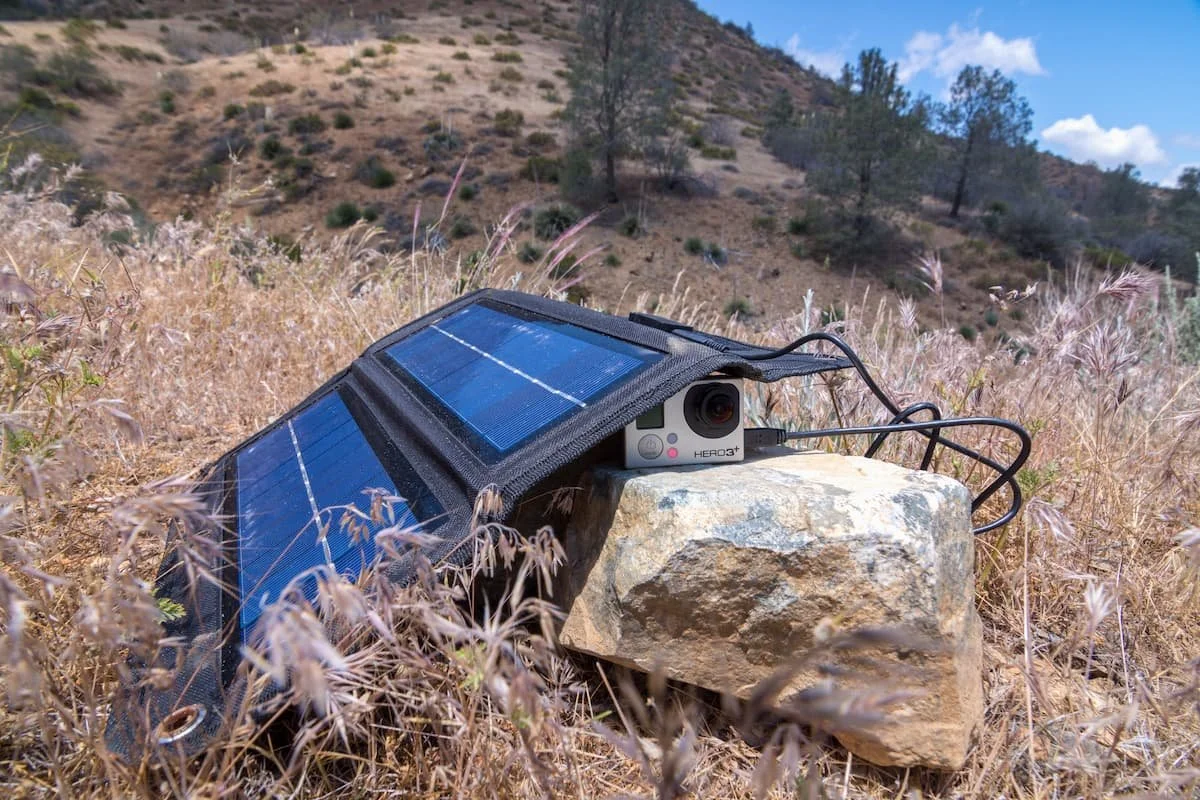
Spend time before your trip adjusting your motion zones to focus on actual entry points like the front door, side gate, and back patio. Ensure that the field of view is clear and that no spiderwebs or dust have obscured the lens. If you use battery-powered cameras, ensure they are at 100% charge or connected to a solar charger to prevent them from going dark mid-vacation.
7. Sound Recognition and Emergency Assist Integration
Modern smart home security has moved beyond vision and into the realm of hearing. Security services like Alexa Emergency Assist or Nest Aware can detect sounds like glass breaking, wood splintering, or even a smoke alarm’s beep. This is incredibly useful for rooms that might not have a camera.
When your smart speakers or hubs hear a suspicious sound, they can trigger a priority notification to your phone and even provide you with a short audio clip of the event. In some cases, these services can even offer access to emergency services, allowing you to dispatch help to your home address even if you are out of the country. Integrating this AI-driven sound detection adds a redundant layer to your home security automation strategy.

8. Pre-Departure Hardware Audit
The final step in your travel configuration is a hands-on hardware check. Even the most sophisticated smart home security system is useless if the batteries are dead. Perform a thorough smart home sensor maintenance before travel by checking every door and window sensor. If a sensor is showing a low battery warning in your app, replace it immediately.
You should also check the location of your hubs. If you use Zigbee or Thread protocols, ensure your main hub is centrally located to maintain a strong mesh network across all devices. If you have outdoor sensors, give them a quick wipe-down and ensure they haven't been shifted by wind or rain. A five-minute walk-through of your property today can save you from a major security failure tomorrow.
Editor's Note: According to FBI data, the average burglary loss is approximately $2,661. Investing a few minutes in these adjustments and paying for a month of professional monitoring is a small price to pay to protect your largest investment.
Monitoring Cost Comparison
| Brand | Basic Monthly Cost | Key Features | Professional Monitoring |
|---|---|---|---|
| Ring | $4.99 | Video recording, basic alerts | Optional |
| SimpliSafe | $19.99 | 24/7 monitoring, cell backup | Included |
| ADT | $28.99 | Professional install, smart home sync | Included |
| Arlo | $7.99 | AI object detection, cloud storage | Optional |
Travel Prep Checklist
- [ ] Network Check: Verify Wi-Fi is stable and firmware synchronization is complete.
- [ ] Lighting: Enable occupancy simulation and presence mimicry routines.
- [ ] Thermostat: Switch to away mode for smart thermostat and set to ±7-10° F.
- [ ] Access Control: Delete old codes and set temporary smart lock codes for neighbors.
- [ ] Notifications: Enable priority push notifications and bypass 'Do Not Disturb' for security apps.
- [ ] Cameras: Clean lenses, check battery levels, and calibrate motion zones.
- [ ] Sensors: Test all leak, smoke, and CO sensors. Replace batteries if under 20%.
FAQ
What is the best smart home security?
The best system depends on your needs, but systems that integrate deeply with your existing devices are generally superior. For users in the Amazon ecosystem, Ring offers seamless integration, while Google Home users often find Nest to be the most intuitive. For those prioritizing high-end security and professional monitoring, ADT or Vivint remain industry leaders.
Is smart home security worth it?
Yes, it is worth the investment. Beyond the immediate peace of mind, homeowners who install professionally monitored systems can qualify for 5% to 20% annual insurance discounts. Furthermore, the ability to prevent property damage through leak and fire detection can save thousands of dollars.
What security system do burglars hate?
Burglars generally avoid homes that show active signs of occupancy and have visible security measures. They specifically hate systems that include 24/7 professional monitoring, outdoor sirens, and active presence mimicry routines that make it impossible to determine if someone is inside the property.
Is Ring or SimpliSafe better?
Both are excellent but serve different preferences. Ring is highly centered on visual monitoring and doorbell cameras, making it great for users who want to see everything. SimpliSafe is often praised for its simplicity, privacy features, and robust professional monitoring packages that are easy to set up without a contract.
What is the #1 rated home security?
Ratings often fluctuate based on criteria, but SimpliSafe is frequently ranked #1 for value and DIY ease of use. For comprehensive coverage and customer service, ADT often takes the top spot in traditional security rankings. For tech-focused users, the integration capabilities of Ring and Nest are often cited as the best in the industry.