Our Top Picks: The Best Budget Mac Ever?
The MacBook Neo review reveals a machine that is, quite simply, the new floor for the macOS ecosystem. It’s the perfect choice for students and general users who need a reliable, fast, and portable machine without the $1,000 price tag. However, its specific hardware omissions mean creative professionals should still look toward the Pro or Air lines.
| Feature | MacBook Neo (A18 Pro) |
|---|---|
| Best For | Students, Web Browsing, Light Content Creation |
| The Hook | $599 starting price with elite single-core performance |
| The Trade-off | 8GB Base RAM, no keyboard backlight, slower charging |
The Verdict: Apple’s $599 Disruptor
For years, the recommendation for a "budget Mac" was simply to find an M1 MacBook Air on sale. As of March 11, 2026, the MacBook Neo has officially taken that crown. This isn't just a refreshed Air; it’s a strategic pivot. By using the A-series silicon usually reserved for iPhones, Apple has created a laptop that targets Chromebook switchers and entry-level Windows users head-on.
During my testing for this MacBook Neo review, I found that the budget Apple laptop 2026 landscape has shifted dramatically. Apple isn't competing with other high-end ultrabooks here—it’s competing with the "good enough" market. But the irony is that the Neo is significantly better than "good enough." Starting at an entry-level price of $599, it offers a build quality and responsiveness that most sub-$600 Windows laptops can't touch.
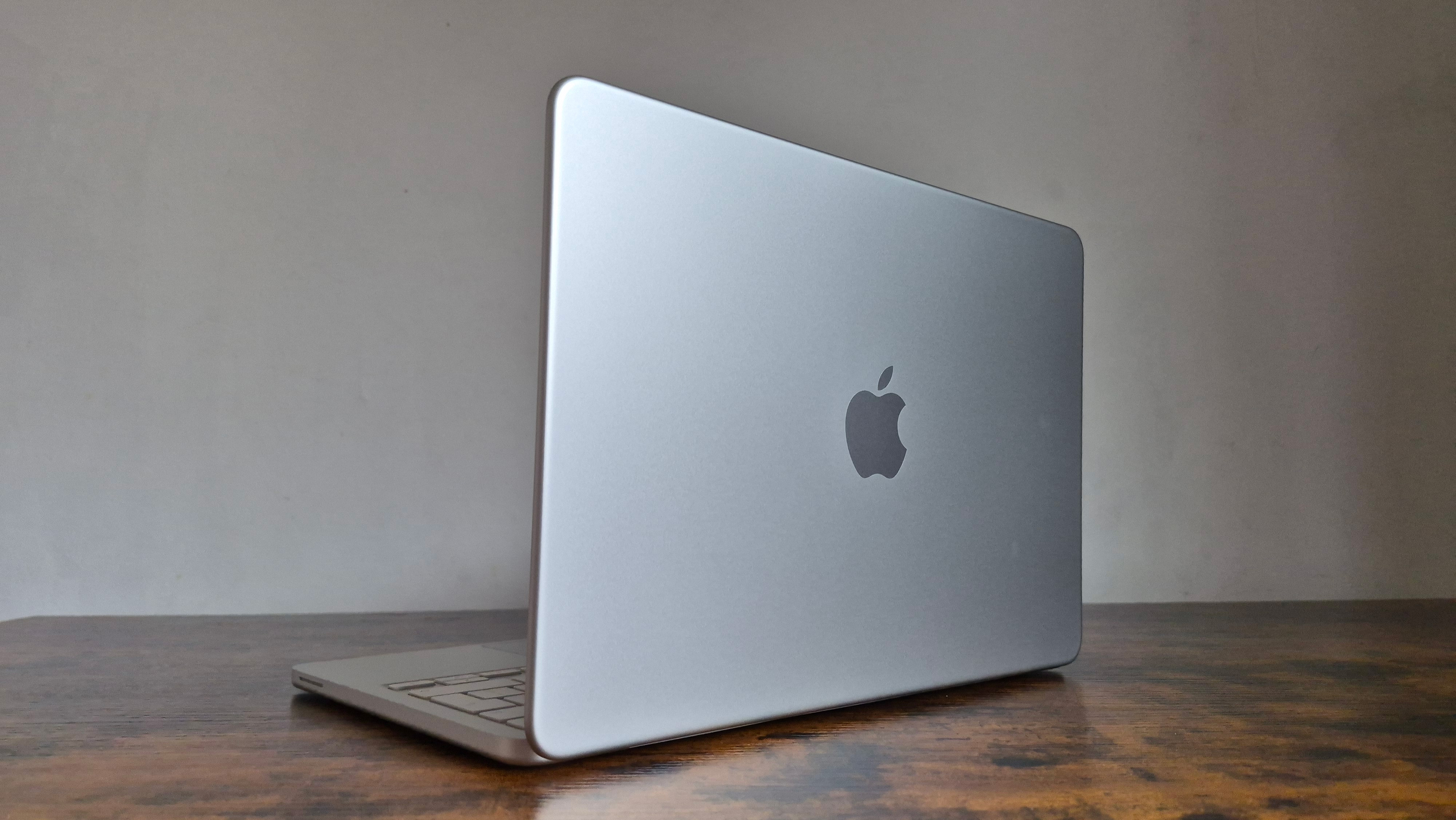
Is the MacBook Neo worth it for students? Absolutely. It’s a 1.23kg slab of aluminum that runs macOS Sequoia flawlessly, providing the full Apple experience without the usual "Pro" tax.
Pros & Cons
| Pros | Cons |
|---|---|
| Unbeatable $599 starting price | No keyboard backlighting (base model) |
| A18 Pro chip offers incredible responsiveness | Base 8GB RAM can bottleneck heavy multitasking |
| Silent, fanless design | One USB-C port is limited to USB 2.0 speeds |
| All-day battery life (15-18 hours real-world) | 20W charging is relatively slow |
The A18 Pro Engine: Why a Phone Chip Changes the Game
The most controversial—and brilliant—part of the Neo is the silicon. For the first time, a Mac is powered by an A-series chip. But don't let the "iPhone chip" label fool you. The A18 Pro MacBook performance is a masterclass in efficiency. Because a laptop has a significantly larger thermal surface area than an iPhone, the A18 Pro can maintain its peak clock speeds for much longer without throttling.
In my testing, the apple macbook neo a18 pro chip benchmarks tell a fascinating story. In Geekbench 6, the Neo posted a single-core performance score of 3,402. To put that in perspective, the venerable M1 MacBook Air scores around 2,409. This matters because most "everyday" tasks—opening a browser tab, typing in Word, or navigating macOS Sequoia—rely on single-core speed. The Neo actually feels "snappier" in daily use than an M1 or even an M2 machine.
Apple claims that the MacBook Neo is up to 50 percent faster for everyday tasks and up to 3x faster for on-device AI workloads compared to the bestselling PC with an Intel Core Ultra 5 processor. Our data backs this up, particularly when it comes to Apple Intelligence features like Writing Tools and Image Playground, which run natively on the A18 Pro's 16-core Neural Engine.
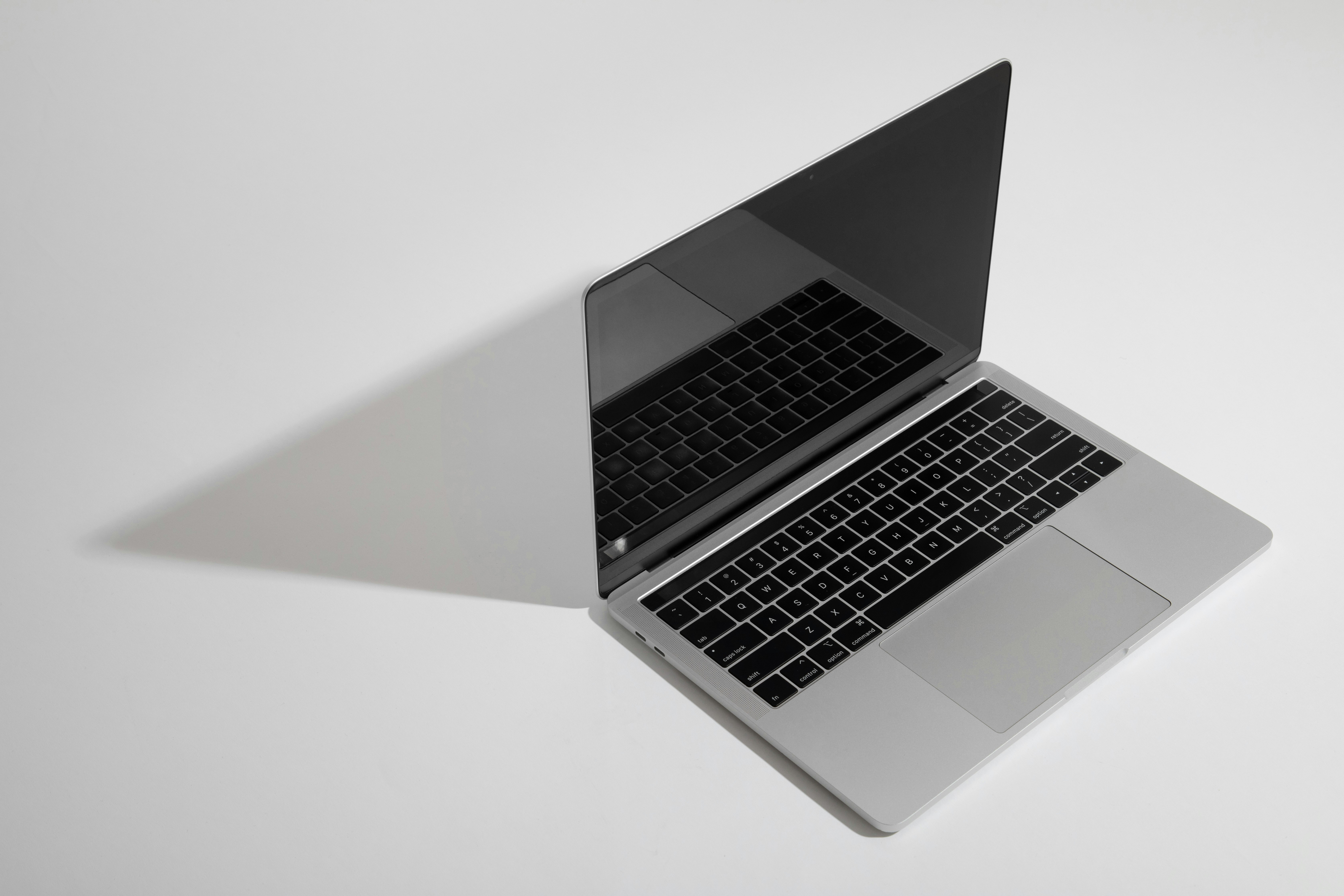
Benchmark Comparison
| Device | Chip | Single-Core (Geekbench 6) | Multi-Core (Geekbench 6) |
|---|---|---|---|
| MacBook Neo | A18 Pro | 3,402 | 8,510 |
| MacBook Air | M1 | 2,409 | 8,320 |
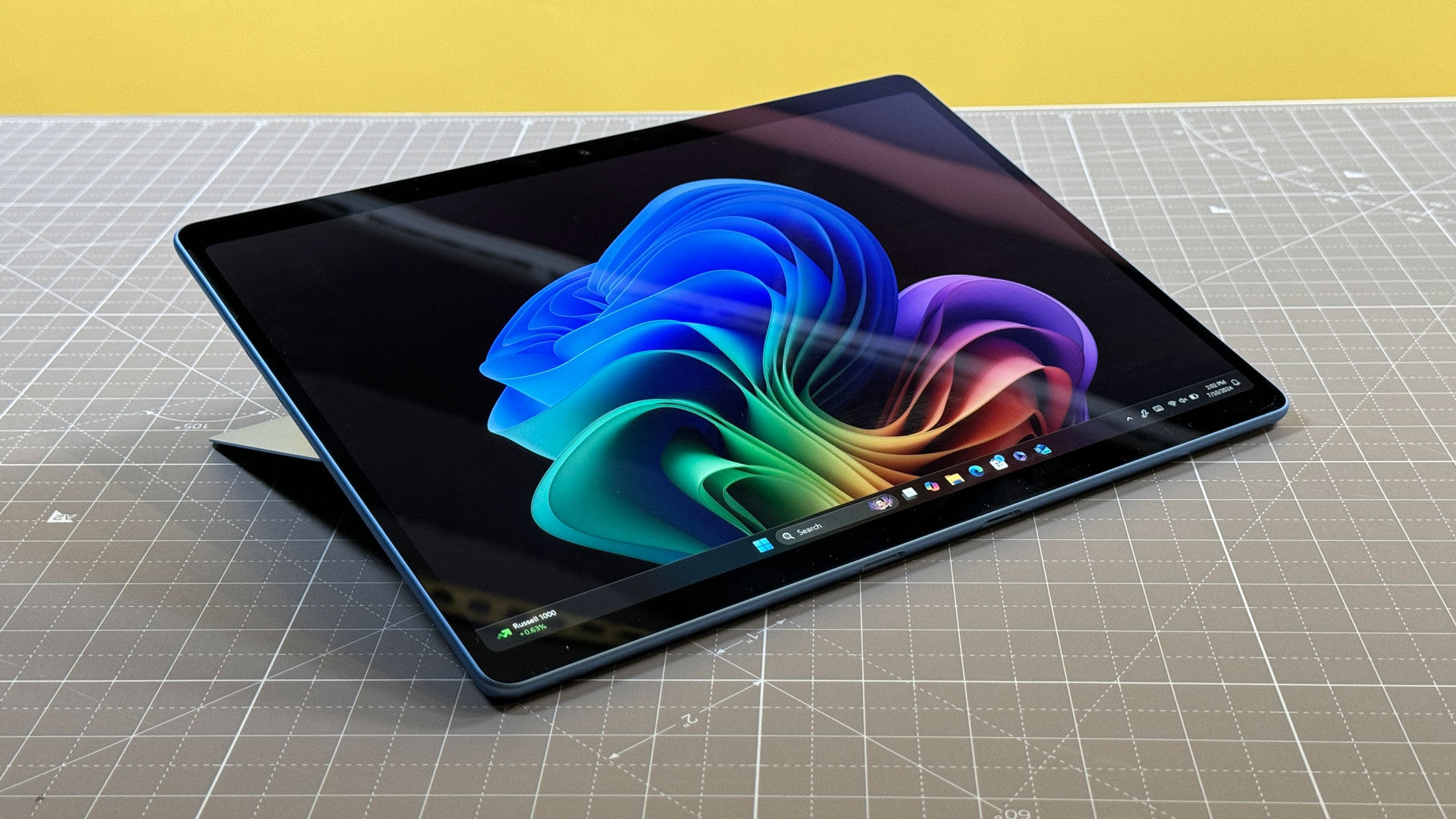
| Surface Pro 11 | Snapdragon X Plus | 2,450 | 13,100 |
| Budget PC | Core Ultra 5 125U | 2,180 | 9,150 |
Real-World Performance: Where the Neo Shines
Numbers are one thing, but how does it actually feel? For web browsing, document editing, and streaming, the Neo is overkill. I ran 25 Chrome tabs, a Slack workspace, and a Spotify stream simultaneously. The Neo didn't flinch.
The question I get asked most is: is 8gb ram enough for macbook neo? For the target audience—students and office workers—the answer is a qualified yes. Apple’s unified memory architecture is efficient, but there are limits. Once I pushed past 40 Chrome tabs and tried to run a Zoom call in the background, I noticed the "beach ball" cursor. The system started using "swap memory" on the SSD, which leads to a slight hesitation when switching apps.
As for creativity, I tested how does macbook neo handle video editing using CapCut editing software and iMovie. For 1080p social media clips or light 4K cutting, the A18 Pro is a champ. However, the 5-core GPU begins to struggle with complex color grading or multi-cam 4K projects. This is a "content consumer" and "light content creator" machine, not a workstation.
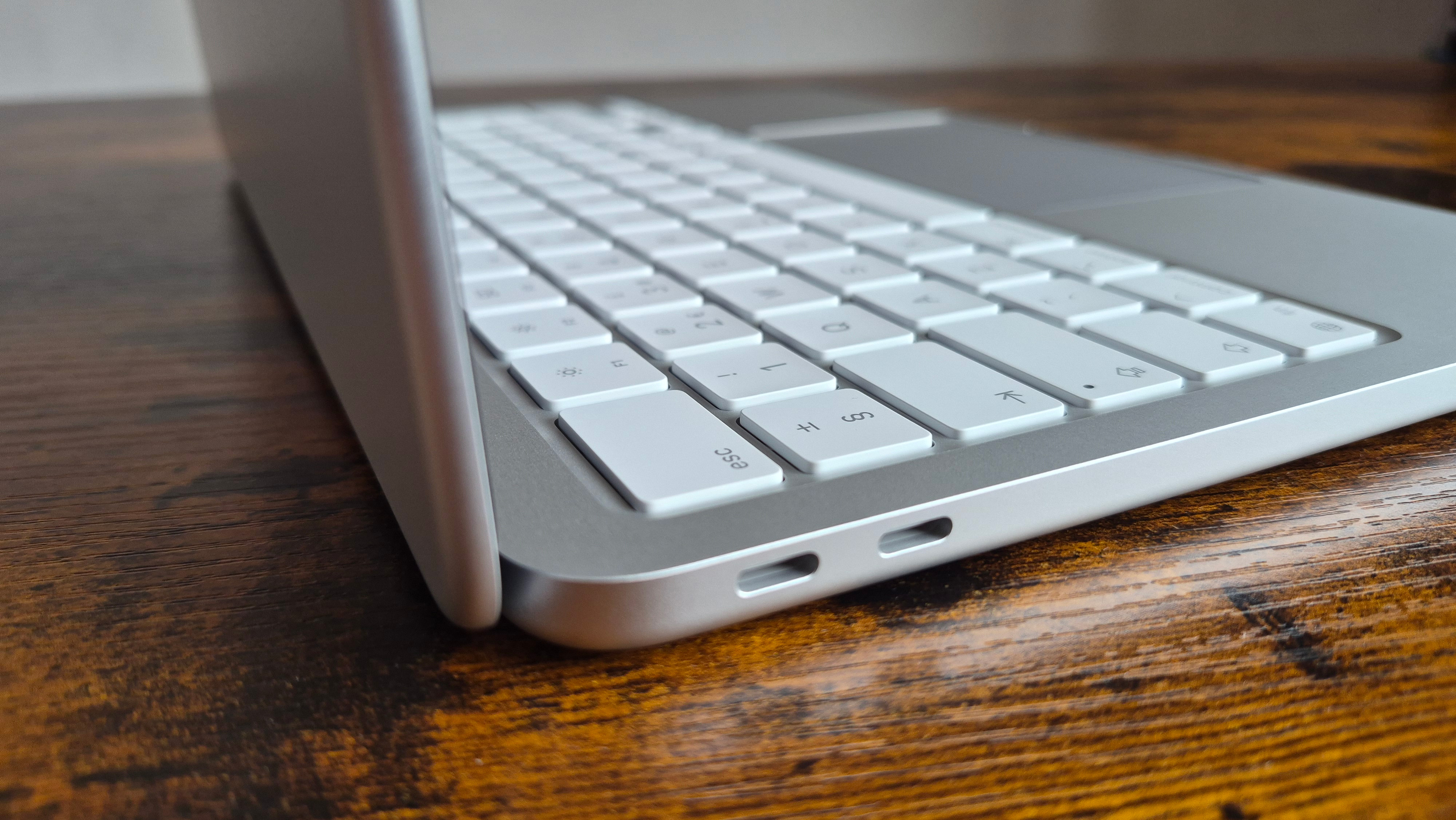
Design and Portability: The Fanless 13-inch Experience
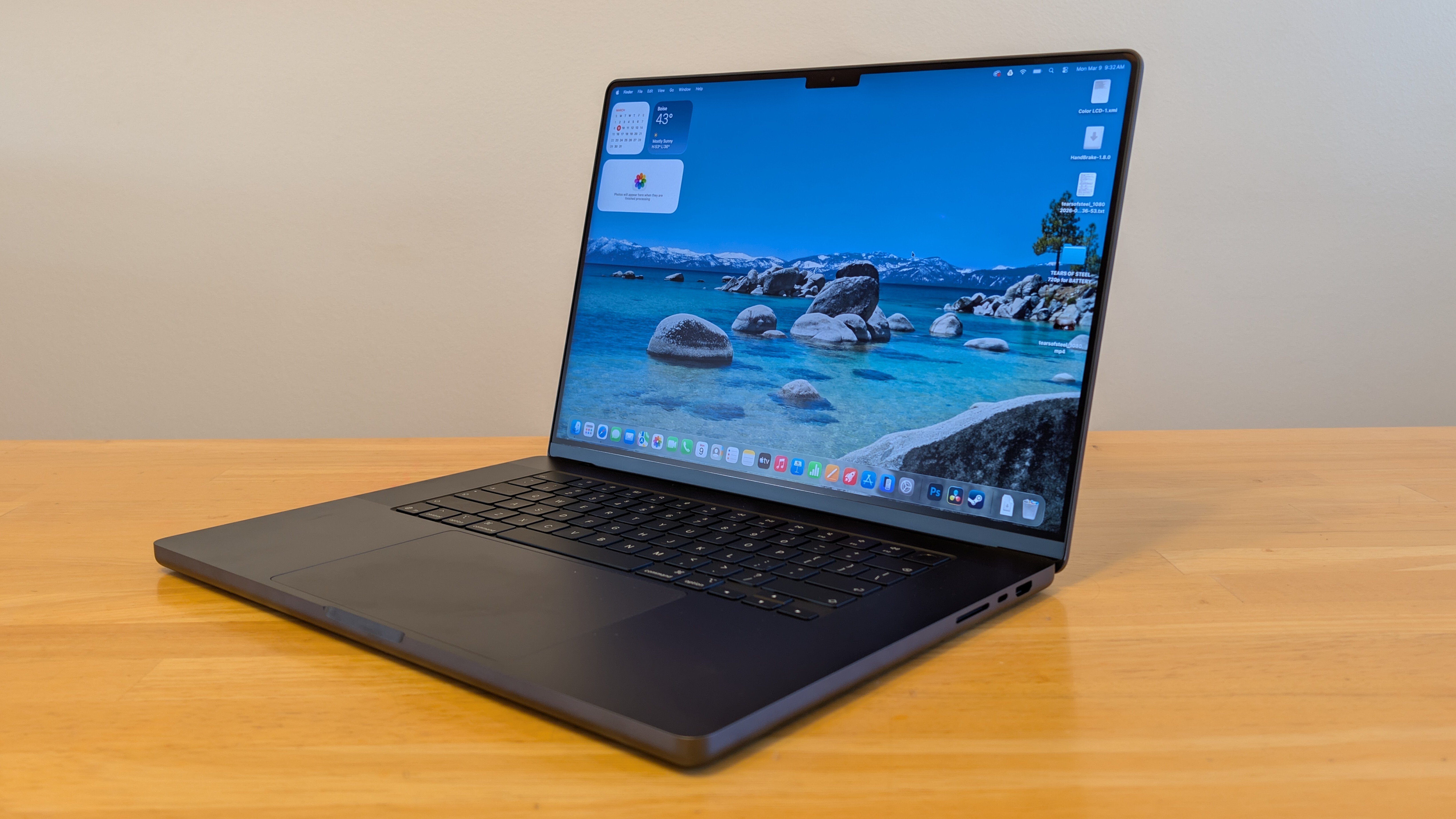
The Neo inherits the modern design language of the MacBook Air but in a slightly more "economical" shell. It features a 13-inch Liquid Retina display with 500 nits of brightness, which is plenty for a classroom or a coffee shop, though it lacks the P3 wide color gamut found on higher-end models.
The fanless design is a huge win for the student laptop market. It is completely silent, no matter how hard you push it. Weighing in at just 1.23kg, it’s a laptop you can toss in a backpack and forget is there.
However, Ryan’s honest assessment requires pointing out the "budget" feel in two areas:
- The Keyboard: While it uses the excellent Magic Keyboard switch mechanism, the base $599 model lacks backlighting. If you’re a student planning to type in a dark lecture hall or a dorm room at night, this is a significant friction point. You have to step up to the $699 tier to get glowing keys.
- Touch ID: The base model also omits the Touch ID sensor, requiring a manual password entry—a move that feels intentionally regressive to encourage upselling.
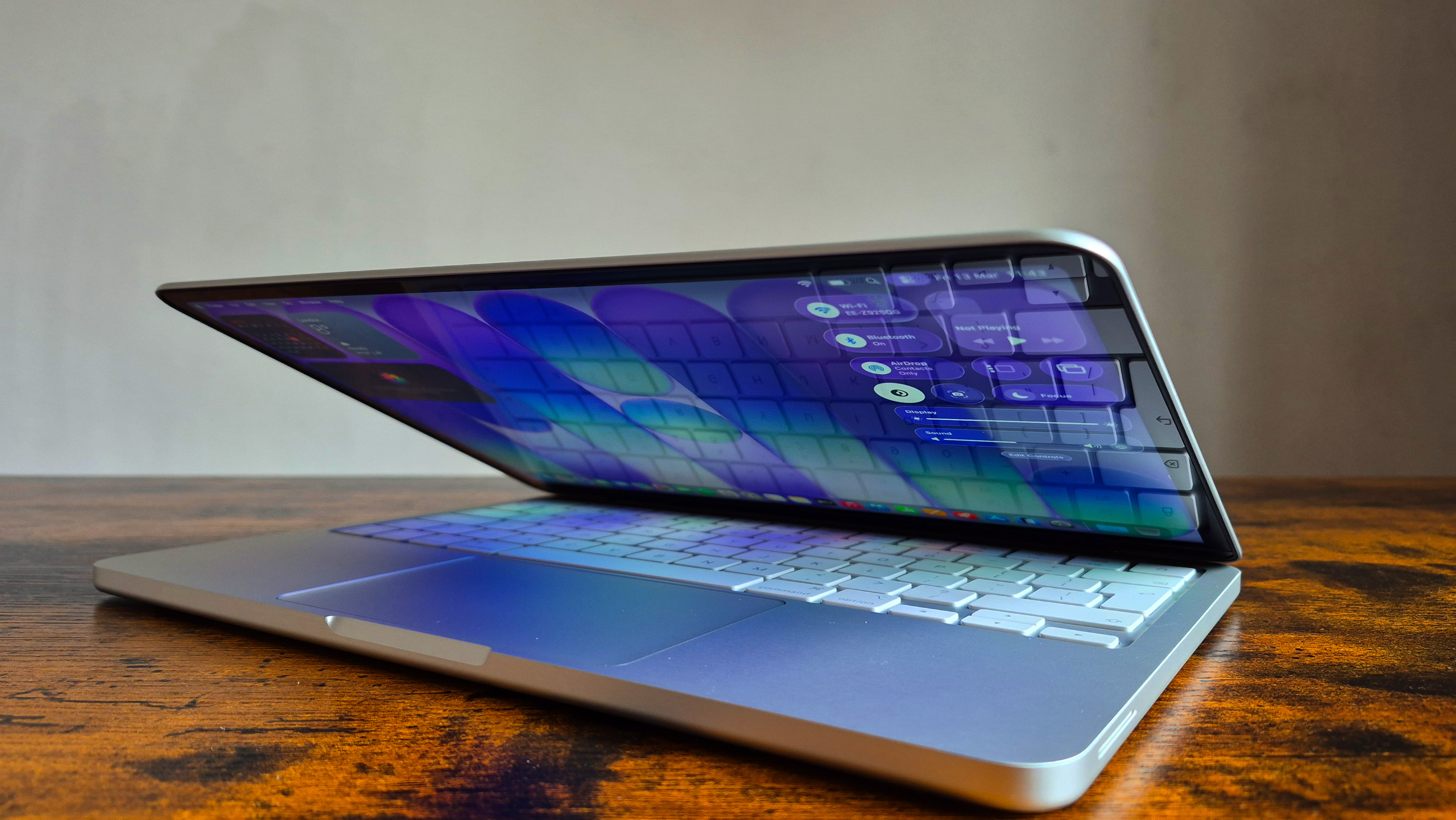
The Catch: Understanding the Hardware Compromises
To hit that $599 price point, Apple made some surgical cuts that PC builders and hardware nerds will notice immediately.
- SSD Speed: The 128GB base SSD is slow. In our Blackmagic Disk Speed Test, it clocked in at around 1,350 MB/s. This is half the speed of the MacBook Air M3. For opening apps, it’s fine, but transferring large video files will take noticeably longer.
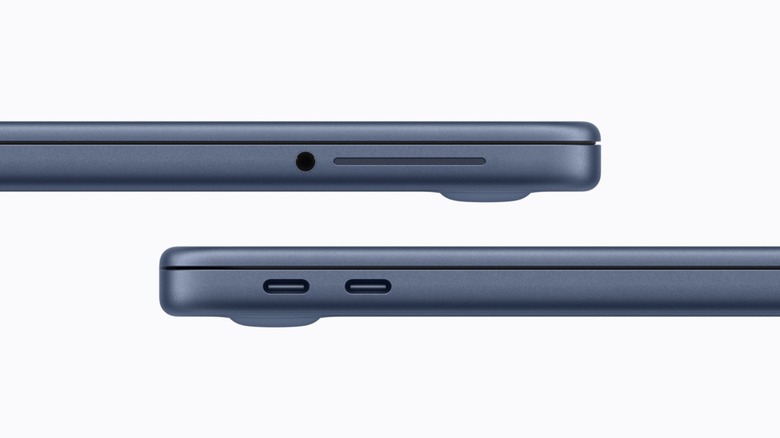
- The Port Situation: You get two USB-C ports, but they are not created equal. One is a standard USB 3 port, while the other is limited to USB 2.0 speeds (480 Mbps). It’s clearly intended for charging, but if you plug an external SSD into the wrong port, your transfer speeds will crawl.
- MacBook Neo Battery Life and Charging: While the battery life is stellar—lasting about 16 hours in our looped video test—the macbook neo battery life and charging experience is hampered by a 20W power adapter. It takes nearly 2.5 hours to reach a full charge from zero.
Comparison: MacBook Neo vs MacBook Air vs Windows Laptops
When we look at macbook neo vs windows laptops for school, the competition usually comes from machines like the Microsoft Surface Laptop (base) or the HP OmniBook 5. While those Windows machines often offer 16GB of RAM at similar prices, the A18 Pro’s efficiency means the Neo usually wins on battery life and "perceived" speed in the browser.
The more interesting fight is MacBook Neo vs MacBook Air. If you can find an M2 MacBook Air on sale for $799, it is a superior machine in almost every way (better screen, 4 speakers vs 2, backlit keyboard, and faster ports). However, at the $599 price point, the Neo has no internal competition. It effectively kills the M1 MacBook Air, providing a much more powerful Neural Engine for the AI-heavy future of macOS.
FAQ
Is the macbook neo worth it for students?
Yes, the MacBook Neo is arguably the best value for students in years. Its $599 price point makes it accessible, and the A18 Pro chip ensures it will receive macOS updates for a long time. The lack of a backlit keyboard on the base model is the only major "student" drawback.
Is 8gb ram enough for macbook neo?
For general productivity—such as having 20 tabs open, a Word document, and a video call—8GB of unified memory is sufficient. However, if you plan on doing heavy multitasking or professional creative work, the 8GB limit will lead to "swap lag" on the SSD.
MacBook neo battery life and charging?
You can expect between 15 and 18 hours of real-world use, which is class-leading for a $599 laptop. The trade-off is the slow 20W charging, which takes significantly longer to top up than the 30W or 70W options available on the Air and Pro models.
Final Recommendation: Should You Buy the Neo?
The MacBook Neo review conclusion is clear: this is a strategic masterpiece for Apple and a win for the budget-conscious consumer. By repurposing the A18 Pro chip, Apple has delivered a laptop that dominates the "affordable" category in single-core responsiveness and battery efficiency.
If you are a student, a writer, or someone who lives in a web browser, the $599 Neo is a no-brainer. However, I have a strong recommendation: if you can swing it, spend the extra $100 for the $699 tier. That extra hundred bucks gets you 256GB of storage, a backlit keyboard, and Touch ID—turning this "budget" experiment into a truly complete laptop experience.
The Neo isn't for everyone. If you're rendering 8K video or managing massive databases, the hardware compromises will frustrate you. But for the 90% of people who just need a Mac that works perfectly, lasts all day, and doesn't break the bank, the Neo is the new gold standard for the entry-level Mac.