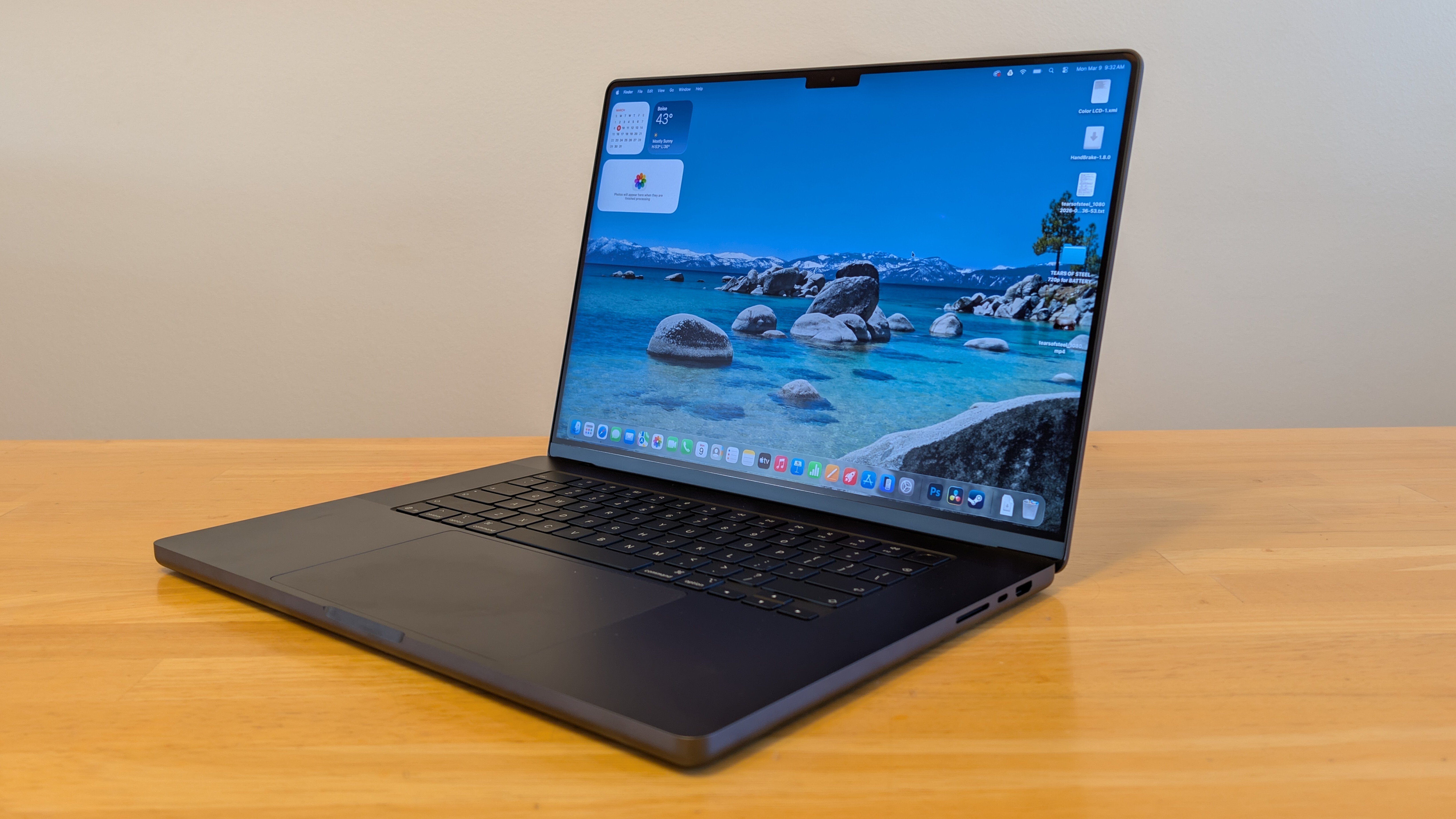
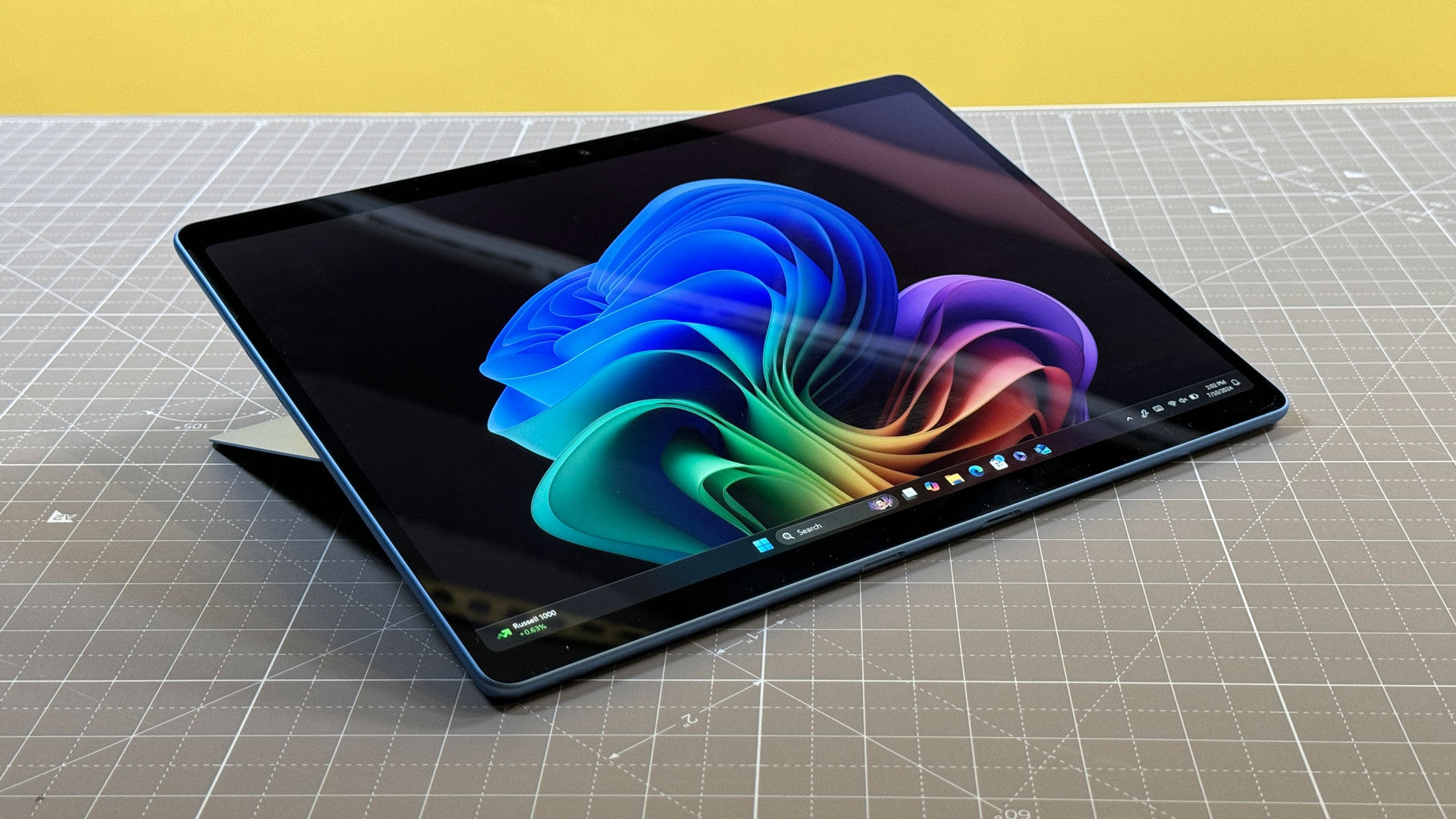
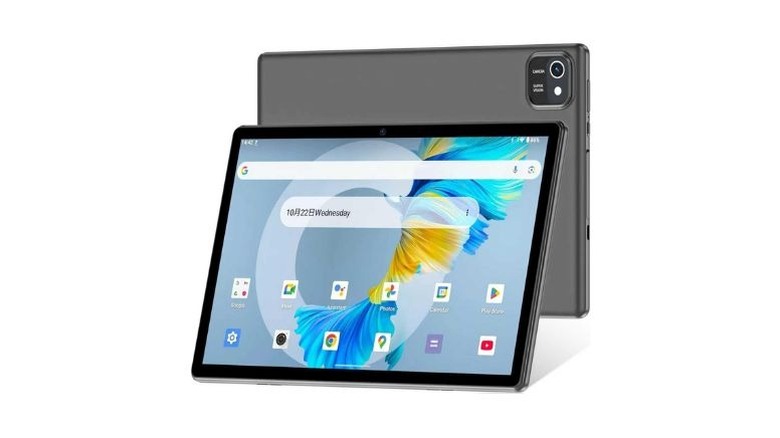
We have all seen them: the "Deal of the Day" listings on Amazon, eBay, and Temu featuring sleek-looking 10-inch tablets for $89, $99, or $125. They often come bundled with a keyboard, a mouse, and a stylus, promising the world for a fraction of the cost of an iPad or a Samsung Galaxy Tab. As a mobile editor who has spent years testing everything from $2,000 foldables to $50 burners, I understand the temptation. In an era where everything is getting more expensive, a $100 tablet seems like a harmless way to browse the web or give a child something to watch YouTube on.
However, the "dangerous truth" isn't just a catchy headline; it is a reality backed by cybersecurity research. The vast majority of Android tablets priced under $150—specifically those from unknown "white-label" manufacturers—are not just slow; they are a liability. Between pre-installed malware that can steal your banking credentials and a total lack of software support, these devices often cost you far more in the long run than a premium device ever would.
Quick Facts: Why the $150 Price Point is a Red Flag
- Pre-installed Backdoors: Cybersecurity researchers have identified fully functional backdoors like "Keenadu" pre-installed in the firmware of certain off-brand Android tablets priced below $100.
- Zero-Day Abandonment: While brands like Samsung provide over 4 years of security support, most budget tablets receive zero updates after they leave the factory.
- Fake Specifications: It is common for ultra-budget tablets to spoof their Android version and RAM capacity in the settings menu, making the device appear more modern than it is.
- Privacy Risks: Many off-brand tablets include intrusive, unremovable bloatware that tracks user behavior and sends data to overseas servers.
The Dangerous Truth: Why Your Data is at Risk
When you buy a tablet from a reputable brand like Samsung, Google, or Lenovo, you are paying for more than just the glass and silicon; you are paying for a secure software supply chain. Low-end, off-brand manufacturers operate on razor-thin margins. To make a profit on a $99 tablet, they often resort to "monetizing" the user after the sale.
The 'Keenadu' Backdoor Explained
One of the most chilling discoveries in recent years by firms like Kaspersky and Bitdefender is the "Keenadu" malware. Unlike a virus you might accidentally download from a shady website, this malware is baked directly into the device's firmware. This means it exists at a level deeper than the operating system.
Security Alert: The Keenadu Risk The Keenadu backdoor gives remote attackers full control over your device. It can record your screen, log your keystrokes (capturing passwords), and even access your camera without the indicator light turning on. Because it is part of the system firmware, a factory reset will not remove it.
The Security Support Gap
Security is a marathon, not a sprint. Google releases monthly security patches for Android to fix vulnerabilities that hackers exploit. High-end devices like the Samsung Galaxy Tab S11 are guaranteed at least four years of these updates. In contrast, the $120 tablet you bought on sale likely runs a "skinned" version of Android 10 or 11 (even if it claims to be Android 14) and will never receive a single security patch. Using such a device for banking, shopping, or even logging into your primary Gmail account is effectively leaving your digital front door unlocked.
The Hidden Performance Costs
Beyond the security risks, the physical experience of using an ultra-budget tablet is often frustrating. These devices utilize the "bottom of the barrel" components that failed the quality control tests of major manufacturers.
- Sluggish Processors: Most tablets under $150 use MediaTek or Rockchip processors that were mid-range five years ago. This results in "stuttery" scrolling, long app load times, and frequent crashes.
- Poor Screen Quality: To save money, these tablets use low-resolution (often 720p or lower) LCD panels with poor viewing angles and low brightness. Using them under direct light is nearly impossible.
- Unreliable Batteries: The lithium-ion cells used in off-brand devices are often uncertified and lack proper thermal management, leading to rapid degradation—or in extreme cases, swelling and fire hazards.
| Feature | Off-Brand Budget Tablet ($100) | Reputable Entry-Level Tablet ($150-$200) |
|---|---|---|
| OS Updates | 0 Years (Abandoned at launch) | 2-4 Years |
| Play Protect | Often Missing/Uncertified | Always Certified |
| Display | Low-res LCD / No Gorilla Glass | Full HD / Durable Glass |
| Malware Risk | High (Pre-installed) | Low (Vetted Ecosystem) |
| RAM Type | LPDDR3 (Very Slow) | LPDDR4X or LPDDR5 (Fast) |
The Better Path: Why Refurbished Beats "Off-Brand" New
If your budget is strictly capped at $150, the smartest move you can make is to stop looking for a "new" device. A three-year-old flagship tablet from a reputable brand is exponentially better—and safer—than a brand-new "X-Brand" tablet from an online marketplace.
Reputable brands have a reputation to protect. When you buy a refurbished Samsung Galaxy Tab S series or a Lenovo Tab, you are getting a device that was built to higher manufacturing standards. These devices have passed Google’s "Play Protect" certification, meaning they have been scanned for known vulnerabilities and meet the security standards required to run the Google Play Store safely.
Where to Buy Refurbished Tablets Safely:
- Amazon Renewed: Offers a 90-day guarantee and rigorous testing.
- Best Buy Outlet: Great for "Open Box" deals on tablets that were returned within 14 days.
- Back Market: A specialized marketplace for refurbished tech with clear grading systems.
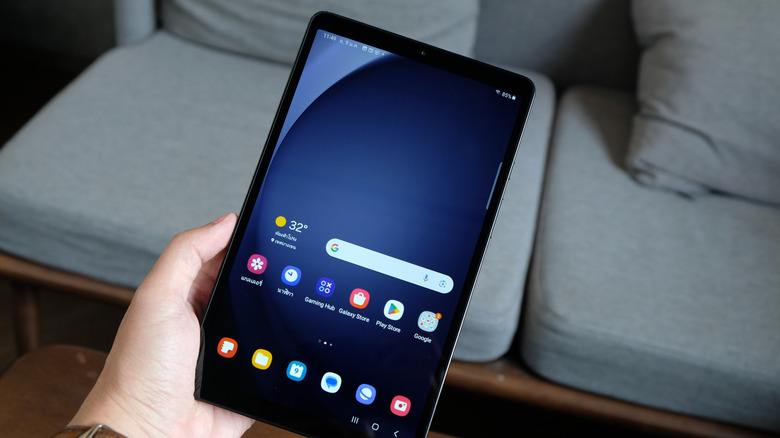
Best Alternatives Under $150 & Mid-Range Gems for 2026
If you are looking for a tablet today that won't compromise your security, here are my top recommendations across various price points.
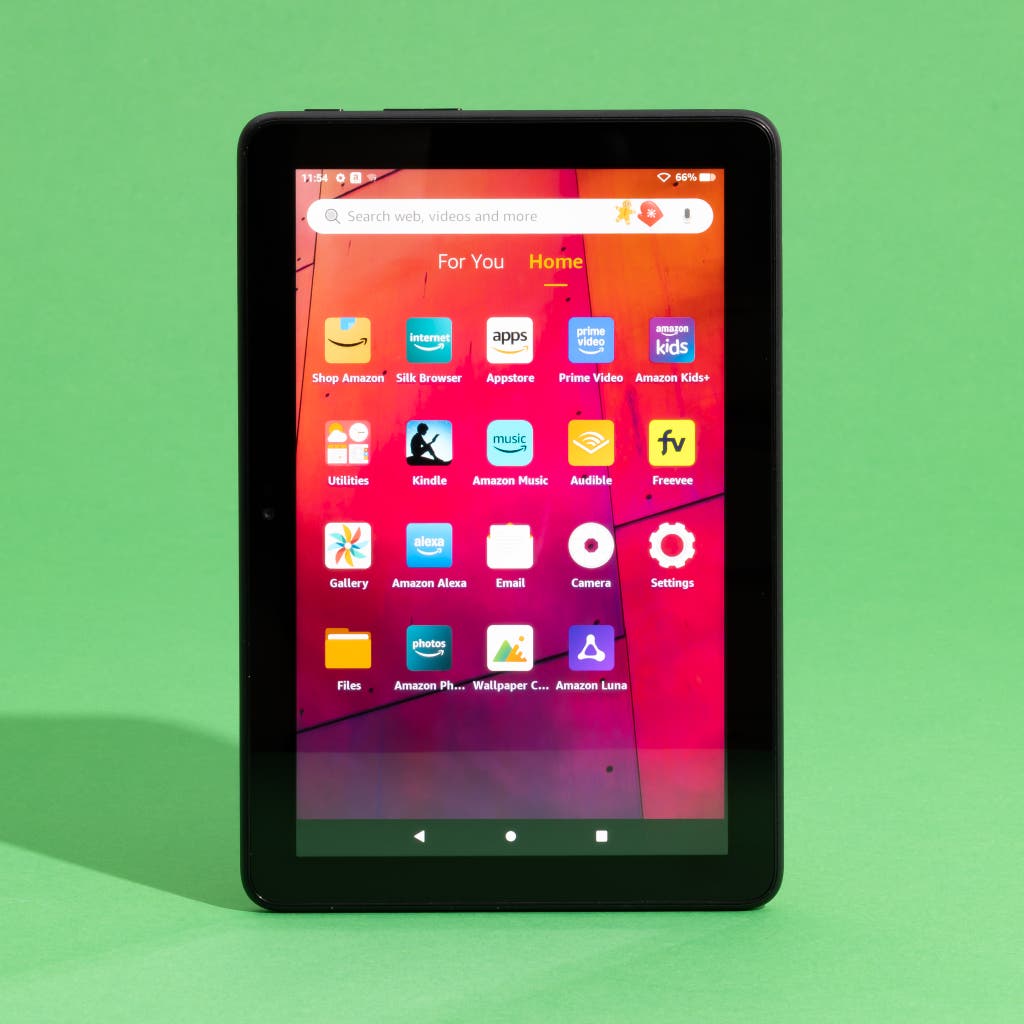
1. The Budget Exception: Amazon Fire HD 8 (12th Gen)
The Amazon Fire HD 8 is the only "new" tablet under $150 I can comfortably recommend. While it uses Amazon's Fire OS (a fork of Android), it is a closed, secure ecosystem. Amazon has a vested interest in keeping your data safe because they want you to shop on their platform.
- Price: $100 - $130
- Pros: Safe for kids, durable build, reliable software updates.
- Cons: Limited app store (no native Google Play Store), ads on the lock screen (unless you pay to remove them).
2. The Value Champion: Samsung Galaxy Tab S10 FE (Refurbished/Sale)
If you can stretch your budget to the $300 range (or find a refurbished deal for less), the Galaxy Tab S10 FE is the "sweet spot" for 2026. It offers the premium S-Pen experience and a beautiful display without the $800 price tag.
- Price: ~$300-$350
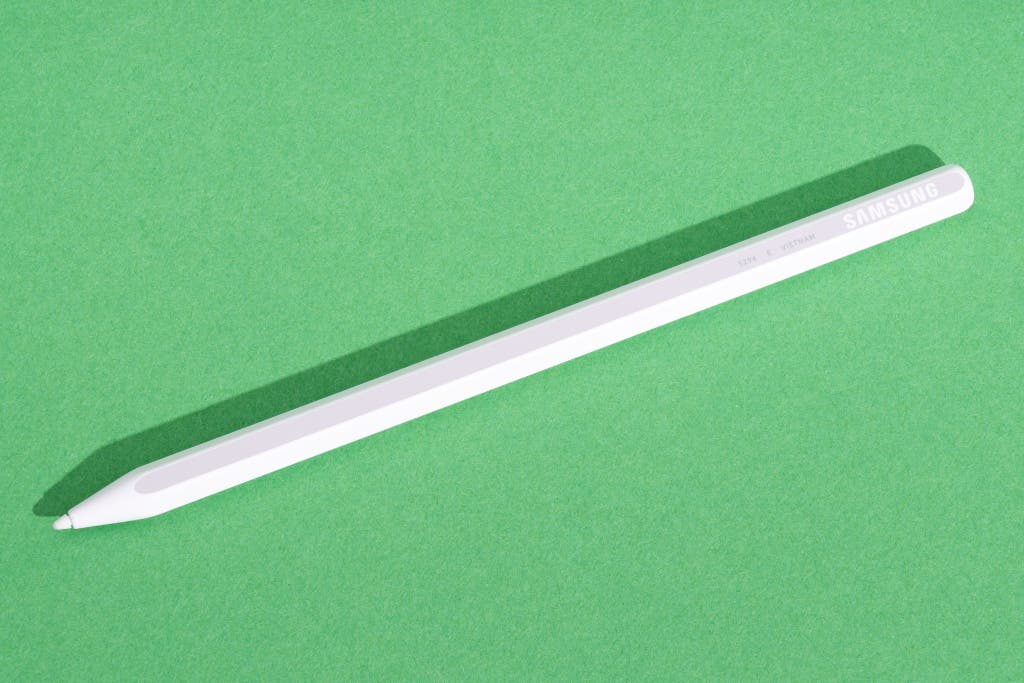
- Pros: Water resistance (IP68), included stylus, 4+ years of security updates.
- Cons: LCD instead of OLED, slower charging speeds.
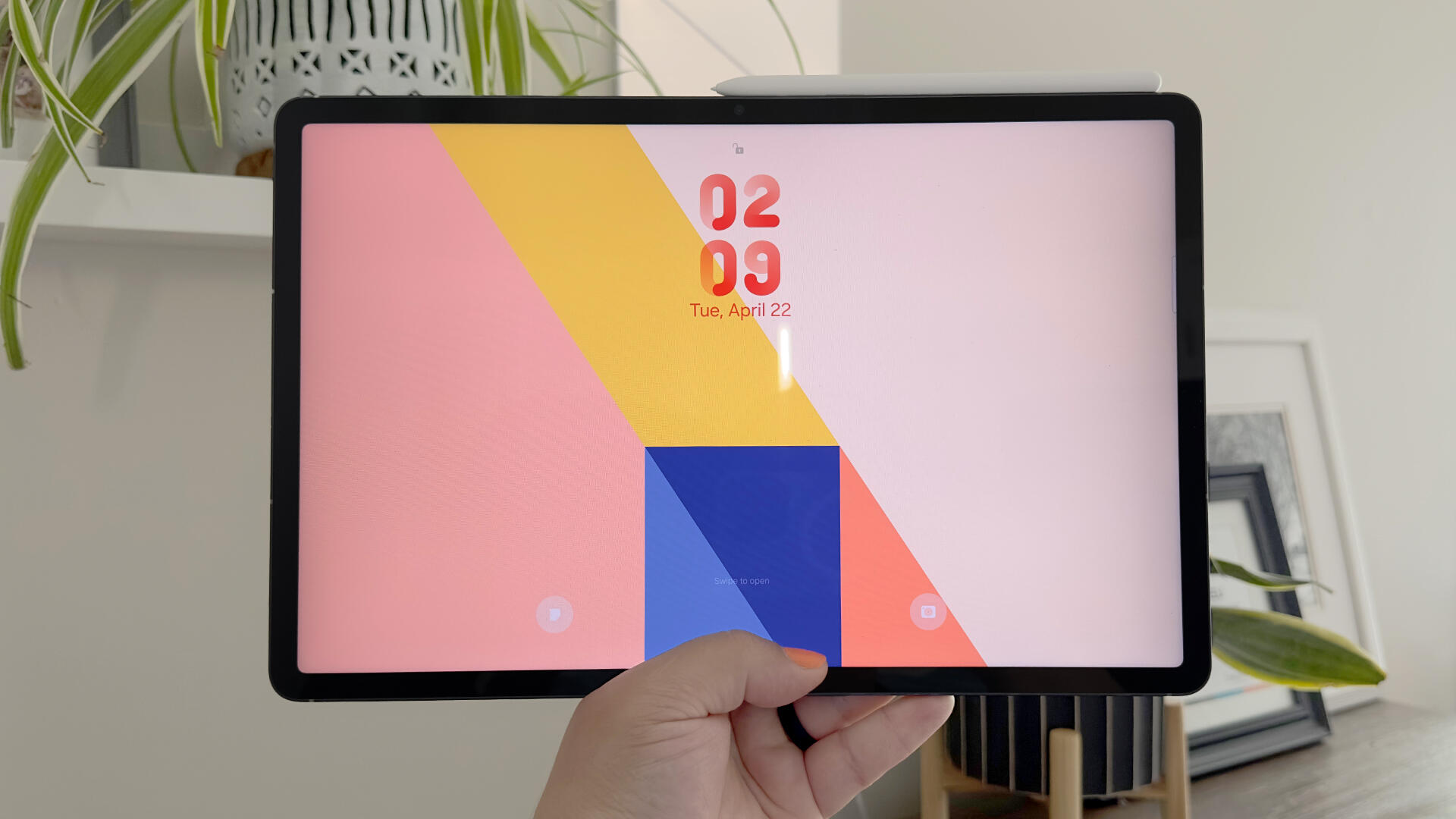
3. The Performance Powerhouse: Lenovo Legion Y700 Gen 4
For those who want a small, powerful tablet for gaming or intensive multitasking, the Legion Y700 is the gold standard for small-form-factor Android tablets.
- Price: ~$439
- Pros: 144Hz refresh rate, top-tier processor, excellent cooling.
- Cons: Harder to find in some Western markets, shorter battery life during heavy gaming.
4. The Gold Standard: Samsung Galaxy Tab S11
Looking for the absolute best? The Galaxy Tab S11 is the "iPad Pro for Android fans." With a stunning OLED display and enough power to replace a laptop, it is a long-term investment that will remain secure and fast for years.
- Price: $699+
- Pros: The best display on any tablet, professional-grade multitasking (DeX), long-term support.
- Cons: Expensive, large size may be unwieldy for some.
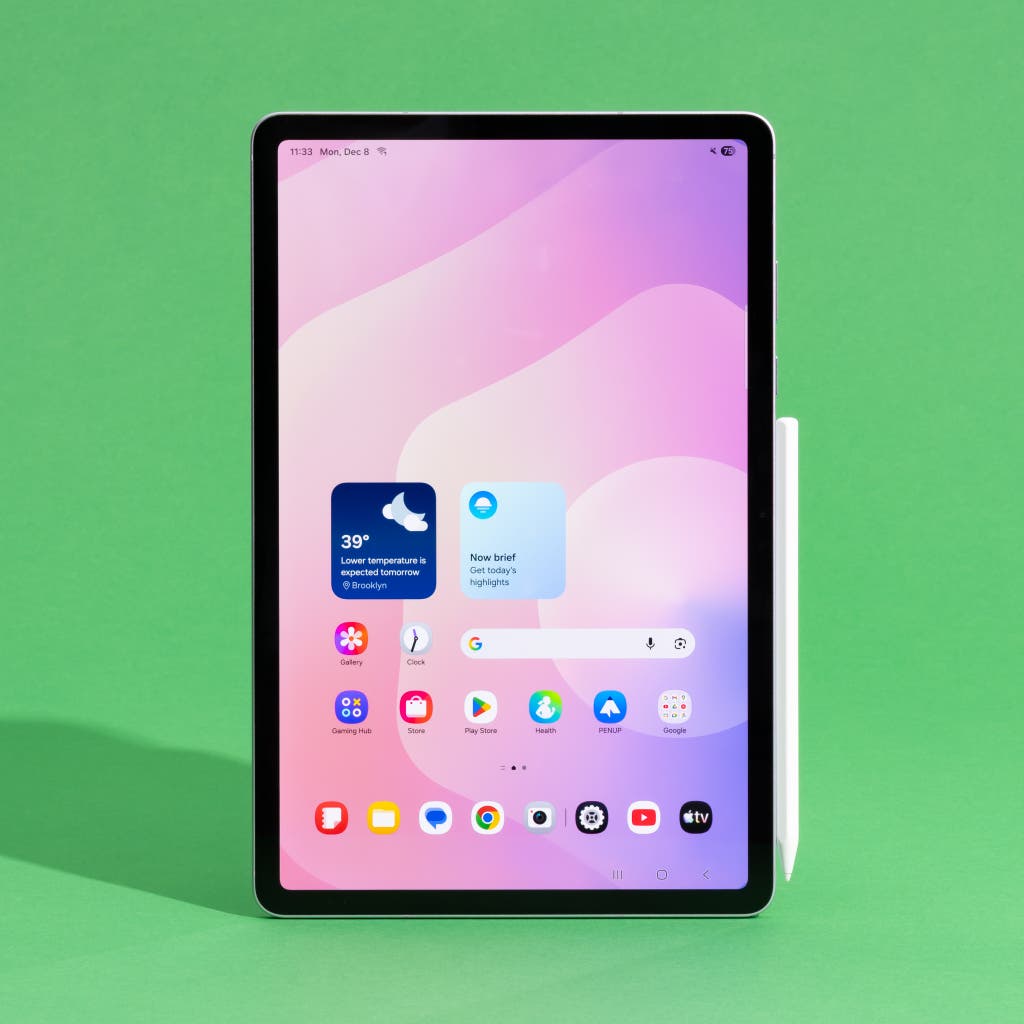
Buying Guide: What to Look for Before You Buy
When shopping for a tablet in 2026, don't just look at the price tag. Use this checklist to ensure you aren't buying a lemon:
- Minimum RAM: Do not buy anything with less than 4GB of RAM. For 2026, 6GB is the "comfort zone" for smooth multitasking.
- Check Play Protect: If you are in a physical store, go to the Google Play Store settings and check "Play Protect certification." If it says "Device is not certified," put it back.
- Verify the Android Version: Go to "About Tablet" in the settings. If it says Android 11 or older, the device is already obsolete.
- Look for a Brand Name: Stick to Samsung, Lenovo, Google, TCL, or Xiaomi (for global versions). If you haven't heard of the brand, Google "[Brand Name] malware" before buying.
FAQ
Q: Is it safe to use a cheap tablet if I only use it for Netflix? A: Even if you only use it for streaming, you still have to log in with your account credentials. A pre-installed backdoor could steal your password, which might be the same one you use for your email or bank. If you must use one, never log into sensitive accounts.
Q: Why does Amazon allow these tablets to be sold if they are dangerous? A: Amazon is a marketplace, and many of these sellers are third-party entities. While Amazon does remove products that are proven to be malicious, new brands pop up under different names almost daily, making it a "cat and mouse" game for regulators.
Q: Are there any safe "off-brands"? A: Brands like TCL or Chuwi are generally safer than totally anonymous brands, as they have a global presence and basic compliance standards. However, they still struggle with long-term software updates compared to giants like Samsung.
Conclusion
The allure of a $99 tablet is understandable, but the "savings" are often an illusion. When you factor in the frustration of a lagging interface, the risk of identity theft, and the likely need to replace the device within 12 months due to hardware failure, that $99 starts to look very expensive.
If you are on a tight budget, my advice is simple: Buy less, but buy better. A refurbished Samsung or a new Amazon Fire tablet will provide the peace of mind and performance that "off-brand" tablets simply cannot match. Your data, your privacy, and your sanity are worth more than a $50 discount.