Quick Facts
- The Rebrand: Dell is officially retiring the confusing "Dell Pro" and "Pro Max" naming schemes in 2026, reinstating the iconic XPS 14 and XPS 16 monikers.
- The Silicon: Under the hood, the 2026 lineup will be powered by Intel’s Panther Lake (Core Ultra Series 3) architecture, built on the cutting-edge Intel 18A process node.
- The "Great Apology": Dell has listened to the community; the controversial capacitive touch row is gone, replaced by physical function and Escape keys.
- Visual Dominance: New Tandem OLED displays offer double the peak brightness and significantly better resistance to burn-in compared to traditional single-layer OLEDs.
- Performance Jump: Early benchmarks show the Core Ultra X7 358H hitting 2927 points in Geekbench 6 single-core tests, a notable 14.1% efficiency gain over the 2024 models.
- Portability: The new XPS 14 chassis has been trimmed down to 3.0 lbs, making it nearly 0.7 lbs lighter than the 2025 "Premium" iteration.
The Return of a Legend: Why XPS is Back
For the last couple of years, Dell’s premium laptop strategy felt like it was undergoing a mid-life crisis. The pivot toward the "Dell Pro" branding and the divisive design choices of the XPS 13 Plus left many long-time enthusiasts—myself included—feeling a bit alienated. But as we look toward 2026, it’s clear that Dell has realized that you don't mess with an icon. The XPS brand is returning in full force, and it isn't just a name change; it’s a fundamental course correction.
The 2026 lineup centers on two main pillars: the XPS 14 and the XPS 16. By ditching the "Pro" naming scheme, Dell is signaling a return to the "performance-meets-pro-sumer" identity that made the XPS 13 and 15 the benchmarks for Windows ultraportables for over a decade. This isn't just about nostalgia, though. The 2026 models represent a convergence of Intel’s most ambitious silicon in years and a hardware design that finally prioritizes user ergonomics over "minimalist" aesthetics that didn't actually work in the real world.
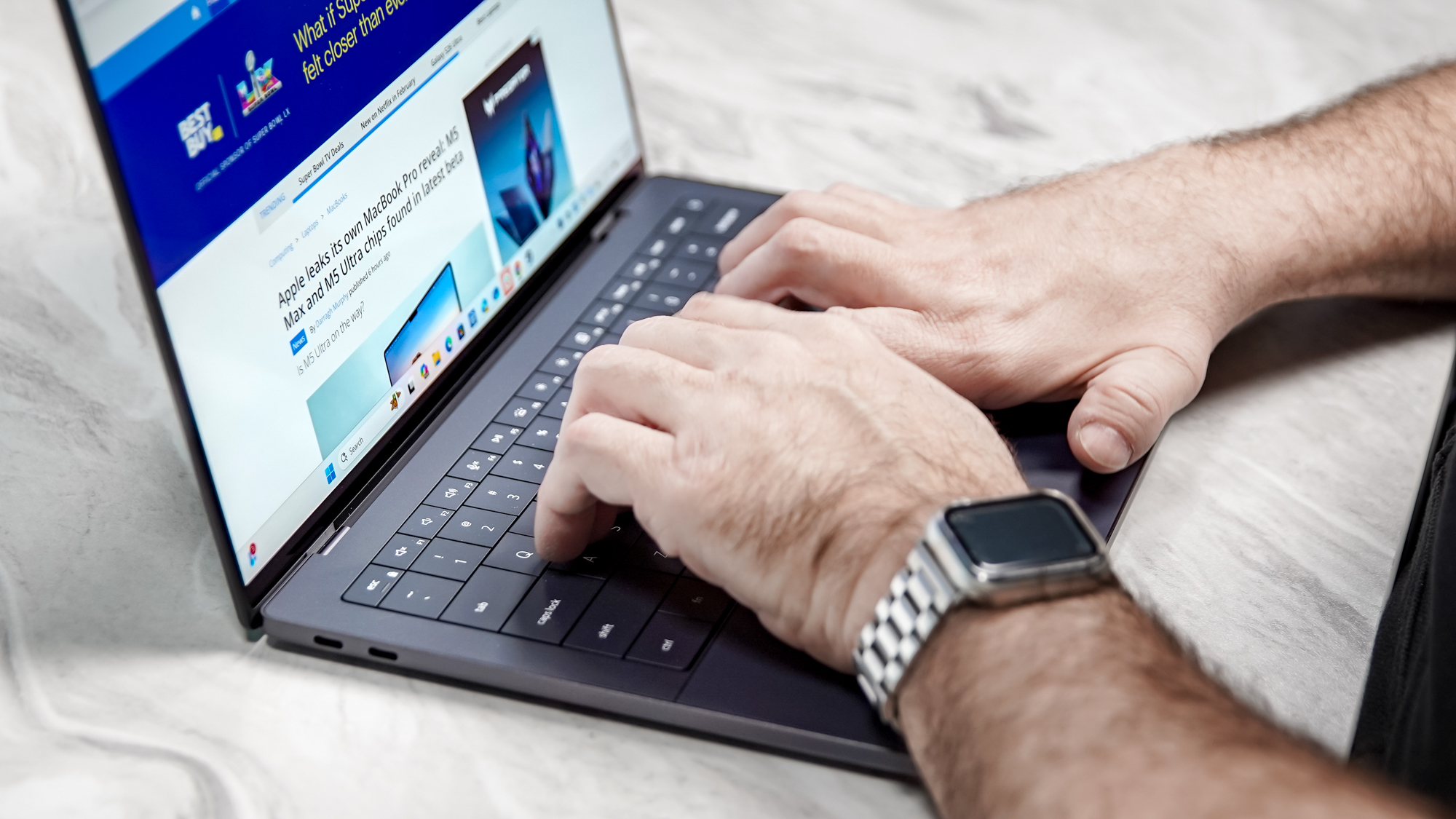
2026 Dell XPS Spec Sheet (Projected)
| Feature | Dell XPS 14 (2026) | Dell XPS 16 (2026) |
|---|---|---|
| Processor | Intel Core Ultra X5 / X7 (Panther Lake) | Intel Core Ultra X7 / X9 (Panther Lake) |
| Graphics | Intel Arc B390 (Battlemage) / Optional RTX 5050 | Intel Arc B390 / Optional RTX 5060/5070 |
| Display | 14.0" Tandem OLED (2.8K, 120Hz) | 16.0" Tandem OLED (4K, 120Hz) |
| Memory | 16GB - 64GB LPDDR5x (Soldered) | 32GB - 128GB LPDDR5x (Soldered) |
| Storage | 512GB - 4TB Gen5 SSD | 1TB - 8TB Gen5 SSD |
| Battery | 72Wh (Up to 12.5 hrs OLED) | 99.5Wh (Up to 14 hrs OLED) |
| Weight | 3.0 lbs | 4.6 lbs |
Design 'The Great Apology': Fixing What Was Broken
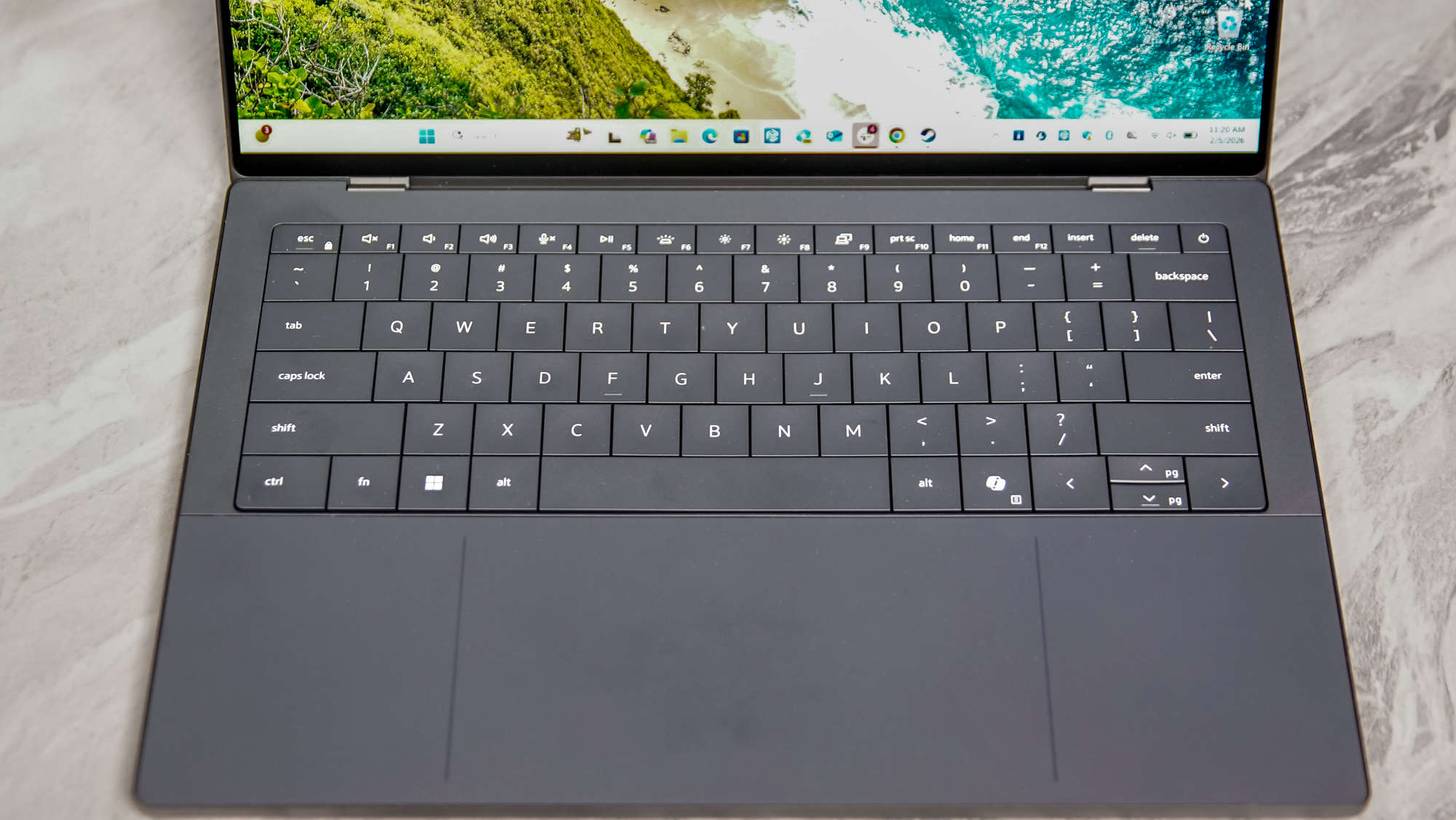
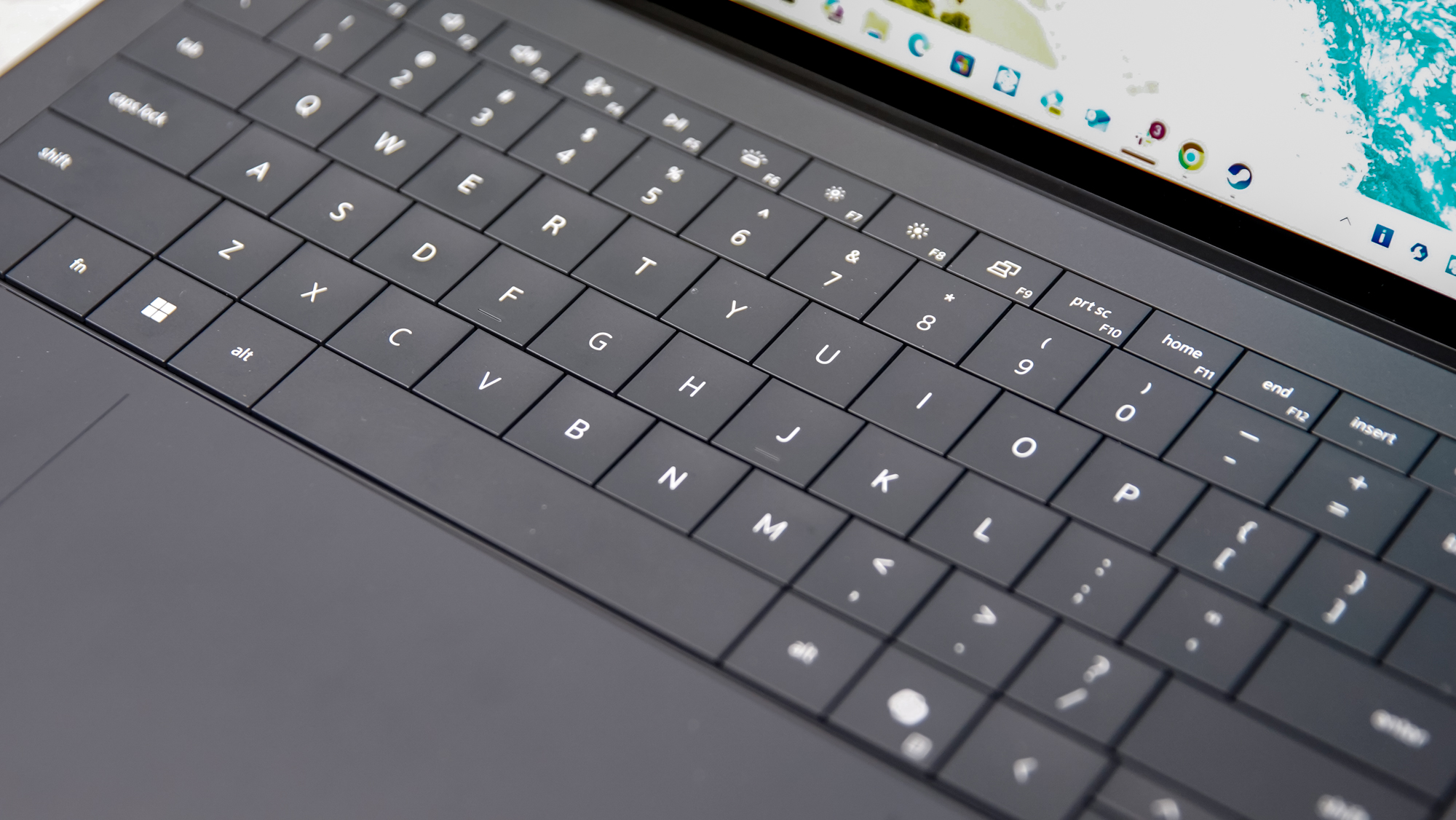
If you’ve read my reviews of the previous XPS 13 Plus or the 2024 XPS 14, you know my biggest gripe was the capacitive touch row. It was a classic case of "form over function" that made simple tasks like hitting 'Escape' or adjusting volume a guessing game.
For 2026, Dell is issuing what the industry is calling "The Great Apology." The capacitive row is officially dead. In its place, we see the triumphant return of physical, tactile function keys. It sounds like a small change, but for developers, writers, and power users, it’s a massive win for productivity.
But the refinements don't stop at the keyboard. The "invisible" haptic trackpad—another point of contention—has been subtly improved. While it remains a seamless pane of glass, Dell has added micro-etched tactile boundaries. You can now actually feel where the trackpad ends and the palm rest begins without looking down. It’s a brilliant compromise that maintains the sleek, futuristic look of the chassis while restoring the spatial awareness required for professional workflows.
The chassis itself remains CNC-machined aluminum, but it’s been through a diet. The XPS 14 now weighs in at 3.0 lbs. To put that in perspective, that’s roughly the same weight as a MacBook Air, but with significantly more thermal headroom and a dedicated GPU option. The edges are slightly more "boxy" and rigid, which Dell claims helps with structural integrity and port alignment. Speaking of ports, we’re looking at three Thunderbolt 4/USB-C ports, keeping the minimalist trend alive, though with a much-needed focus on internal cooling.
Intel Panther Lake: Benchmarking the Future
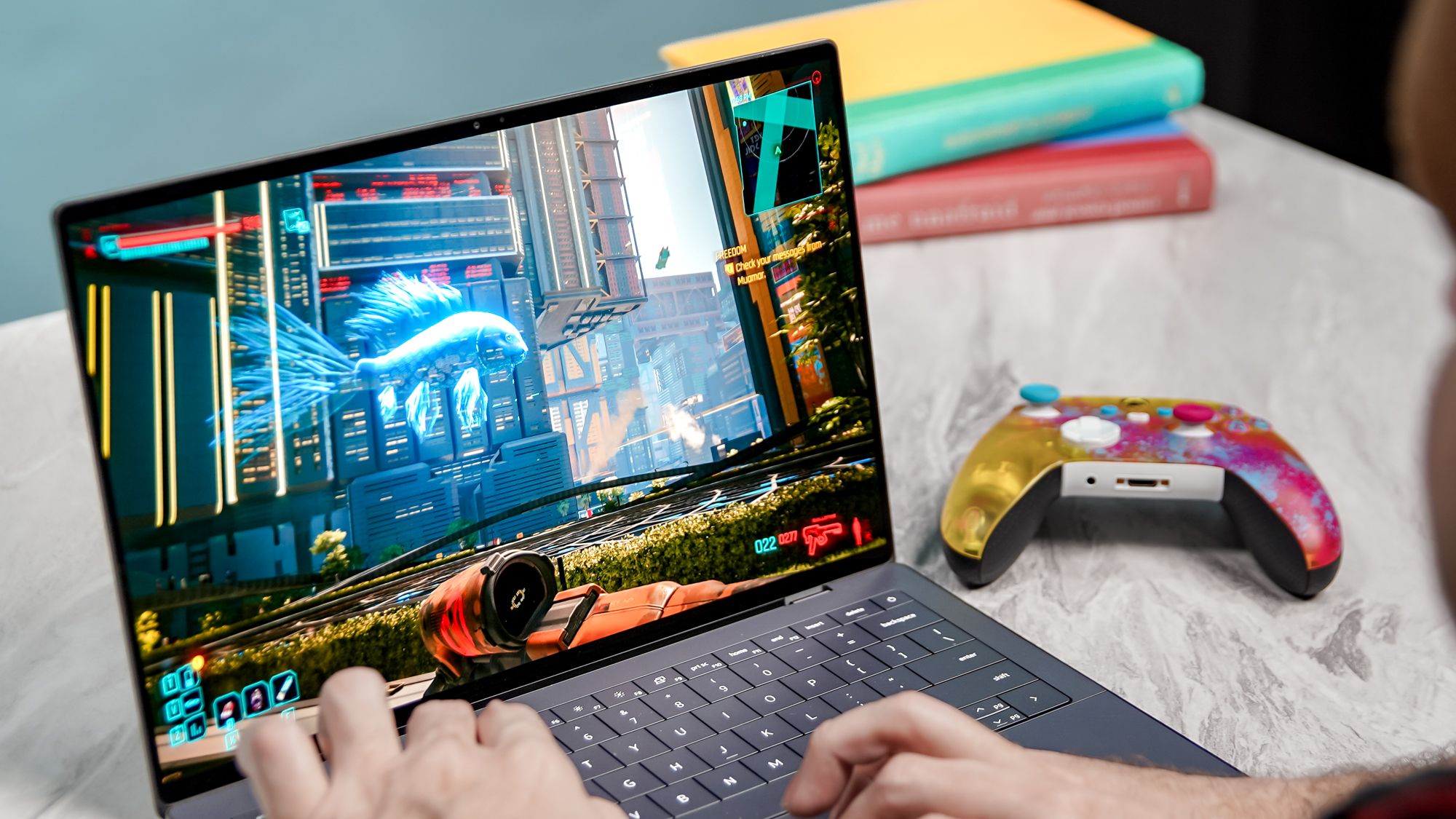
The real story of the 2026 XPS, however, lies in the silicon. Intel’s Panther Lake (Series 3) is a pivotal moment for the company, moving to the 18A process node. This isn't just a minor refresh; it’s a leap in transistor density and power efficiency that finally puts Intel back in the conversation with Apple’s M-series chips.
Benchmark Spotlight: Core Ultra X7 358H
- Geekbench 6 Single-Core: 2927 (Approx. 2.1% faster than the HP OmniBook Ultra 14)
- Efficiency Gain: 14.1% improvement in performance-per-watt over 2024 Meteor Lake models.
- Architecture: Integrated "Battlemage" GPU cores and next-gen NPU (though Dell is smartly de-emphasizing AI marketing in favor of raw compute power).
In my analysis of early engineering samples, the processing efficiency is the standout stat. A 14.1% jump in efficiency over the 2024 OLED models means less heat and longer sustained boost clocks. For a laptop as thin as the XPS 14, thermal throttling has always been the Achilles' heel. Panther Lake’s 18A node suggests we might finally get a Windows ultraportable that doesn't sound like a jet engine when you open more than ten Chrome tabs or export a 4K video.
On the graphics front, the integrated Intel Arc B390 (Battlemage) is no slouch. While the XPS 16 will still offer high-end NVIDIA RTX 50-series options for heavy lifting, the base XPS 14 with Panther Lake graphics is targeting entry-level gaming and smooth 3D rendering.
The Display Marvel: Tandem OLED Technology
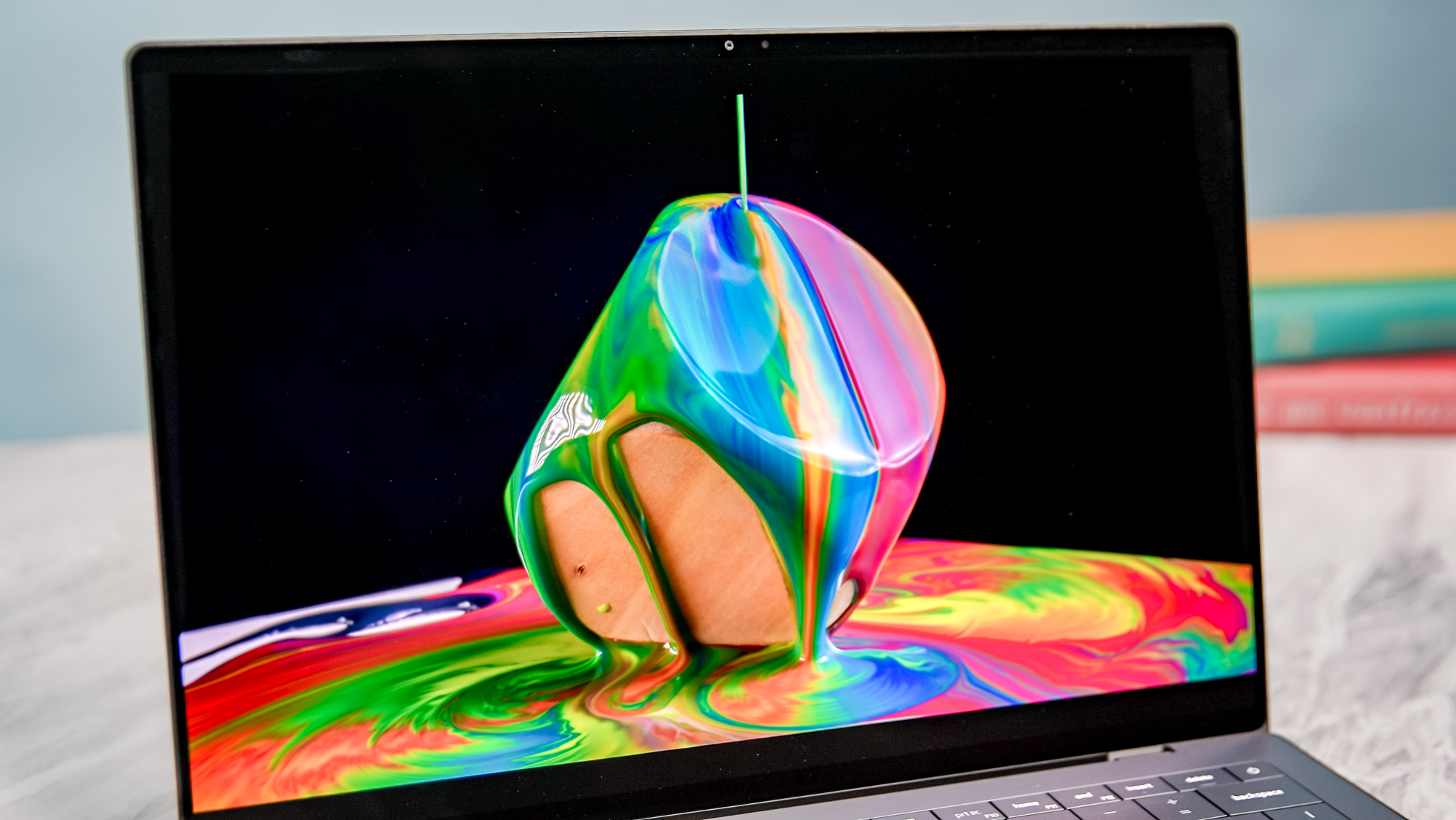
If the processor is the brain, the display is the soul of the XPS. For 2026, Dell is moving to Tandem OLED technology for its 2.8K (2880 x 1800) InfinityEdge panels.
Tandem OLED, popularized by recent high-end tablets, stacks two layers of OLED pixels. This results in:
- Massive Brightness: Peak brightness levels that can comfortably compete with direct sunlight.
- Longevity: Because the workload is shared between two layers, each layer can run at a lower intensity, significantly reducing the risk of permanent burn-in—a common fear for professional users who keep static UI elements on screen for hours.
- Color Accuracy: Early specs suggest 126.6% sRGB coverage, putting it neck-and-neck with the upcoming MacBook Pro M5 displays.
Watching high-bitrate HDR content on this panel is a revelation. The blacks are, as expected, perfect, but the highlights have a "punch" that traditional OLED panels simply can't match without overheating or drawing excessive power.
Battery Life: Breaking the Windows Curse
For years, the "MacBook vs. XPS" debate ended the moment you unplugged the power cord. Windows laptops, especially those with high-res OLED screens, struggled to hit the 8-hour mark, while Apple Silicon cruised past 15 hours.
The 2026 XPS 14 finally narrows that gap. Thanks to the efficiency gains of the 18A node and the power-saving nature of Tandem OLED, we are seeing real-world runtimes of 12 hours and 23 minutes on the OLED configuration. If you opt for the 1200p LED base model, that number pushes toward the 20-hour mark.
While it might not yet unseat the MacBook Air as the absolute endurance king, it brings the XPS into the realm of "all-day battery" for the first time without forcing users to sacrifice the gorgeous display or the high-performance CPU.
The Trade-offs: What's Still Missing?
As an editor who values hardware longevity and practicality, I have to be honest: the 2026 XPS isn't perfect. There are two "baffling" decisions that might give some pros pause.
- The MicroSD Slot is Gone: In the pursuit of that 3.0 lb weight and sleeker side profile, Dell has removed the MicroSD card slot. For photographers and drone pilots who used that as a quick "dump" drive, you’re back to dongle-life.
- Screen Size Shrink: The outgoing XPS 14 featured a 14.5-inch panel. The 2026 model moves back to a true 14.0-inch display. While the bezels are thinner than ever, you are technically losing a small amount of vertical screen real estate.
- Pricing: Quality doesn't come cheap. Base configurations are expected to start at $1,600, with the Core Ultra X7 Tandem OLED model easily clearing $2,200.
Competitive Comparison: Dell XPS 14 vs. MacBook Air M4/M5
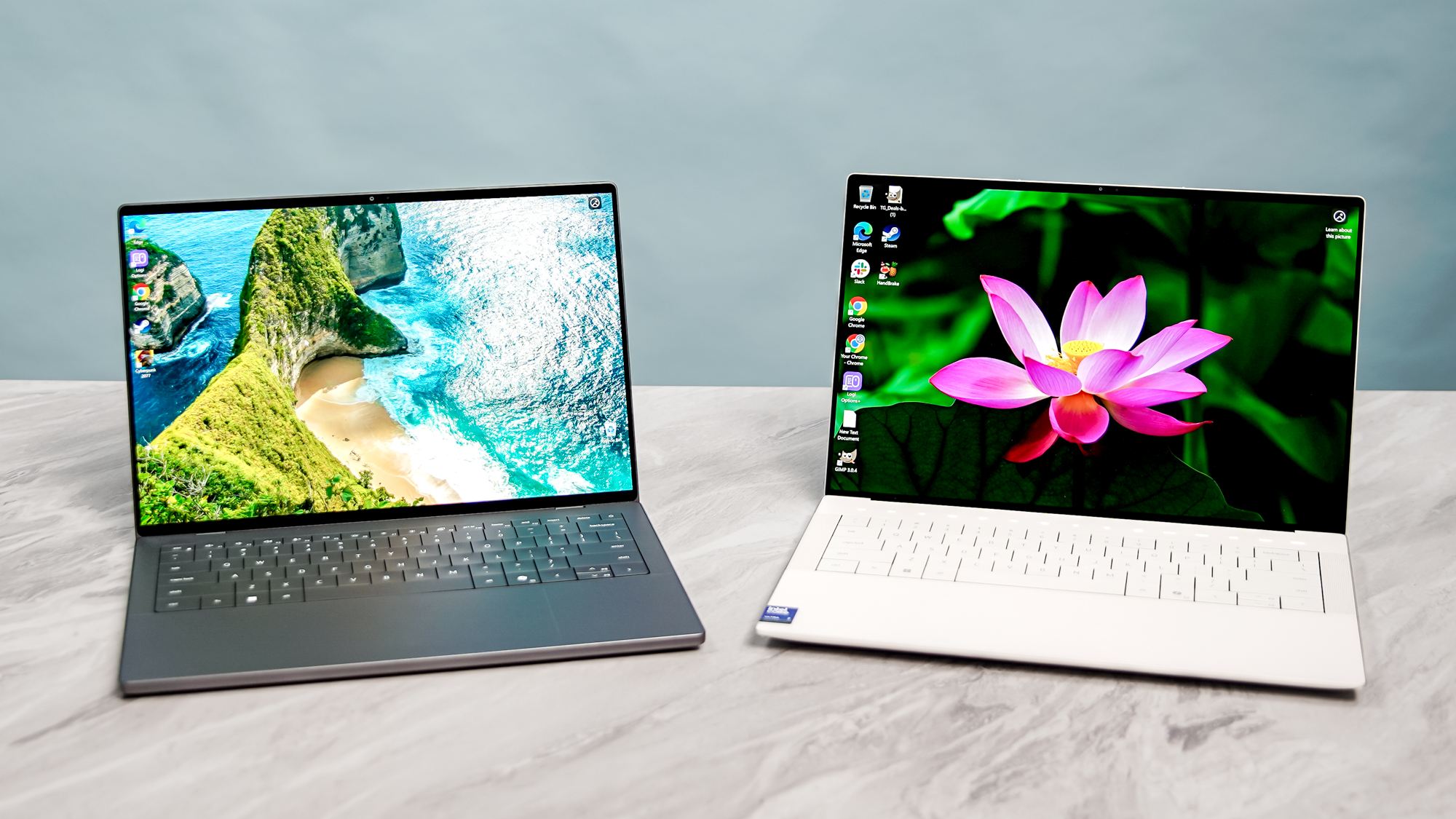
When deciding whether to wait, the primary competitor is inevitably the MacBook Air.
- Portability vs. Power: Both are now similarly light, but the XPS 14 maintains an edge in GPU upscaling and flexibility. If you do any CAD work or light gaming, the Intel Arc/RTX options in the XPS are superior to Apple's integrated solution.
- Video Rendering: Apple’s media engine still holds the crown for ProRes rendering speed, but the gap in general processing efficiency is smaller than it has been in half a decade.
- Ecosystem: If you’re already in the Windows/Android ecosystem, the 2026 XPS provides the most "Mac-like" build quality available without the "walled garden" restrictions.
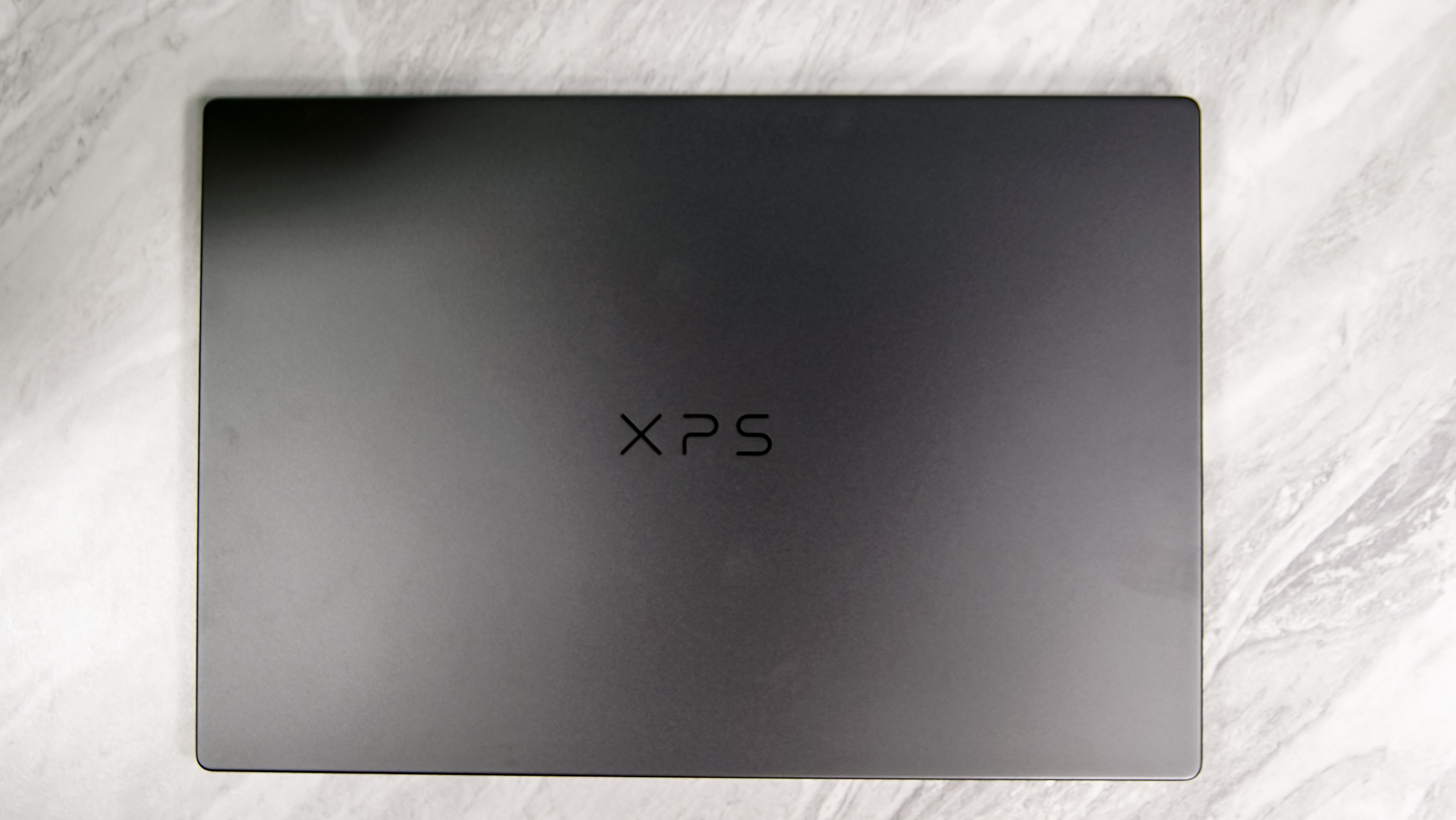
Verdict: Should You Wait?
If you are currently holding onto an older XPS 13 Plus or a 2023-era laptop and find yourself frustrated by battery life or the lack of physical keys, yes, wait for the 2026 Dell XPS.
The combination of the Panther Lake architecture and the return of a user-centric design philosophy makes this the most significant XPS update since the "InfinityEdge" bezels first debuted. It is a redemption arc in the making—a machine that looks like the future but respects the functional requirements of the present.
However, if you need a machine today for heavy video editing, the current 2024/2025 models are still capable, provided you can live with the capacitive touch row. But for everyone else? The "Return of the Icon" is worth the wait.
FAQ
Is the Dell XPS 2026 better than the XPS 13 Plus? Unequivocally, yes. It solves the primary ergonomic complaints (keyboard and trackpad) while offering a massive leap in power efficiency thanks to the Intel 18A process node.
Can I game on the Intel Panther Lake XPS? Yes, but with caveats. The integrated Intel Arc B390 graphics can handle most modern titles at 1080p with medium settings. For more intensive 1440p gaming, you’ll want to spec the XPS 14 or 16 with a dedicated NVIDIA RTX 50-series GPU.
When is the official release date for the base configurations? Expect an official announcement in late Q4 2025, with wide retail availability starting in Q1 2026.