Our Top Picks
Overall Verdict: 4.0/5. The Samsung Galaxy S26 Ultra is a bold step forward for mobile security, but the innovative hardware comes with compromises that power users might find difficult to ignore.
- The Good: Native privacy protection without the need for thick, plastic screen protectors; incredible performance from the Snapdragon 8 Elite; significantly improved charging speeds.
- The Bad: Noticeable drop in peak brightness compared to its predecessor; high screen reflectivity due to the omission of advanced anti-glare coatings; slight pixel sharpness degradation when privacy mode is active.
The samsung galaxy s26 ultra privacy display is a specialized hardware-level feature powered by Flex Magic Pixel technology. It utilizes a sophisticated dual-pixel setup that restricts the light path to a straight line, effectively hiding screen content from side-viewers without requiring a physical third-party screen protector.
How It Works: The Flex Magic Pixel Technology
For years, users who wanted to keep their sensitive data away from prying eyes had to rely on adhesive plastic films. These filters often ruined the touch sensitivity and clarity of high-end panels. With the Samsung Galaxy S26 Ultra, the privacy solution is baked directly into the 6.9-inch Dynamic AMOLED 2X display. This is a dual-pixel hardware implementation rather than a software trick that simply dims the screen.
The display consists of two types of pixels: standard wide-angle pixels for general use and dedicated focus pixels. When you activate the privacy mode, the phone deactivates the wide-angle pixels. The remaining focus pixels emit light in a very narrow, straight path. This means that while you see a clear image directly in front of the phone, someone sitting next to you on a plane or bus sees only a dark, blank screen.
According to reports on Flex Magic Pixel hardware, this technology allows for a hardware-based shift in viewing angles. It is a brilliant engineering feat, but it does come with a mechanical cost. Because only half the pixels are firing in privacy mode, there is a minor but perceptible pixel sharpness degradation. For reading text, it is fine, but for watching high-resolution video, you will likely want to switch back to the standard mode.
The Dealbreaker: Brightness and Anti-Glare Compromises
As an editor who spends most of my day looking at screens, I have to be honest about the trade-offs. While the privacy display s26 tech is impressive, it introduces significant s26 ultra privacy display viewing angle brightness issues. Because the panel must accommodate the dual-pixel architecture, the overall max brightness output is lower than what we saw on the previous generation.
In our s26 ultra privacy display vs s25 ultra screen comparison, the older model consistently outperformed the newer flagship in direct sunlight. To try and mitigate the brightness loss, Samsung had to make a difficult choice regarding the outer glass. The S25 Ultra featured a world-class anti-reflective coating that made it a joy to use outdoors. However, to let as much light as possible escape the dual-pixel layer of the S26 Ultra, Samsung had to omit the stronger anti-glare coating found on previous flagship models.
This results in an anti-glare coating compromise that makes the screen much more reflective than we have come to expect from the Ultra line. When using the phone under office lights, you will see your own reflection more clearly than before. This leads many to ask: is the s26 ultra privacy display worth the dimmer screen? For the frequent traveler or business professional handling confidential documents, the answer is likely yes. For the media enthusiast who wants the punchiest HDR performance, it is a harder sell.
User Experience: How to Use S26 Ultra Privacy Display
Samsung has integrated the privacy features deeply into One UI. You don't have to go digging through layers of menus to find the samsung privacy screen settings. The easiest way to manage this is through a hardware-level toggle in the Quick Settings panel. With a single swipe and tap, you can shift the screen from "Public" to "Private."
Beyond the global toggle, there is a surprising amount of granular control. Users can learn how to use s26 ultra privacy display for specific apps through the Advanced Features menu. For instance, you can set the phone to automatically enable the privacy screen whenever you open a banking app or a corporate email client.
Another highlight is the notification masking settings. You can keep the main display in standard mode while specifically masking sensitive notification content. This ensures that even if someone catches a glimpse of your phone on the table, they cannot read the preview of an incoming text message. This effectively stops smartphone screen-peeping in its tracks without forcing you to deal with a dim screen for your entire browsing session.
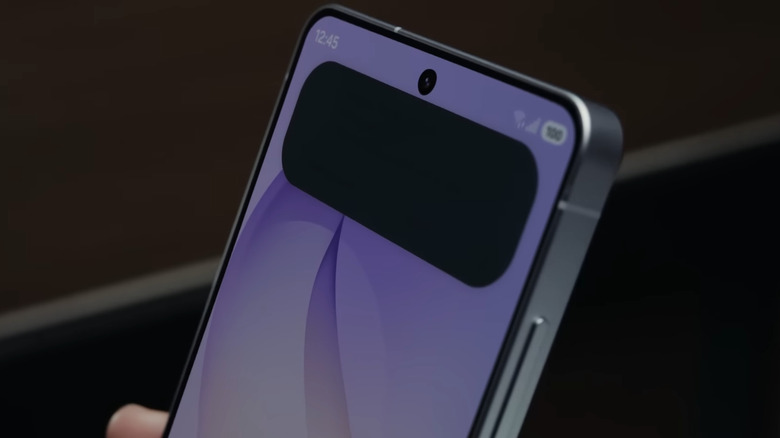
If you are wondering how to turn on privacy screen on samsung s26 ultra for the first time, simply go to:
- Settings > Display.
- Tap on "Privacy Display."
- Toggle the feature on or configure the "App-specific" triggers.
- You can also add the shortcut to your notification shade for quicker access.
Beyond the Screen: Performance, Camera, and Charging
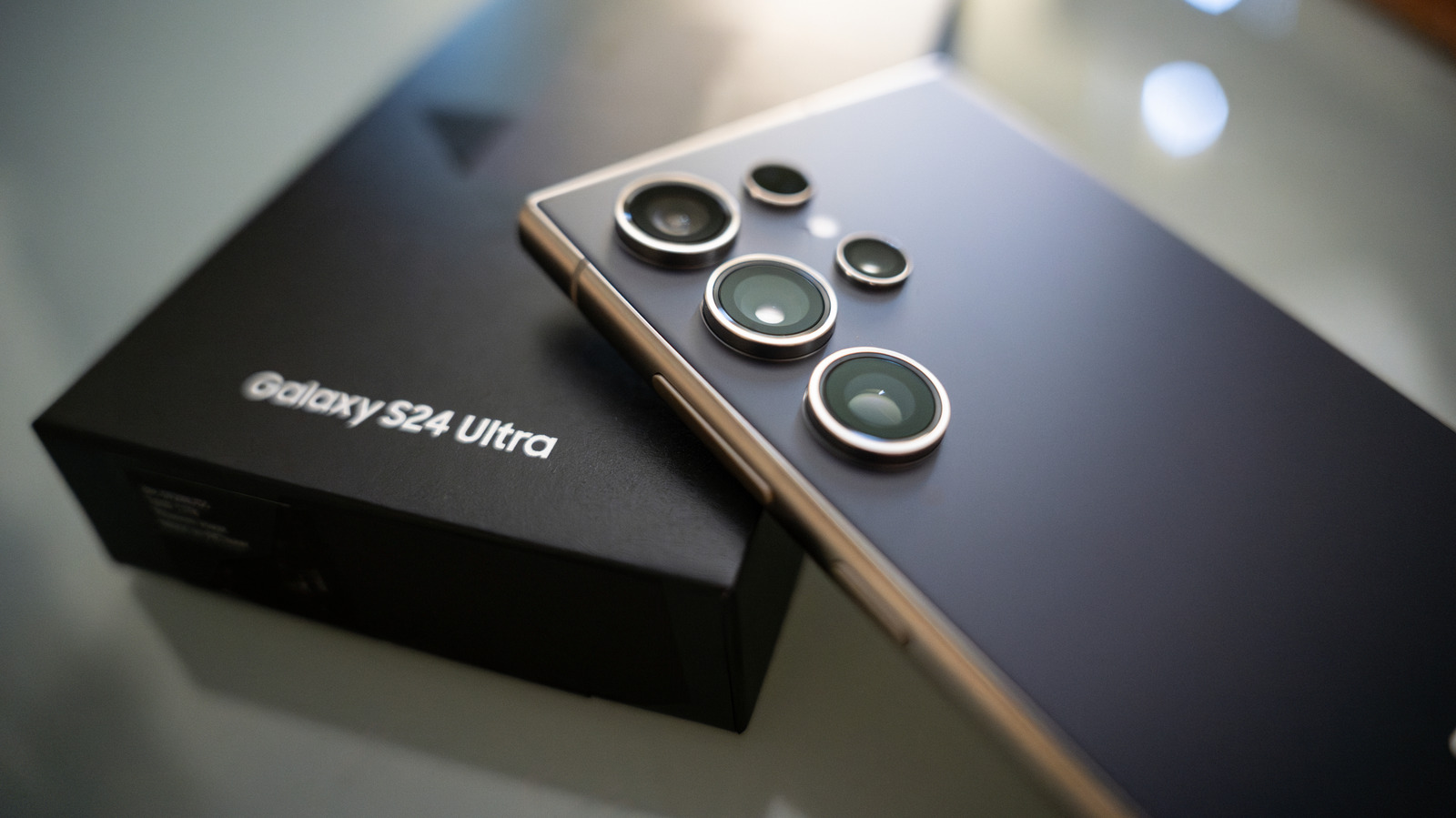
While the display is the polarizing star of the show, the rest of the S26 Ultra is a powerhouse that justifies its premium flagship pricing of $1,299.99. It is powered by the Snapdragon 8 Elite, which offers a massive boost in AI processing and efficiency. The device feels incredibly light for its size, weighing in at 214g thanks to an Armor Aluminum frame.
The camera system remains a titan in the industry. The 200MP main sensor now features a wider F1.4 aperture, which significantly improves low-light photography. Whether you are taking moon shots or quick snaps in a dimly lit restaurant, the visual clarity variation compared to the S25 Ultra is noticeable.
Samsung has also finally addressed the charging bottleneck. The S26 Ultra supports upgraded 60W wired fast charging, which can top up the battery from 0% to 100% in just 52 minutes. This is a major jump from the 45W limit on the previous model. Wireless charging has also seen a bump to 25W.
Marketing vs. Reality: The 10-Bit Display Claim While some marketing materials hint at a full 10-bit color panel, technical analysis reveals the S26 Ultra still utilizes an 8-bit panel with temporal dithering (8-bit+FRC). While most users won't notice the difference in daily use, professional editors should be aware that it doesn't offer a native 1.07 billion color depth.
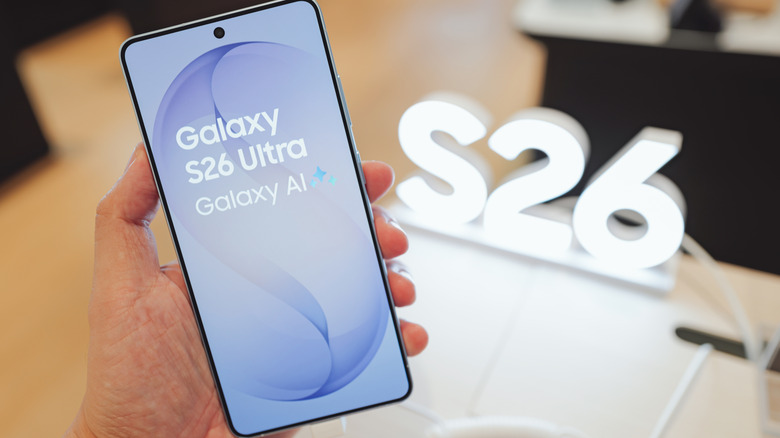
S26 Ultra vs. S25 Ultra Comparison
| Feature | Galaxy S25 Ultra | Galaxy S26 Ultra |
|---|---|---|
| Display Tech | Dynamic AMOLED 2X | Flex Magic Privacy Display |
| Peak Brightness | ~2,600 nits | ~2,100 nits (Estimated) |
| Anti-Glare | Gorilla Armor (High) | Gorilla Armor 2 (Low/Standard) |
| Processor | Snapdragon 8 Gen 3 | Snapdragon 8 Elite |
| Wired Charging | 45W | 60W |
| Weight | 232g | 214g |
FAQ
Does the Samsung S26 Ultra have a built-in privacy screen?
Yes, the Samsung Galaxy S26 Ultra features a built-in hardware-level privacy screen known as the Flex Magic Pixel display. It allows you to narrow the viewing angle electronically to prevent people nearby from seeing your screen content.
How to get privacy screen on S26 Ultra?
The privacy screen is a native hardware feature, so you do not need to buy any extra accessories. To activate it, you can use the samsung privacy screen settings found in the display menu or add the privacy toggle to your quick settings panel for one-tap access.
Can you turn off the privacy screen on the S26 Ultra?
Yes, the privacy mode is completely optional. When it is turned off, the screen functions like a standard high-resolution display with wider viewing angles. However, because of the dual-pixel hardware, the screen may still appear slightly dimmer than previous models even when the mode is disabled.
Do I need a privacy screen protector for my S26 Ultra?
No, you do not need a third-party privacy screen protector. The built-in Flex Magic Pixel technology handles this task more effectively than a physical film and allows you to toggle the effect on and off as needed.
Verdict: Is the Innovation Worth the Trade-off?
The Samsung Galaxy S26 Ultra is a fascinating piece of technology that solves a real-world problem: the lack of digital privacy in public spaces. By integrating the filter directly into the pixels, Samsung has removed the need for ugly, bubble-prone screen protectors. The ability to mask notifications and secure banking apps automatically is a game-changer for the security-conscious professional.
However, the hardware tax is real. If you are a movie buff who demands the highest possible brightness and zero reflections, the S25 Ultra might actually feel like a superior visual experience. The S26 Ultra is a niche masterpiece—it is the ultimate phone for the "road warrior" who values data security and raw power over a perfect outdoor viewing experience. If you can live with a slightly dimmer, more reflective screen in exchange for total privacy, this is the most advanced smartphone on the market today.