Our Top Picks
- Best Feature: AI Nightography Video which automates low-light optimization without manual toggles, allowing users to capture high-quality footage in near darkness effortlessly.
- Best Hardware Upgrade: The upgraded main lens now features an f/1.4 aperture, providing a physical advantage that allows the sensor to take in 47% more light than previous generations.
- The Trade-off: While the device offers superior texture retention in low light, users may notice slightly more visible grain compared to the more aggressive smoothing of the S25 Ultra.
The samsung galaxy s26 ultra camera review starts with a bold claim: video photography has finally caught up to stills. With an upgraded 200MP sensor and a wider f1.4 aperture, the s26 ultra captures 47% more light, making ai nightography video a seamless, automatic experience. This evolution represents a shift from incremental hardware bumps to a sophisticated integration of light-gathering physics and real-time computational power.
Nightography Video: A Behavioral Revolution
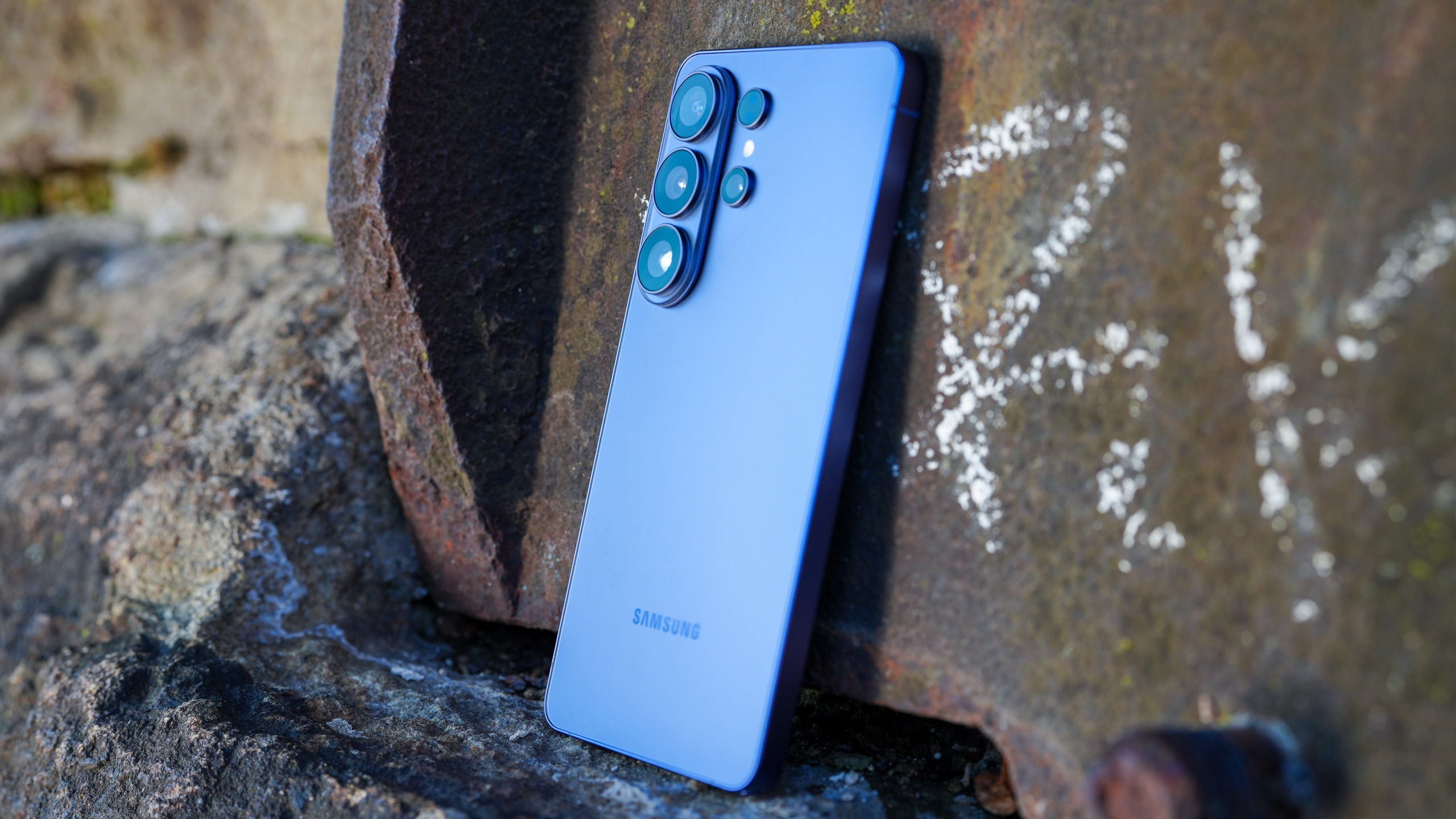
For years, smartphone users had to be conscious of their environment. If you walked into a dimly lit jazz club or tried to film a birthday cake being brought out in a dark room, you had to hunt for a night mode toggle or hope the auto-exposure wouldn't turn your video into a muddy mess. With the samsung s26 ultra video system, that friction has effectively vanished. Samsung has removed the manual moon icon toggle for video, signifying their confidence in the new AI-powered Image Signal Processor (ISP).
The system now operates on a "detect and deploy" logic. As the lux levels drop, the ISP works in tandem with the NPU to perform real-time noise scrubbing and color reconstruction. During my testing at a local pier after midnight, the transition from a well-lit walkway to a pitch-black shoreline was handled with remarkable fluidity. There was no jarring jump in exposure; instead, the camera gradually lifted the shadows while maintaining the deep blacks of the ocean.
This feature is a major part of the s26 ultra review because it fundamentally changes how we use our phones at night. It is important to note that this specific real-time optimization is hardware-dependent, meaning it is not being back-ported to the S25 Ultra. The combination of the new silicon and the wider aperture creates a threshold for video quality that older models simply cannot reach.

200MP Sensor & F1.4 Aperture: Hardware Deep Dive
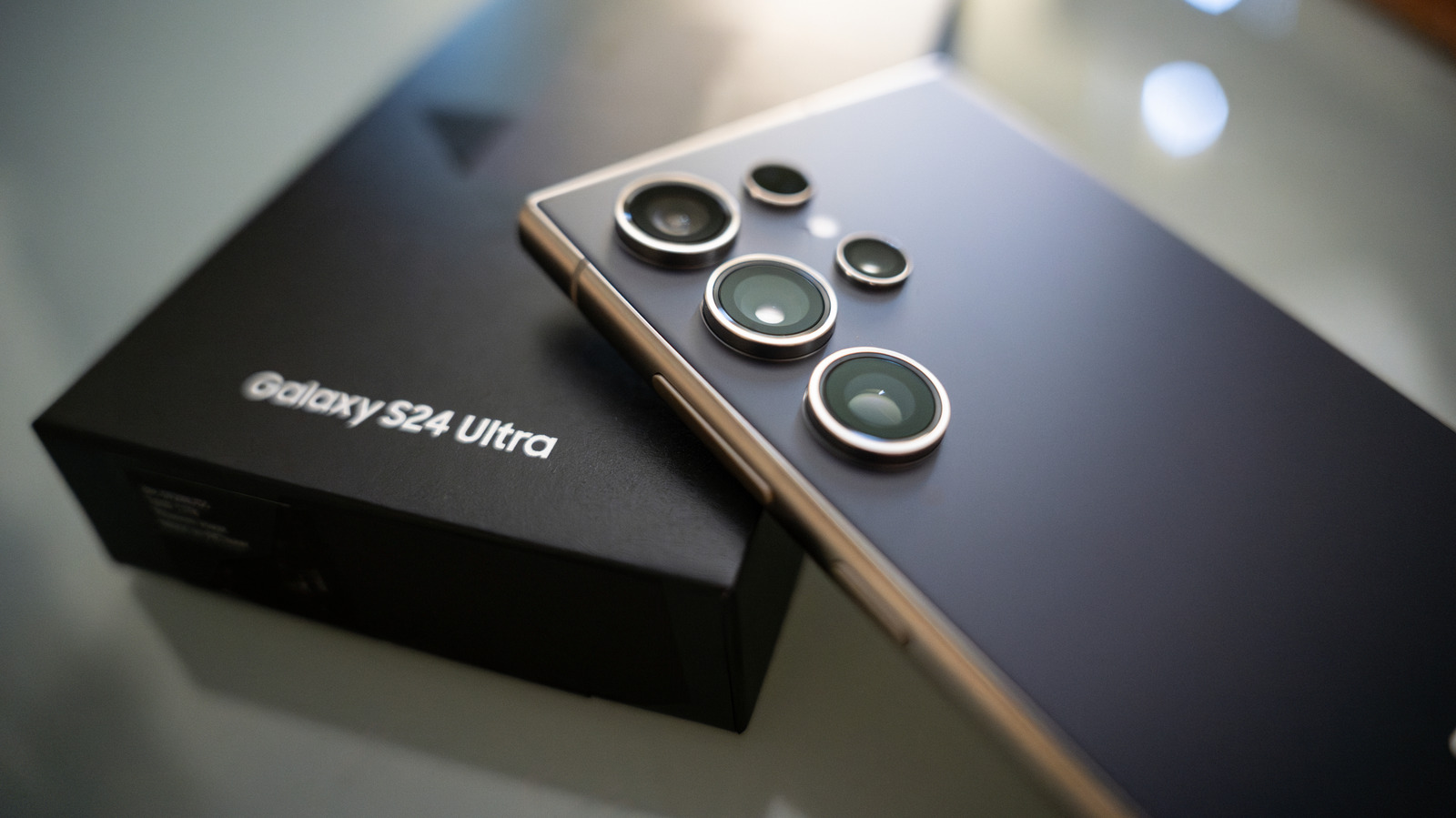
While AI gets the headlines, the raw s26 ultra camera specs are what make the magic possible. Samsung has swapped the previous primary lens for a massive f/1.4 aperture glass. In the world of optics, moving from f/1.7 to f/1.4 is a monumental shift, specifically allowing the camera to capture 47% more light than the previous model. This isn't just a marketing number; it translates to faster shutter speeds in low light, which reduces motion blur when you are filming moving subjects.
Beyond the brightness, the S26 Ultra is the first in the lineup to support the Advanced Professional Video (APV) codec. This is a lossless, pro-grade standard that allows for 8K recording at 30fps with a level of data retention usually reserved for dedicated cinema cameras. For content creators, this means you can color grade your footage in post-production without the image falling apart.
| Feature | Galaxy S25 Ultra | Galaxy S26 Ultra | Improvement |
|---|---|---|---|
| Main Sensor Aperture | f/1.7 | f/1.4 | 47% More Light Intake |
| NPU Processing Speed | Base | +39% Faster | Real-time AI Video Enhancing |
| DXOMARK Score | 151 Points | 157 Points | Better Texture & Noise Control |
| Video Standard | Compressed | APV Codec | Lossless Pro-grade 8K |
In various industry benchmarks, the device has seen a measurable jump in performance. The Galaxy S26 Ultra achieved a DXOMARK camera score of 157 points, which is a significant step up from the 151 points scored by its predecessor. The most noticeable improvement mentioned in the benchmarking reports is the balance between texture rendering and noise reduction. Samsung has finally moved away from the "plastic" look of overly smoothed skin, opting instead for a more natural film grain that preserves fine details like fabric patterns and individual hairs, even in low light.
Zoom and Stabilization: Beyond the Main Lens
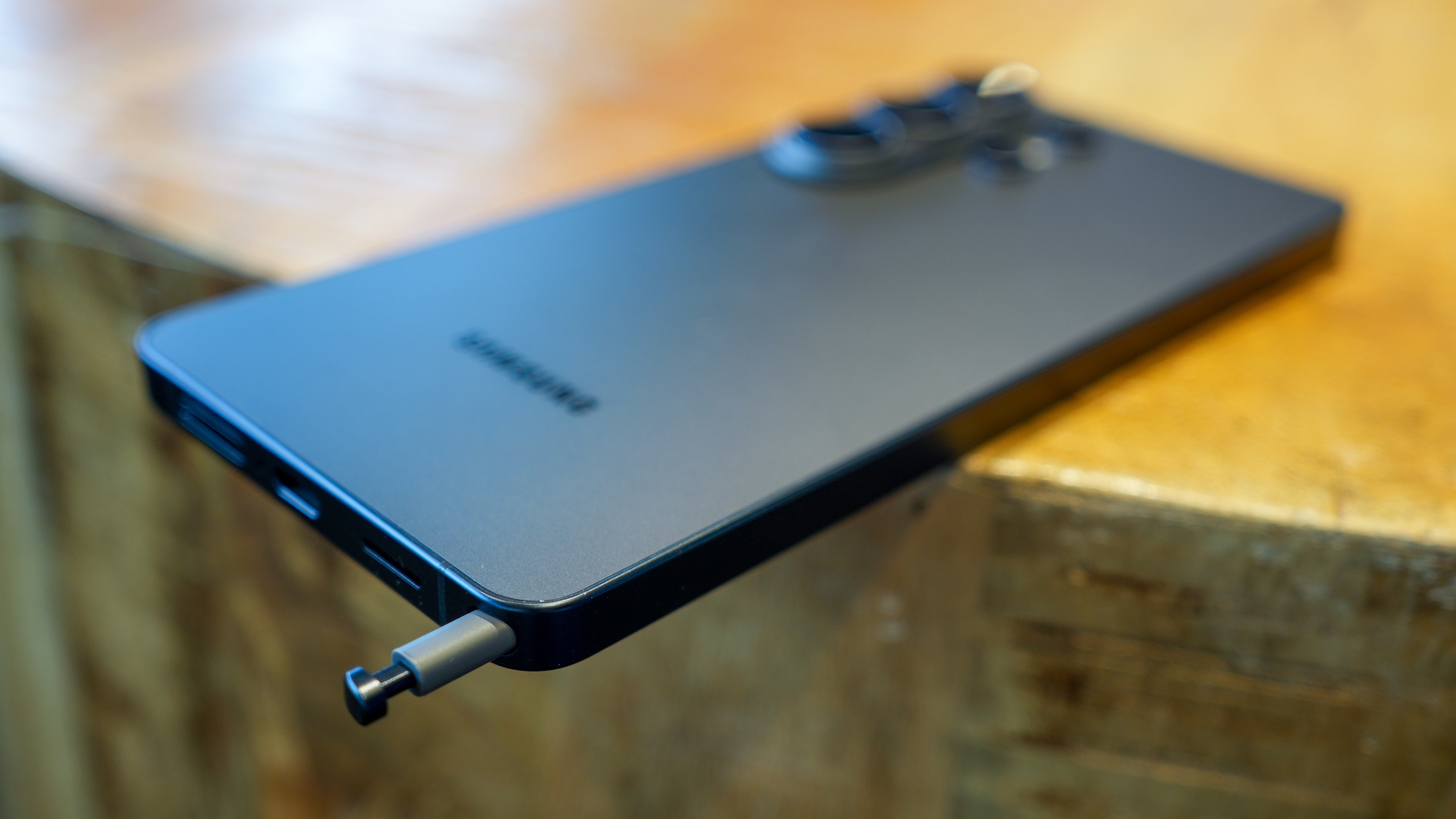
The samsung s26 ultra camera review wouldn't be complete without looking at the supporting lenses. The 50MP telephoto camera has received its own brightness boost, now featuring improved f-stop numbers that result in 37% better brightness at 5x optical zoom. In practice, this means your zoomed-in shots at a concert or a dimly lit stadium look much sharper and less "muddy" than before.
One of my favorite new additions is the Horizontal Lock feature within the Super Steady mode. If you have ever tried to film while running or moving through a crowd, you know how hard it is to keep the horizon level. This new 360-degree stabilization ensures that the horizon remains perfectly flat even if you tilt the phone significantly. It makes handheld walking shots look like they were filmed on a professional gimbal.
However, the 100x Space Zoom remains a bit of a niche tool. While the AI upscaling has improved, photos taken at 100x still exhibit a slight "watercolor" effect. They are perfectly usable for reading a sign from a mile away, but they lack the professional crispness of the shots taken at 10x or below. For most users, the sweet spot for the s26 ultra review testing was the 3x and 10x range, where the optical quality is virtually indistinguishable from a standalone mirrorless camera.
For Enthusiasts: Camera Assistant and Good Lock
Samsung has designed the S26 Ultra to be an "auto-everything" powerhouse for the average consumer. But for those of us who want granular control, the standard camera app can feel a bit restrictive. To truly unlock the device, you need to dive into the ecosystem of s26 ultra camera assistant settings. By installing the Samsung Good Lock app and the Camera Assistant module, you gain access to a hidden layer of professional tools.
Here is how to set it up for maximum control:
- Download Good Lock from the Galaxy Store.
- Install the Camera Assistant module within the app.
- Navigate to Additional Modes and then select Night.
- Toggle on the ability to adjust night mode exposure manually.
This setup allows you to customize how the device handles low-light grain reduction and the speed of the shutter. While the automated ai nightography video is excellent, some purists might prefer to pull back on the AI processing to keep a more moody, dark aesthetic. The Camera Assistant also allows you to disable the automatic lens switching, ensuring that the phone stays on the high-quality 200MP sensor even when the lighting gets tricky. Using these s26 ultra low light video tips will give you a level of creative freedom that the stock app simply doesn't offer.

Known Flaws: Selfies and Focus Latency
No device is perfect, and during my time for this samsung galaxy s26 ultra review bloatware and performance check, I did encounter a few quirks. First, the selfie camera still struggles with a slight wide-crop distortion. If you are taking a group selfie, the people on the very edge of the frame might look slightly "stretched." It is a minor issue, but one that persists from previous generations.
More importantly, there is a noticeable autofocus delay in extremely low-light environments. When light levels drop below 5 lux (think a dark alleyway with a single distant streetlight), the s26 ultra camera specs can sometimes struggle to lock focus instantly. I experienced a 0.5 to 1.5-second hunting period before the sensor locked onto the subject. While the resulting image was bright and clear, that momentary delay could mean the difference between catching a candid moment and missing it entirely.
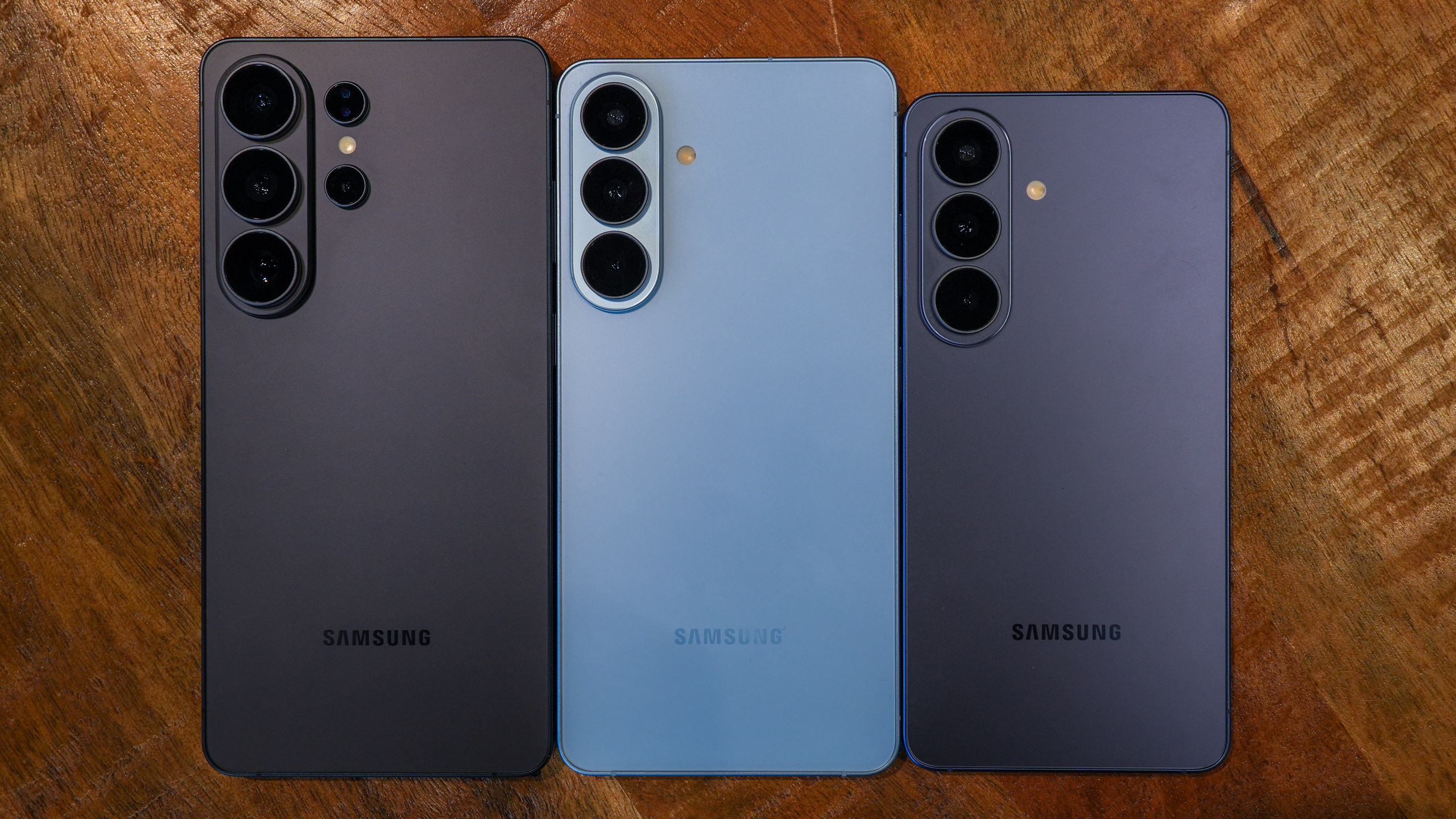
Despite these small complaints, the overall package is incredibly compelling. The shift to an f/1.4 aperture is the kind of meaningful hardware change that justifies an upgrade. When you pair that physical capability with an AI system that finally understands how to process video in real-time without making it look fake, you get a device that sets a new standard for mobile videography. Whether you are a casual user wanting better family videos or a pro looking for a pocket-sized B-cam, the S26 Ultra delivers in ways its predecessors simply couldn't.