For the modern traveler, the promise of the USB-C standard was supposed to be a "one cable to rule them all" utopia. Imagine packing a single, sleek cord that powers your MacBook Pro, fast-charges your iPhone 16, and transfers 4K footage from your drone in seconds. However, as we move into 2026—a year defined by the full implementation of the European Union’s common charger mandate—that dream has morphed into a complex "alphabet soup" of protocols, speeds, and proprietary branding.
As a critic who spends over 200 days a year navigating international lounges and remote workstations, I’ve seen firsthand the frustration of "Type-C confusion." You plug in a premium-looking cable, only to find your laptop's battery draining faster than it charges, or a 50GB file transfer estimated to take three hours. The truth is that the USB-C connector is merely a physical shape; what happens inside the wire is governed by a labyrinth of standards that most manufacturers would rather not explain.
To clear the air, I’ve dissected the most persistent misconceptions surrounding this interface. Here is the definitive guide to debunking the five common myths of USB-C in 2026.
Myth 1: All USB-C Cables Are Created Equal
This is perhaps the most dangerous assumption a consumer can make. While every USB-C cable features the same 24-pin reversible connector, their internal capabilities vary more than any other cable in computing history.
Myth vs. Reality
- Myth: If it fits the port, it will provide maximum speed and power.
- Reality: USB-C cables are tiered by data transfer rates (480 Mbps to 80 Gbps) and power delivery (60W to 240W). Using a basic phone charging cable for a high-end monitor will result in no signal.
The divide generally falls into three categories: "Charge-Only" (USB 2.0 speeds), "Full-Feature" (High-speed data + Video), and "Active" cables (Thunderbolt/USB4). Most cables bundled with smartphones are still limited to USB 2.0 speeds—a measly 480 Mbps—which is a protocol from the year 2000. If you are trying to tether a professional camera or backup an SSD, these cables are essentially a bottleneck.
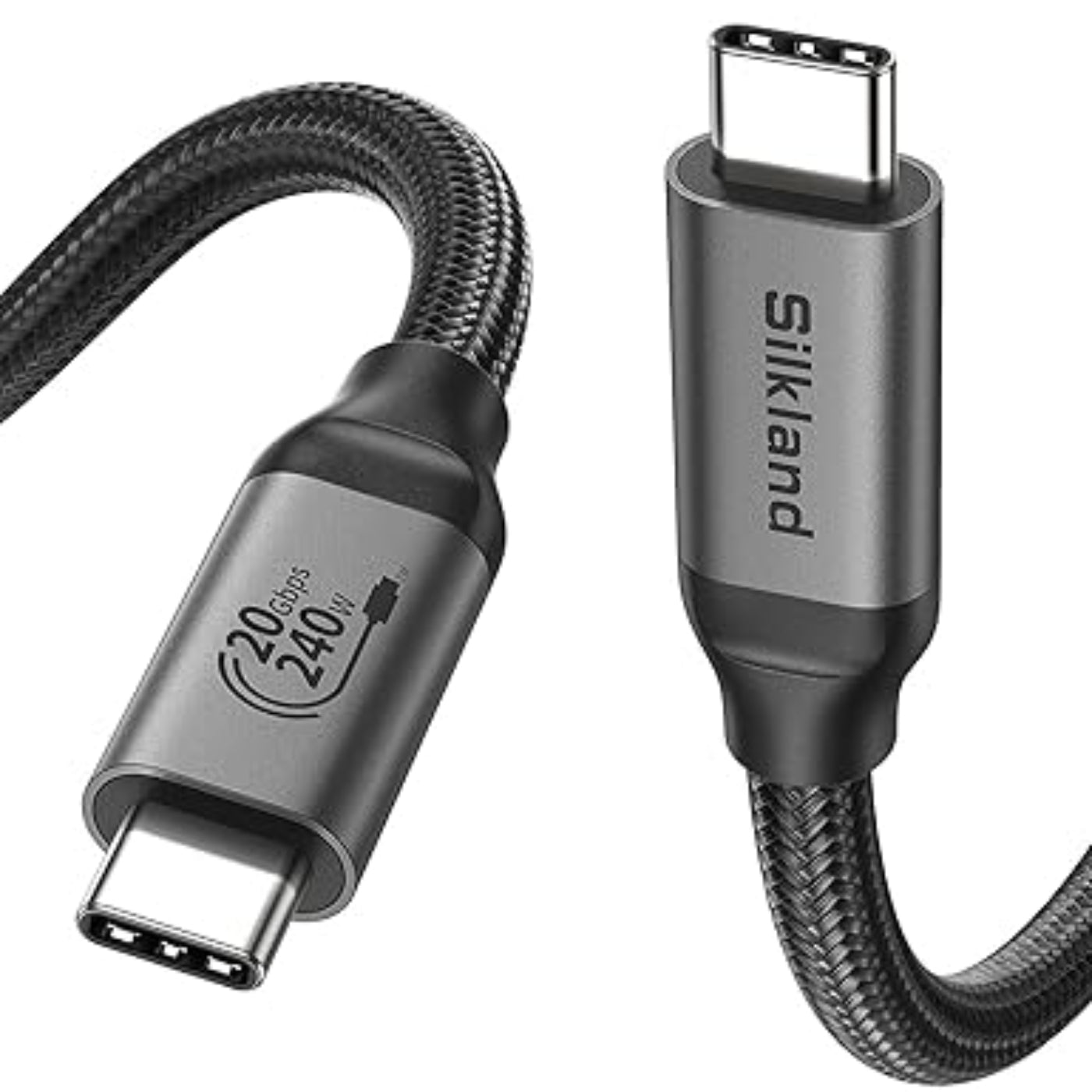
For a truly "do-it-all" solution, I recommend looking for cables explicitly labeled for 240W Power Delivery and 40Gbps+ data. The Silkland 240W cable is a standout in my 2026 testing for its ability to handle everything from a gaming laptop to an 8K external display without a hiccup.
Myth 2: Thunderbolt and USB-C Are the Same Thing
In my reviews, I often see users frustrated that their "USB-C dock" won’t support dual 4K monitors on their laptop. The culprit is almost always a misunderstanding of Thunderbolt.
Myth vs. Reality
- Myth: Thunderbolt is just a fancy name for USB-C.
- Reality: Thunderbolt is a proprietary technology (developed by Intel and Apple) that uses the USB-C connector but offers higher minimum performance guarantees and specialized features like daisy-chaining.
While USB-C is a physical standard, Thunderbolt is a data pipeline. A Thunderbolt 4 or Thunderbolt 5 port is "all-knowing"—it supports USB4, DisplayPort, and PCIe data. However, a standard USB-C port may only support data and power, lacking the video output (Alt Mode) required for high-end displays.

In 2026, the lines are blurring with the rise of USB4 Version 2.0, but the "Lightning Bolt" icon remains the gold standard for pro-grade connectivity. If your work involves external GPUs or massive RAID arrays, checking for that icon is non-negotiable.
Myth 3: It Works the Same No Matter Which Way You Plug It In
The "reversibility" of USB-C is its headline feature, yet technically, it’s an illusion maintained by clever engineering.
Myth vs. Reality
- Myth: The internal pins are mirrored, so the orientation is irrelevant to the hardware.
- Reality: A USB-C cable is technically only truly reversible for USB 3.0 and higher. The host controller must actively detect the orientation and route functionality to the correct pins.
This leads to a phenomenon many have experienced: the "Flipping Fix." Occasionally, a device will only charge slowly or fail to recognize an accessory until you flip the cable over. This usually happens because one of the Configuration Channel (CC) pins has failed to "handshake" correctly with the device. If you find yourself flipping the cable to get it to work, it’s often a sign that the E-marker chip inside the cable—the tiny brain that tells your phone how much power to pull—is starting to fail.
Myth 4: The USB-C Connector Always Means 'High Speed'
Marketing departments have a history of using the "USB-C" label to mask aging technology. This is especially prevalent in the travel tech industry, where "High Speed" is often used as a vague buzzword.
The confusion stems from the USB-IF’s rebranding efforts. We have moved through "SuperSpeed," "USB 3.2 Gen 2x2," and now into "USB 40Gbps."
| USB Standard | Max Data Speed | Common Labeling (2026) |
|---|---|---|
| USB 2.0 | 480 Mbps | USB Hi-Speed |
| USB 3.2 Gen 1 | 5 Gbps | USB 5Gbps |
| USB 3.2 Gen 2 | 10 Gbps | USB 10Gbps |
| USB4 | 40 Gbps | USB 40Gbps |
| USB4 Version 2.0 | 80 Gbps | USB 80Gbps |
Data shows that a significant portion of mid-range cables sold today are still limited to 480Mbps because it is cheaper to manufacture cables with fewer internal wires. When purchasing for 2026 and beyond, you should ignore the "USB-C" label and look specifically for the numerical speed rating (e.g., 20Gbps or 40Gbps).
Myth 5: Every USB-C Cable Supports Fast Charging
If you’ve ever plugged your laptop into a phone cable and seen the dreaded "Slow Charger Connected" notification, you’ve encountered this myth.
Myth vs. Reality
- Myth: Any USB-C cable can handle the maximum wattage of my power brick.
- Reality: Cables are electronically capped. Standard cables are limited to 60W (3A). To go higher, you need a cable with an E-marker chip rated for Power Delivery (PD) 3.1.
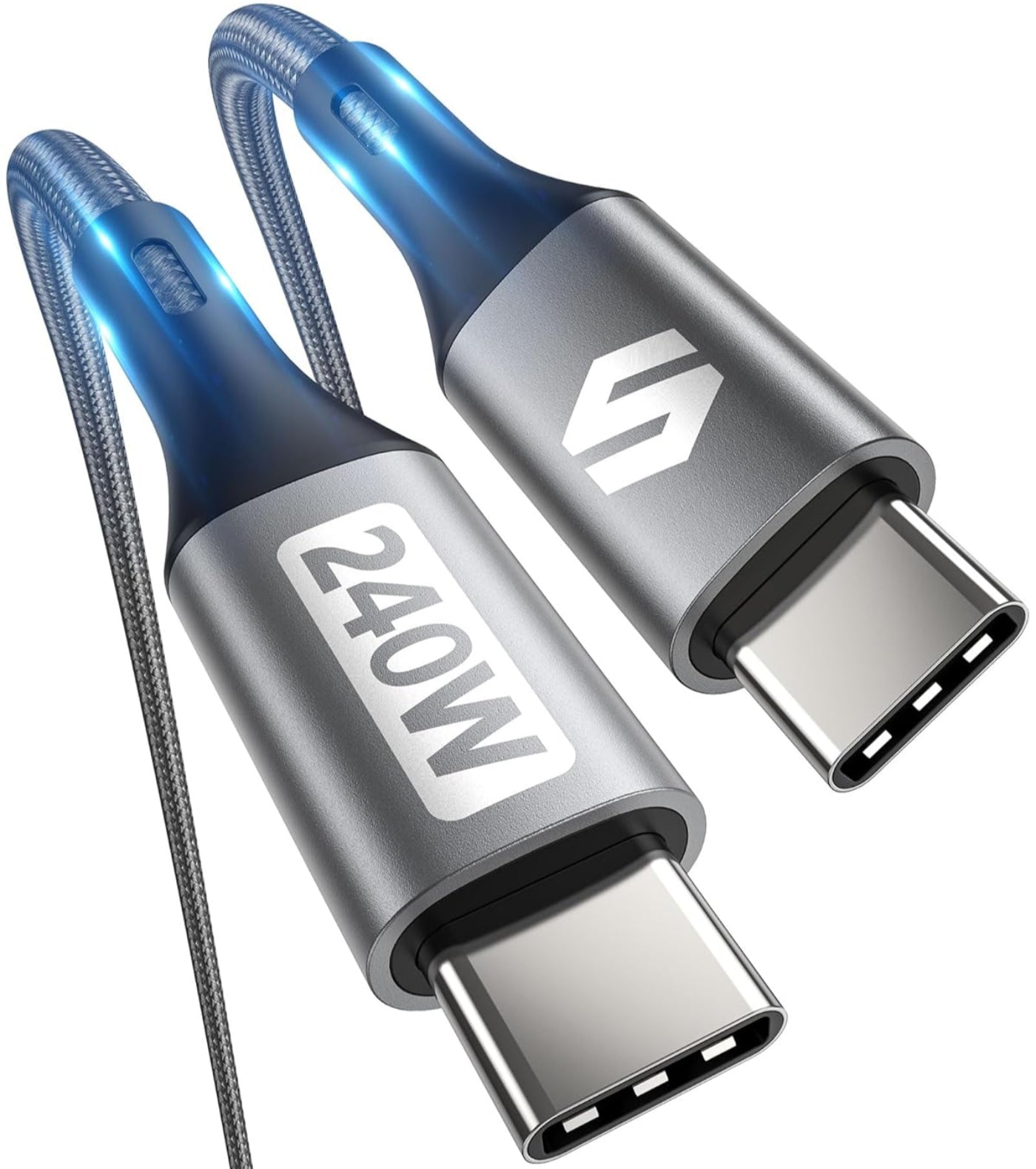
The statistical leap in power technology has been staggering. Under the Power Delivery 3.1 specification, high-performance USB-C cables can now support up to 240W of power. This is a 300% increase over the original 60W standard limit, allowing USB-C to power not just ultra-books, but heavy-duty gaming laptops and even small appliances.
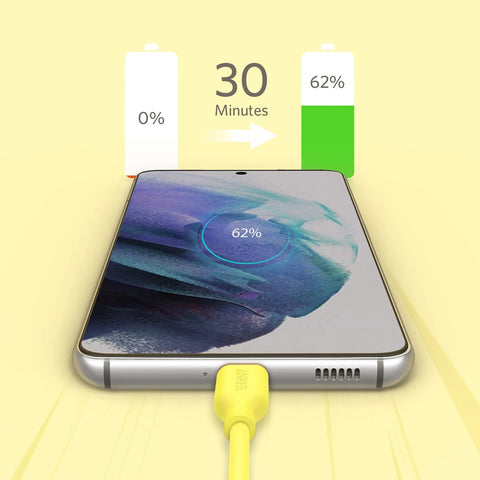
Durability is the other side of the charging coin. While a generic cable might fail after a few months of being stuffed into a carry-on, premium 2026 cables like the Anker 765 are rated to survive over 35,000 bends. Compare that to standard white cables included with devices, which typically fail after 3,000 to 5,000 bends.
Check Anker 765 Durability Specs →
Buyer’s Guide: How to Spot a Quality Cable in 2026
Navigating the market in 2026 requires looking past the glossy packaging. Here is my checklist for your next purchase:
- Look for the Numerical Logo: The USB-IF has introduced new logos that explicitly state "40Gbps" and "240W." If the packaging only says "High Speed," it’s likely a slower USB 2.0 or 3.0 cable.
- Verify PD 3.1 Support: If you own a laptop, do not settle for anything less than a 100W or 240W rated cable. This ensures your cable will remain relevant as your devices upgrade.
- Check the "Bend Rating": For travelers, the physical jacket is as important as the internal wiring. Look for nylon-braided cables with a bend rating of at least 20,000+.
- EU Conformity (IEC 62680): In 2026, reputable cables should adhere to the IEC 62680 standard, which is the technical backbone of the EU’s common charger directive. This ensures a baseline of safety and interoperability.
Conclusion
The transition to a USB-C world has been messy, but in 2026, we are finally seeing the standardization that was promised a decade ago. By understanding that "Type-C" refers only to the plug's shape and not its performance, you can avoid the "alphabet soup" trap. Whether you’re a creative professional needing 80Gbps speeds or a traveler looking for a durable 240W charging solution, the data is clear: investing in a high-quality, certified cable isn't just a luxury—it’s a necessity for the modern digital life.
FAQ
Q: Can I damage my phone by using a 240W USB-C cable? A: No. USB-C Power Delivery uses a sophisticated "handshake" protocol. The cable and the device communicate to determine the maximum safe wattage. A 240W cable will only deliver what your phone asks for (typically 20W-45W).
Q: Why does my USB-C cable feel hot while charging? A: Some heat is normal due to resistance, especially during fast charging. However, if the cable is too hot to touch or if you smell plastic, it indicates a lack of proper gauge wiring or a failing E-marker chip. Disconnect immediately and replace it with a certified PD 3.1 cable.
Q: Are expensive cables really worth it? A: For charging a pair of headphones, a generic cable is fine. But for data-heavy tasks or high-wattage charging, the $20-$30 investment in a brand like Anker or Silkland pays for itself in durability and device safety.
Are you still carrying a tangle of different chargers? Upgrade your kit with our top-rated 2026 travel picks and simplify your workflow today.