For years, the debate between Google Maps and Apple Maps was a one-sided affair. If you wanted reliability and depth, you chose Google; if you wanted a pretty interface that occasionally led you into a cul-de-sac, you stuck with Apple. However, as we move into 2025, that narrative has fundamentally shifted. The gap in raw mapping accuracy has all but vanished, replaced by a much more complex battleground: the tension between sophisticated AI-driven utility and the sanctity of personal privacy.
Today’s choice is no longer about who has the better satellite imagery. It is about how you want to interact with the world around you. Google is doubling down on its identity as a conversational search engine for the physical world, leveraging its Gemini AI to process billions of data points. Conversely, Apple is positioning its navigation suite as the last bastion of location privacy, refining its "fuzzing" techniques to ensure your movements remain your own. With Android still commanding a 72% global smartphone market share, Google has a massive data advantage, yet Apple’s integration within its premium ecosystem has never been more seamless.
2025 Comparison at a Glance
| Feature | Google Maps | Apple Maps |
|---|---|---|
| Primary AI Engine | Gemini AI (Conversational) | Siri / On-Device Machine Learning |
| Privacy Model | Personalized (Account-based) | Anonymized (Decoupled identity) |
| Platform Availability | iOS, Android, Web, Desktop | iOS, macOS, watchOS (Exclusive) |
| Best For... | Local discovery and transit | Privacy and CarPlay integration |
| Visual Style | Information-dense, data-rich | Minimalist, 3D architectural detail |

The Privacy Showdown: Why Apple Maps Wins
For the privacy-conscious traveler, Apple Maps remains the gold standard in 2025. The reason is structural rather than just a policy choice. Unlike Google, Apple Maps does not require a sign-in to function. While Google uses your location history to build a comprehensive advertising profile, Apple employs a sophisticated process known as "fuzzing."
When you search for a destination, Apple Maps does not link that specific request to your Apple ID. Instead, it uses a random identifier. After 24 hours, the app "fuzzes" the data further, converting your precise location into a more general geographic area. By the time the data is used for "improving the map," the system can no longer tell if it was you or someone three blocks away making the query.
Critic’s Insight: "In an era where location data is the most valuable commodity for advertisers, Apple's refusal to monetize your movements is its strongest feature. If you are a high-profile traveler or simply someone who values digital invisibility, Apple Maps isn't just a choice—it’s a necessity."
Google’s model, by contrast, is a trade-off. In exchange for your data, Google provides unparalleled personalization. It knows your "Matches" for restaurants based on previous visits and predicts your commute with startling accuracy. However, for those uncomfortable with a tech giant knowing their every stop, the "incognito mode" in Google Maps feels like a temporary band-aid compared to Apple’s "privacy by design" architecture.
The AI Evolution: Google Maps and the Gemini Era
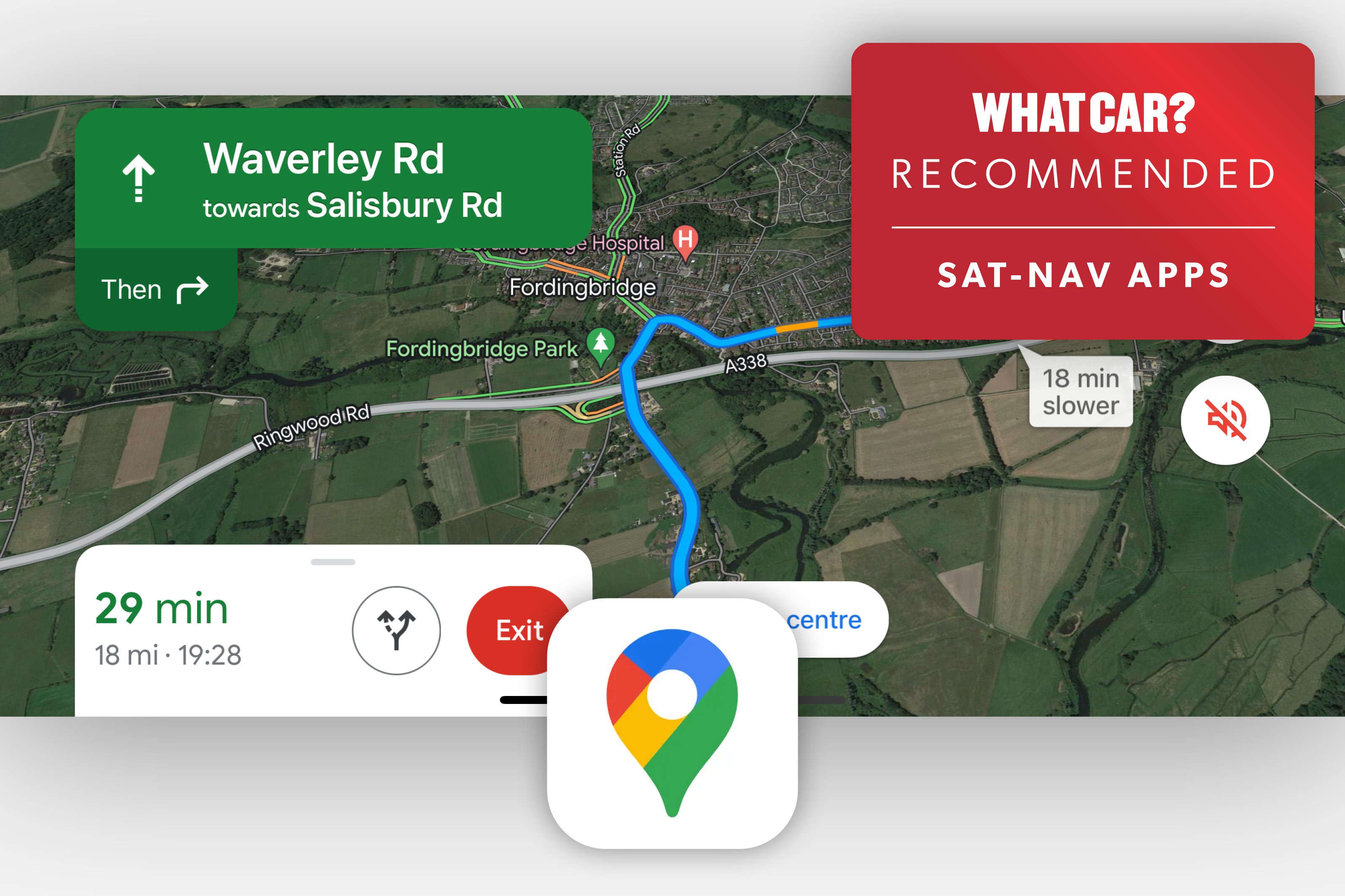
While Apple wins on privacy, Google Maps dominates the frontier of artificial intelligence. In 2025, the integration of Gemini AI has transformed Google Maps from a directory into a conversational concierge. We are moving past the era of typing "pizza" into a search bar.
With Gemini, users can now ask complex, nuanced questions. A query like, "Where is a budget-friendly cafe nearby that is quiet enough to work in and has vegan options?" would have baffled a navigation app five years ago. Today, Google Maps parses billions of user reviews, photos, and business descriptions to provide a curated, conversational answer.
Furthermore, Google’s "Immersive View" has expanded globally. By using AI to fuse billions of Street View and aerial images, it creates a multidimensional model of your destination. You can see what a restaurant looks like inside, check the lighting at a specific time of day, and even simulate the weather conditions for your planned arrival.
Key AI Features for Google Maps in 2025:
- Conversational Search: Ask for specific vibes or multi-layered requirements rather than just categories.
- Predictive Traffic: Utilizing real-time data from its massive global user base (supported by that 72% Android market share) to predict jams before they happen.
- AI-Driven Lane Guidance: Advanced computer vision that tells you exactly which lane to be in for complex highway interchanges long before you reach them.
Driving & User Experience: Interface Comparison
The driving experience is where the philosophical differences between the two companies become most apparent. Apple Maps favors "Natural Language" guidance. Instead of telling you to "Turn left in 500 feet," Siri might say, "Turn left at the next traffic light" or "Go past the yellow building and then turn right." As a critic who has tested these apps in the chaotic streets of Rome and the sprawling highways of Los Angeles, I can attest that Apple’s approach significantly reduces cognitive load.
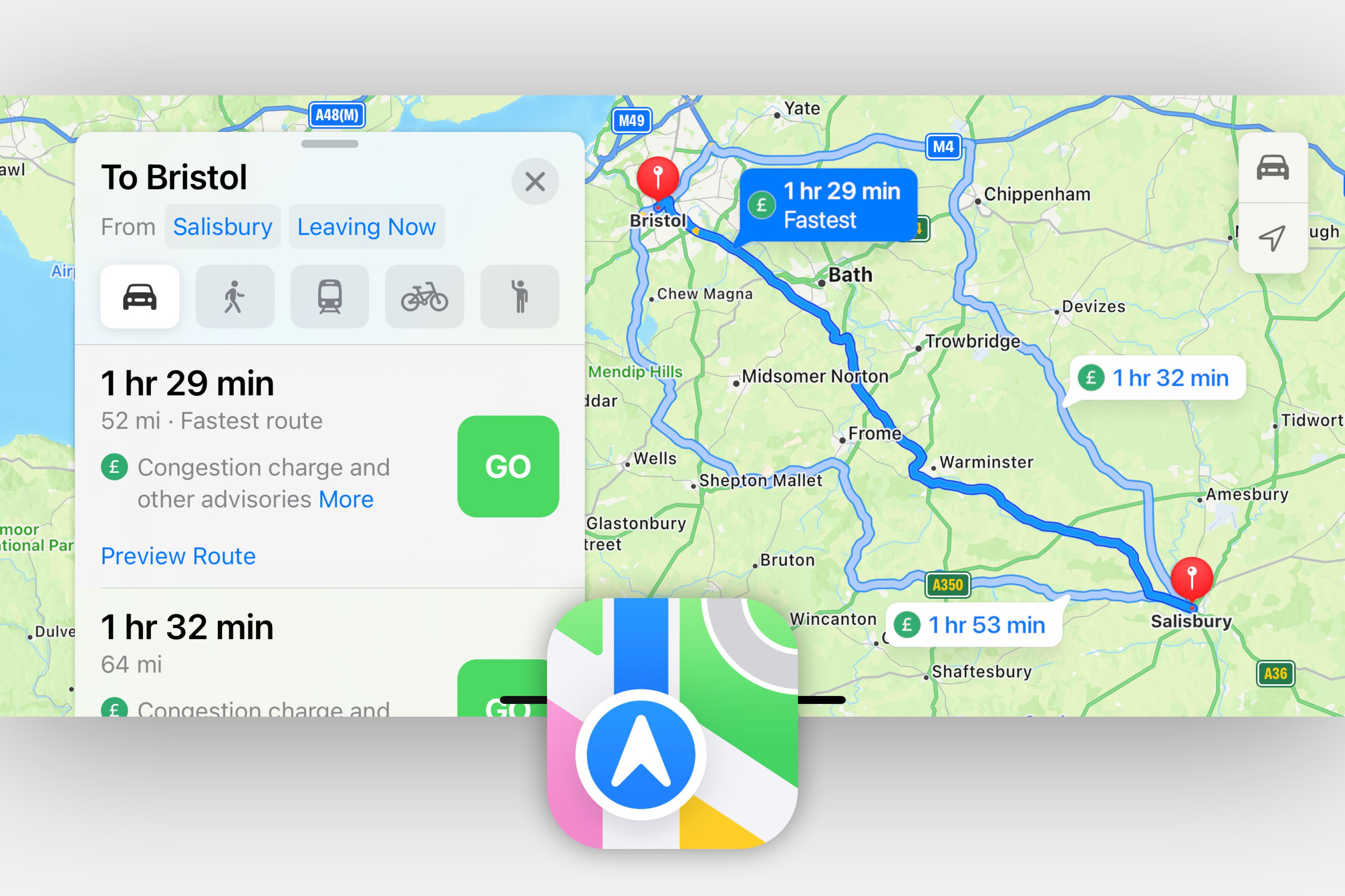
Google Maps, however, is the "Power User" choice. Its interface is information-dense. While driving, you’ll see more icons for nearby gas stations, coffee shops, and points of interest. For some, this is clutter; for others, it’s vital information that prevents a second search later.
CarPlay vs. Android Auto The "Walled Garden" effect is strongest here. Apple Maps provides a superior experience on the Apple Watch, with haptic taps on your wrist indicating a turn—a feature Google can't quite replicate with the same system-level fluidity on iOS. Conversely, Google Maps remains the most flexible option for families or professionals who jump between an iPhone for personal use and a PC or Android tablet for work.
Local Discovery & Travel: Beyond Navigation
If you are a traveler looking for the "best-kept secret" in a new city, Google Maps is still the undisputed king. Its database of reviews, photos, and business hours is several orders of magnitude larger than Apple’s. Google’s integration of "Live View" AR—where you hold up your phone and see directional arrows overlaid on the real world—is a lifesaver for navigating exits in complex subway stations like Tokyo’s Shinjuku or London’s King's Cross.
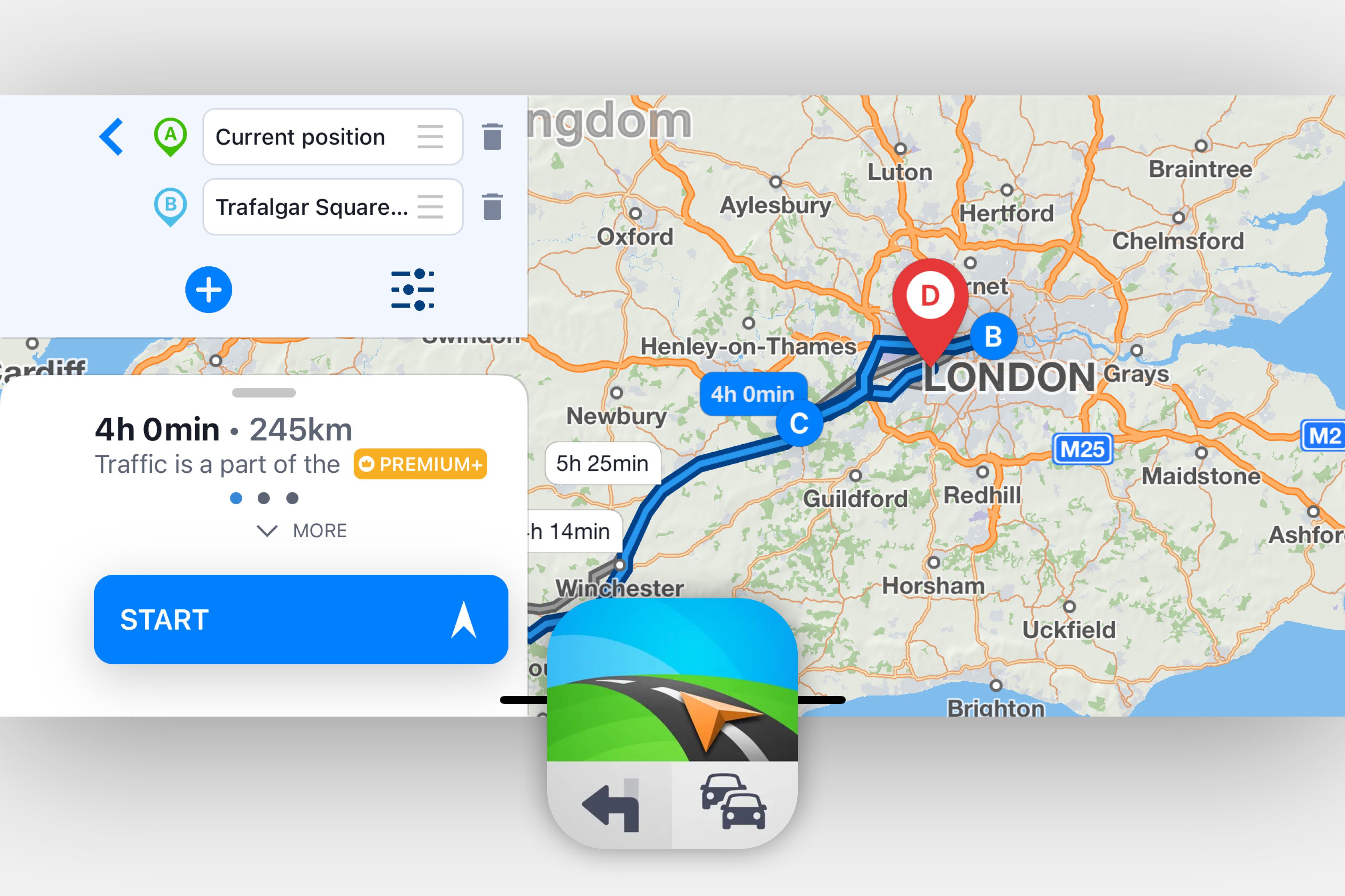
However, even the giants have limitations. For travelers heading into the deep wilderness or regions with spotty data, I often recommend supplementing these apps. While both allow for offline map downloads, specialized apps like Sygic offer superior offline mapping capabilities for remote travel, utilizing high-quality TomTom maps that are often more compressed and detail-rich for offline use.
Transit and Multi-modal Travel
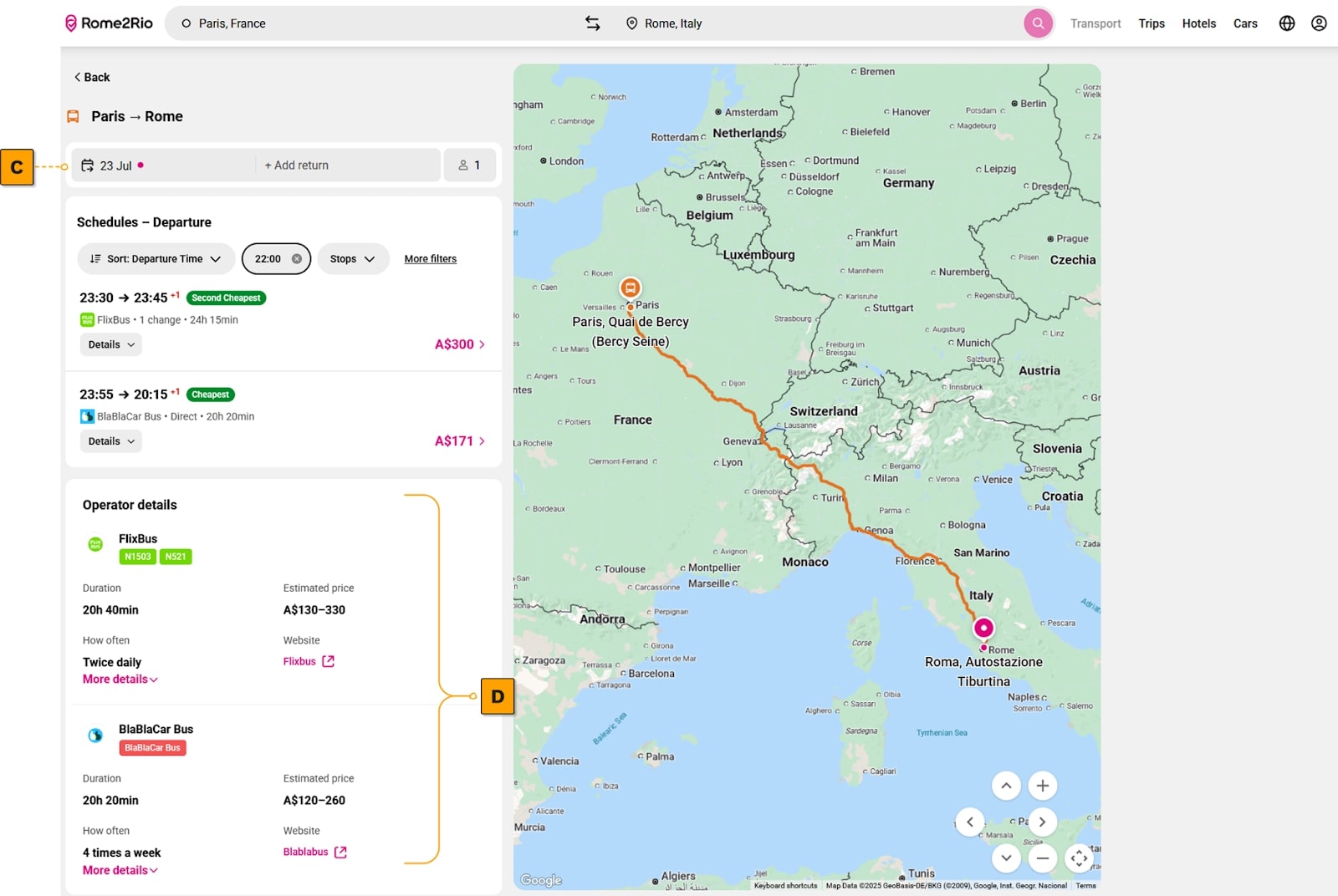
In 2025, urban travel is rarely about just one mode of transport. The best navigation apps now handle "multi-modal" journeys—combining walking, trains, and ride-shares into a single itinerary.
Google Maps excels at real-time transit data. If a bus in Berlin is running three minutes late, Google usually knows it first. It also offers deeper integration for "last-mile" solutions, showing you exactly where the nearest electric scooter is located and how much battery it has left.
Apple Maps has made significant strides here, particularly with its "Transit" view, which mimics the aesthetic of official city transit maps. It is visually superior and easier to read at a glance, though it still lags slightly behind Google in the sheer breadth of smaller regional bus lines and ferry schedules in developing markets.
Verdict: Which One Should You Use in 2025?
The primary difference in 2025 between the two apps is ecosystem and philosophy. The "better" app is now entirely dependent on your personal priorities.
Choose Apple Maps if:
- Privacy is your non-negotiable: You want your location data decoupled from your identity.
- You live in the Apple Ecosystem: You rely on an Apple Watch, Siri, and a Mac to sync your travel plans.
- You prefer "Natural Language": You find traditional "distance-based" instructions confusing while driving.
Choose Google Maps if:
- You need deep local insights: You rely on reviews, AI-driven recommendations, and conversational search to find new places.
- You are a cross-platform user: You need your maps to work perfectly on your iPhone, your Windows laptop, and your partner’s Android phone.
- You frequent public transit: You need the most accurate, real-time data for global bus, train, and flight schedules.
Experience Google Gemini AI Features →
Explore Apple Maps Privacy Features →
FAQ
Q: Can I use Apple Maps on an Android phone in 2025? A: No. Apple Maps remains exclusive to the Apple ecosystem (iPhone, Mac, iPad, Apple Watch). Google Maps, however, is fully available on both iOS and Android.
Q: Does Google Maps still track me if I use Incognito mode? A: Incognito mode prevents your searches and location from being saved to your Google Account. However, it does not provide the same level of architectural anonymity as Apple’s "fuzzing" process.
Q: Which app uses more data? A: Generally, Google Maps uses more data due to its information-dense layers and AI-driven features like Immersive View. If you are on a limited data plan, Apple Maps’ minimalist approach or Google's "Offline Maps" feature is recommended.
About the Author: James Wright is a Senior Travel Critic who has spent over a decade analyzing the intersection of technology and transit. From the backstreets of Bangkok to the boardrooms of Silicon Valley, he provides authoritative insights into the tools that shape how we move.