For the creative professional, excellence is not optional—it is a baseline requirement. For over a decade, the MacBook Pro has occupied a near-monopoly on the "prosumer" market, serving as the default choice for video editors, photographers, and developers who require a blend of sustained performance and mobility. However, as we move into 2025, the premium for the "Apple Tax" has never been more pronounced. With a fully specced 16-inch MacBook Pro easily eclipsing the $4,000 mark, even the most loyal macOS devotees are exercising fiscal discernment.
The reality of the 2025 hardware landscape is that the performance gap has evaporated. The emergence of Copilot+ PCs, the efficiency of Snapdragon X Elite architecture, and the raw rendering power of NVIDIA’s RTX 50-series GPUs have created a competitive environment where Windows alternatives don’t just match the MacBook Pro—they often exceed it in specialized workflows. Choosing an entry-level Dell Pro 16 ($1,100) over a base 16-inch MacBook Pro ($2,499), for instance, results in a total cost saving of over 55% while maintaining professional-grade build quality.
Quick Summary: The Best Alternatives at a Glance
The Verdict: The best Windows alternatives for creative work in 2025 are the ASUS ProArt P16 and Razer Blade 16. These machines feature 4K OLED screens and NVIDIA RTX GPUs that rival Apple’s M-series performance in video and 3D rendering. For those prioritizing mobility and longevity, the Microsoft Surface Laptop 15 and ASUS Vivobook S 15 are the current battery champions, matching the MacBook Pro with over 18 hours of usage.
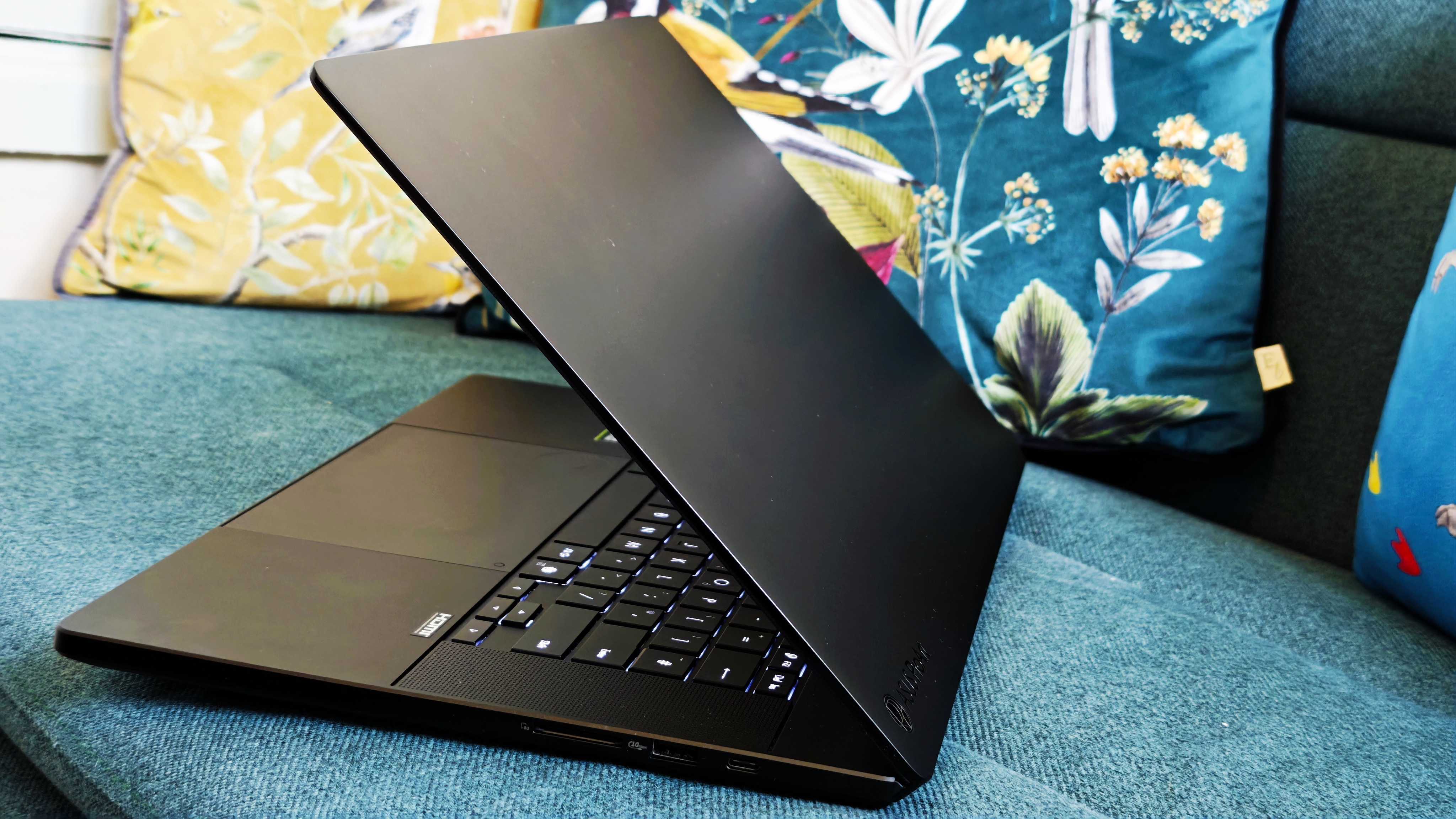
1. ASUS ProArt P16: The Ultimate Content Creator’s Workstation
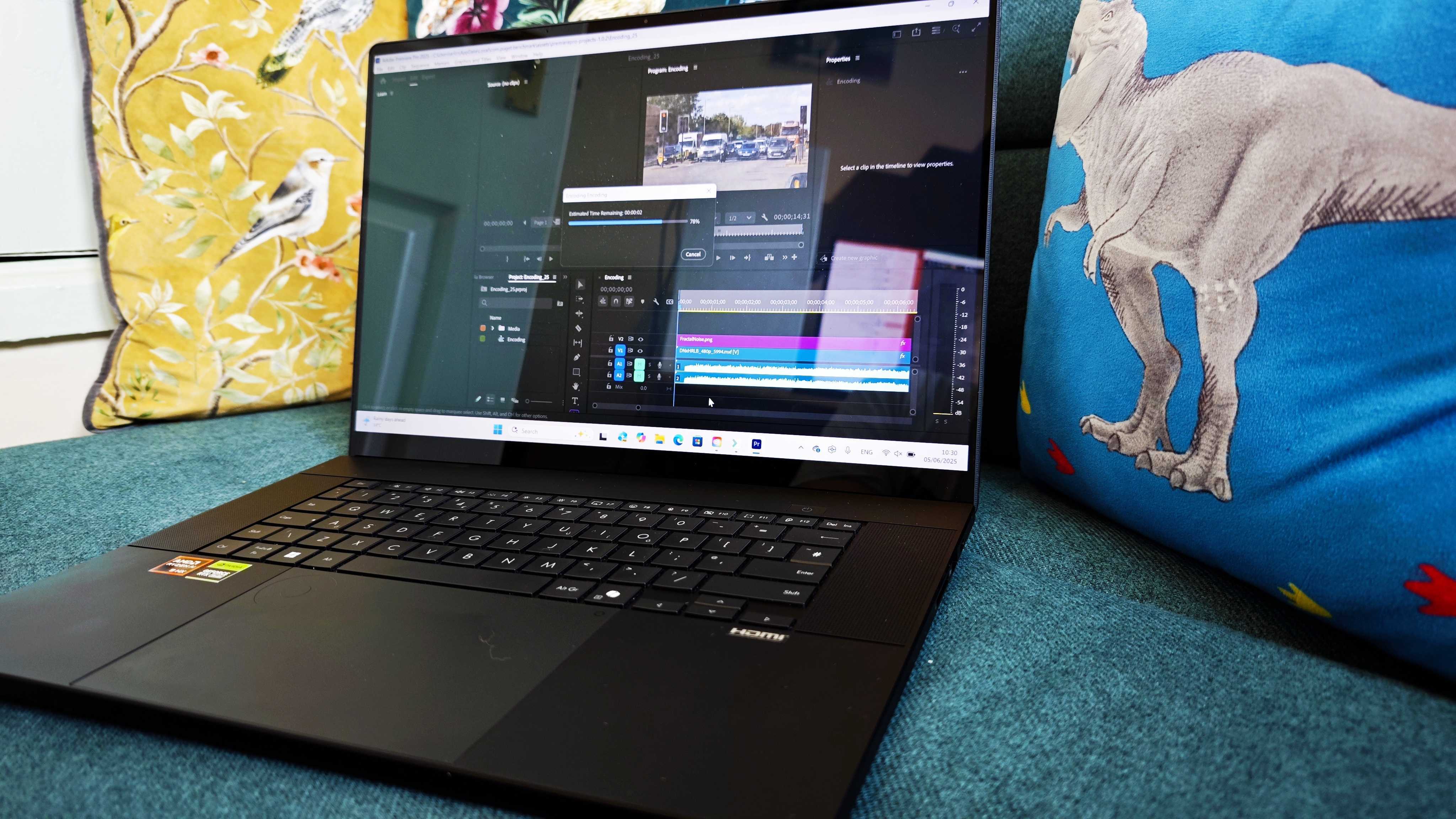
Where Apple utilizes its own integrated silicon to manage workflows, ASUS leverages the synergy of the AMD Ryzen AI 9 HX 370 processor and NVIDIA’s RTX 40-series (and now 50-series) architecture. The ProArt P16 is not merely a laptop; it is a dedicated workstation-grade tool designed specifically for the rigors of the Adobe Creative Suite and DaVinci Resolve.
The standout feature is the 4K Lumina OLED touch display. While the MacBook Pro's Liquid Retina XDR display offers a 1,000-nit peak brightness—which is 66% higher than the 600-nit displays found on the Surface or Vivobook—the ProArt counters with 100% DCI-P3 color gamut coverage and a unique physical integration: the ASUS DialPad. This haptic dial embedded in the touchpad allows for granular control over brush sizes or timeline scrubbing, a tactile advantage Apple has yet to replicate.
Key Performance Metrics:
- Processor: AMD Ryzen AI 9 HX 370 (NPU-ready for AI-accelerated tasks)
- Graphics: NVIDIA GeForce RTX 4070/5070 Laptop GPU
- The "Pro" Edge: Superior GPU performance in 3D rendering environments like Blender or Octane compared to base M-series chips.
- Pros:
- Unrivaled thermal management for long render sessions.
- The DialPad significantly speeds up creative workflows.
- Extensive port selection (HDMI 2.1, USB4, SD Express 7.0).
- Cons:
- Battery life under heavy load still trails the MacBook Pro.
- The chassis, while premium, attracts fingerprints more than Apple's Space Black finish.
View ASUS ProArt P16 Pricing →
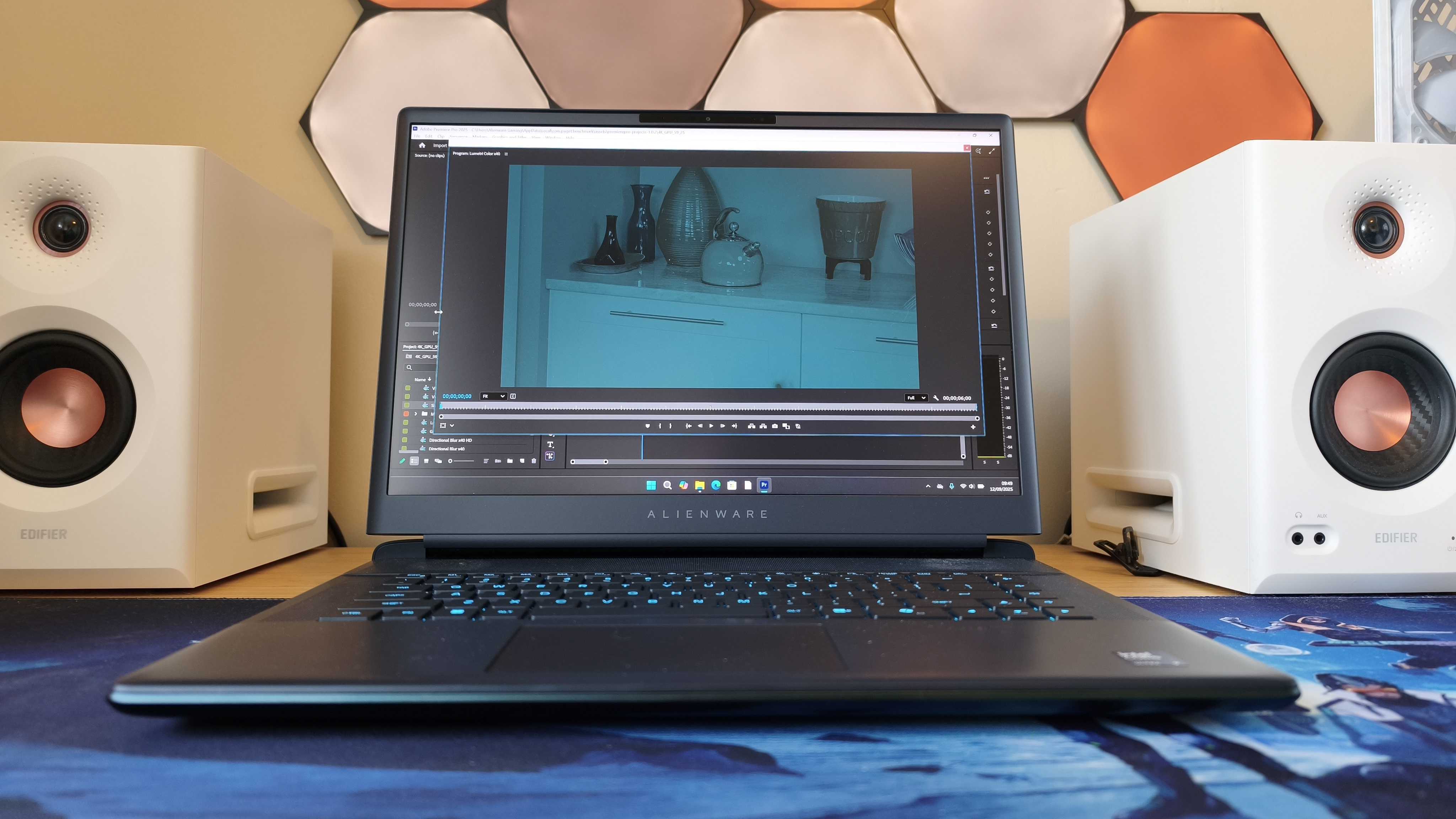
2. Razer Blade 16: When Style Meets Extreme Graphics
Creative professionals often cite build quality as the primary reason for sticking with Apple. The Razer Blade 16 is the only Windows machine that matches the MacBook Pro’s unibody aluminum "heft" and engineering pedigree. It feels like a piece of jewelry, but it performs like a sledgehammer.
Equipped with the latest RTX 50-series GPUs, the Blade 16 is designed for users whose work crosses into high-end 3D development or Unreal Engine 5 environments. In these specific use cases, the raw CUDA core advantage of NVIDIA hardware allows for frame rates and rendering speeds that exceed the capabilities of even the M4 Max in certain benchmarks. Furthermore, its dual-mode Mini-LED display can switch between 4K at 120Hz for design work and QHD+ at 240Hz for high-motion tasks—a level of versatility Apple doesn't offer.
- Pros:
- The industry's best haptic touchpad (comparable to Apple’s Force Touch).
- Unmatched GPU ceilings for 3D and AI development.
- Sleek, minimalist aesthetic that fits in any boardroom.
- Cons:
- Extremely high cost of entry (often exceeding MacBook Pro prices).
- The power brick is significantly larger and heavier than Apple’s MagSafe chargers.
3. Dell Pro 14: Professional Grade for the Budget-Conscious
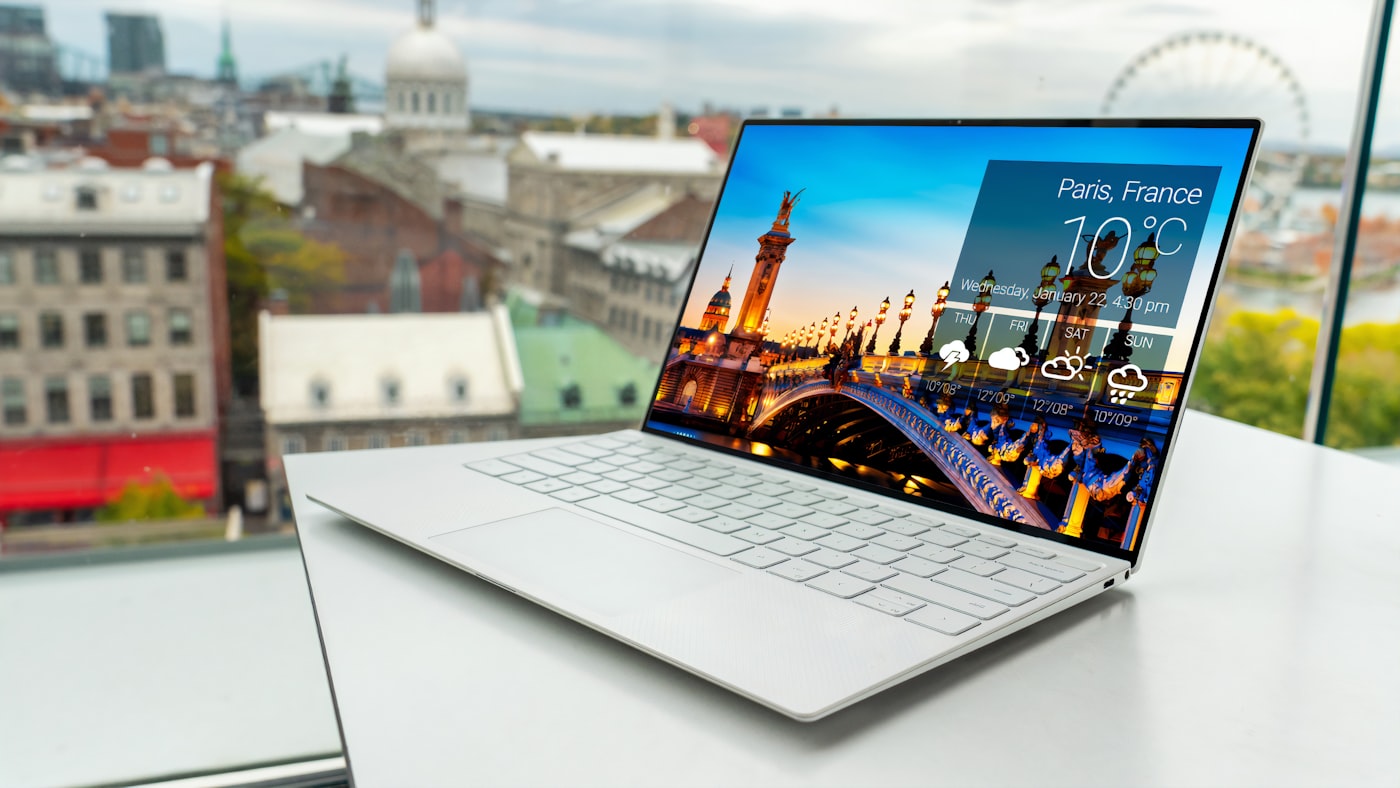
For the pragmatist, the Dell Pro 14 (often categorized within the XPS or Precision lines depending on the region) represents the most logical financial move. Creative professionals seeking better value will find that the Dell Pro 14 delivers high-end performance at a starting price point roughly 35-40% lower than the base 14-inch MacBook Pro.
The 2025 refresh focuses on "rebranded reliability." By utilizing a carbon-fiber palm rest and a CNC-machined aluminum shell, Dell provides a tactile experience that feels "Pro" without the associated $2,000+ price tag. While the base models utilize the Intel Core Ultra 5, we recommend upgrading to the Ultra 7 to bridge the performance gap with Apple’s M-series silicon.
The Value Proposition: Choosing an entry-level Dell Pro 16 ($1,100) over a base 16-inch MacBook Pro ($2,499) is a significant move for a small agency or freelance creator. That $1,400 difference covers a high-end external monitor, a suite of software subscriptions, and several terabytes of external NVMe storage.
- Pros:
- Incredible value-to-performance ratio.
- Superb keyboard with more travel than the MacBook's Magic Keyboard.
- InfinityEdge display provides a nearly bezel-less viewing experience.
- Cons:
- Webcam quality remains inferior to Apple's 1080p FaceTime camera.
- Base models require configuration upgrades to be truly "Pro" ready.
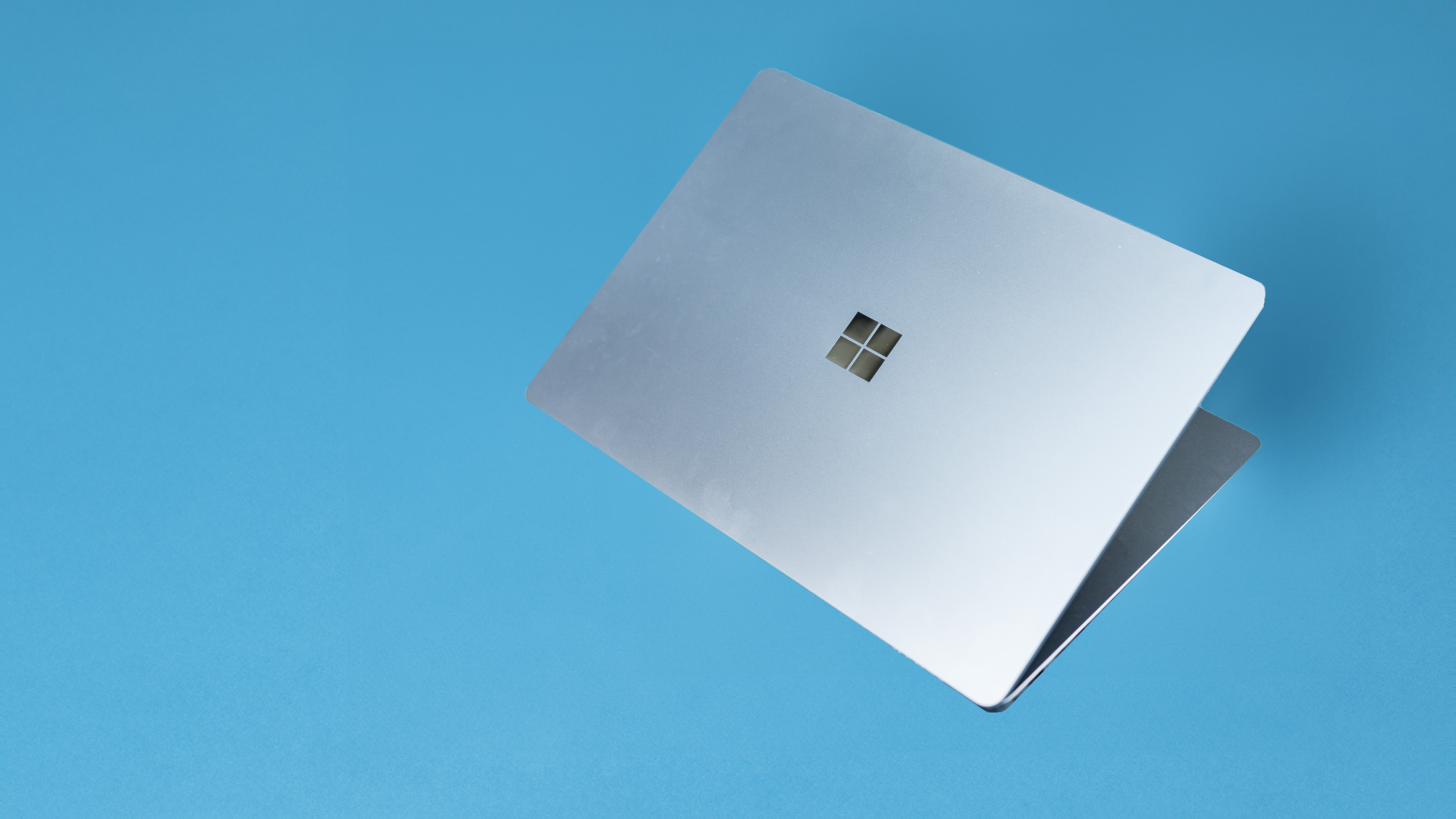
4. Microsoft Surface Laptop 15: The Battery and AI Champion
If your "Pro" workflow consists of heavy multitasking, office productivity, and emerging AI tools rather than 8K video rendering, the Surface Laptop 15 is the premier choice. This is the flagship for the "Copilot+ PC" era, powered by the Snapdragon X Elite processor.
The Snapdragon architecture is a watershed moment for Windows. It finally matches the MacBook Pro’s legendary battery life, delivering over 18 hours of real-world usage on a single charge. However, there is a technical trade-off: the Surface Laptop 15’s peak brightness of 600 nits is roughly 66% lower than the MacBook Pro’s 1,000-nit XDR capability. If you frequently work outdoors or in high-glare environments, this difference is palpable.
- Pros:
- Silent, fanless-like operation under standard office loads.
- Instant-on performance that rivals the iPad/MacBook experience.
- Lightweight chassis with a 3:2 aspect ratio perfect for document editing.
- Cons:
- Snapdragon (ARM) architecture may still face compatibility issues with very old, niche legacy software.
- Limited port selection compared to the ProArt or Razer.
The MacBook Air: The "Insider" Alternative
Before committing to a Windows migration, one must consider if they actually need the "Pro" moniker. For many users, the M4 MacBook Air is the true alternative. At a starting price of $999—saving you $600 over the base Pro—it handles 4K video editing and heavy browser loads with ease.
The limitations are clear: the Air is fanless (no active cooling), meaning performance will throttle during 30-minute renders. It also lacks the Pro’s 120Hz ProMotion display and additional ports. However, for the mobile journalist or business executive, the Air is often more than enough.

Summary: How to Choose Your Alternative
When choosing a MacBook Pro alternative, you must categorize your needs based on your specific workflow. Use the table below to identify where your priorities lie.
| Feature | MacBook Pro 16 | ASUS ProArt P16 | Razer Blade 16 | Surface Laptop 15 |
|---|---|---|---|---|
| Base Price | $2,499 | ~$1,899 | ~$2,999 | ~$1,299 |
| Best For | Creative Ecosystem | Video/3D Editing | Extreme Rendering | Productivity/AI |
| Battery Life | 20+ Hours | 10-12 Hours | 6-8 Hours | 18+ Hours |
| GPU Power | High (Integrated) | Very High (RTX) | Extreme (RTX 50) | Moderate (Adreno) |
| Display | Liquid Retina XDR | 4K Lumina OLED | Dual-Mode Mini-LED | PixelSense Touch |
Final Recommendations
- For 3D Artists and Animators: Choose the Razer Blade 16. The NVIDIA RTX 50-series hardware is simply non-negotiable for high-end rendering and ray-tracing tasks.
- For Professional Video Editors: The ASUS ProArt P16 offers the best balance of specialized creative tools (DialPad) and color accuracy.
- For the Value-Driven Professional: The Dell Pro 14/16 provides 90% of the MacBook Pro experience for nearly half the price.
- For the Mobile Executive: The Microsoft Surface Laptop 15 is the only machine that provides the "unplugged" confidence previously exclusive to Apple.
FAQ
Can Windows laptops match the MacBook Pro’s battery life in 2025? Yes. Laptops equipped with the Snapdragon X Elite chip, such as the Surface Laptop 15 and ASUS Vivobook S 15, now match or exceed the 18-20 hour battery life of the MacBook Pro for standard productivity tasks. However, under heavy video rendering loads, the MacBook Pro still maintains a slight efficiency edge.
Is Windows better than macOS for video editing? It depends on the software. If you use Final Cut Pro, you must stay with Mac. However, for Adobe Premiere Pro and DaVinci Resolve, Windows machines with dedicated NVIDIA GPUs often offer faster render times and better support for third-party plugins and 3D integration.
Why is the MacBook Pro screen still considered "better" despite OLED alternatives? Apple’s Liquid Retina XDR uses Mini-LED technology which allows for a 1,000-nit sustained brightness. While OLED screens (like those on the ASUS) offer "perfect blacks," they generally max out at 400-600 nits, making the MacBook Pro superior for HDR content mastery and outdoor use.
Are you ready to make the switch? The "Apple Tax" is a choice, not a necessity. By analyzing your specific rendering needs and brightness requirements, you can find a Windows machine that offers more power for less capital.