Quick Facts
- Top Habit: Mastering OS-level focus modes and keyboard shortcuts.
- Best Free Tool: Obsidian for local-first knowledge management.
- Biggest Time Saver: AI-driven inbox management (saves ~3 hours/week).
- 2026 Trend: Shift from passive apps to Agentic AI assistants.
- Key Metric: Annual savings of 60+ hours by replacing mouse clicks with shortcuts.
- Security Standard: Always prioritize SOC 2 Type II compliant tools for work.
Adopting efficient tech habits starts with digital note-taking and using productivity tools to centralize files. By leveraging ai-powered productivity tools 2026, professionals can reduce cognitive load and eliminate hours of manual work through workflow automation and smart scheduling. This evolution in digital organization allows you to move away from reactive multitasking and toward a more intentional, focused daily routine that maximizes high-value output.
1. Master the 'Second Brain' with Local-First Logic
Savings: 50 mins/day
The modern workplace is drowning in information fragments. Between Slack messages, email threads, and various cloud documents, we are losing an incredible amount of time just trying to remember where things are. Research indicates that digital clutter costs employees 4.5 hours weekly as they search for files, links, or emails they have previously accessed. This friction is a silent killer of momentum and focus.
To combat this, we recommend adopting a second brain methodology. Instead of spreading your ideas across dozens of browser tabs, centralize everything into a single source of truth. Software like Obsidian or Notion allows you to build a personal knowledge base that connects thoughts through bi-directional linking. We specifically advocate for local-first logic—using productivity tools free of vendor lock-on that utilize markdown files stored on your own hard drive. This ensures that your knowledge remains accessible even without an internet connection and maintains a high level of digital minimalism.
Pro Tip: In 2026, the gold standard for personal organization is the Obsidian Sync service, which costs roughly $8/month. For those on a budget, simple cloud synchronization through a private folder can achieve similar results without a subscription.
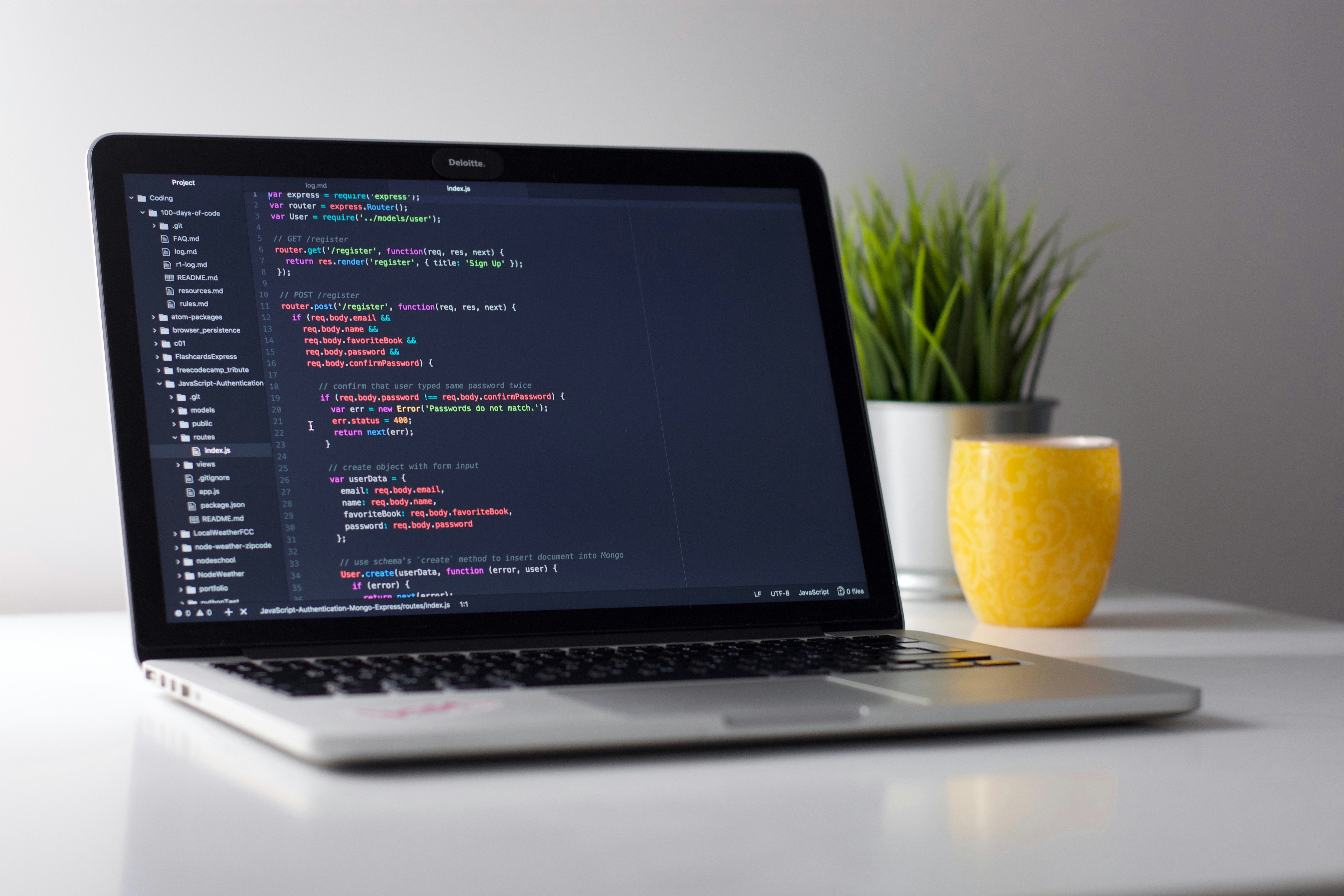
By offloading your memory to a digital system, you reduce your cognitive load significantly. You no longer need to remember the "what" or the "where"—you only need to know how to search your own system. This organizational efficiency is the foundation upon which all other time-saving habits are built.
2. Leverage Agentic AI for Smart Scheduling
Savings: 40 mins/day
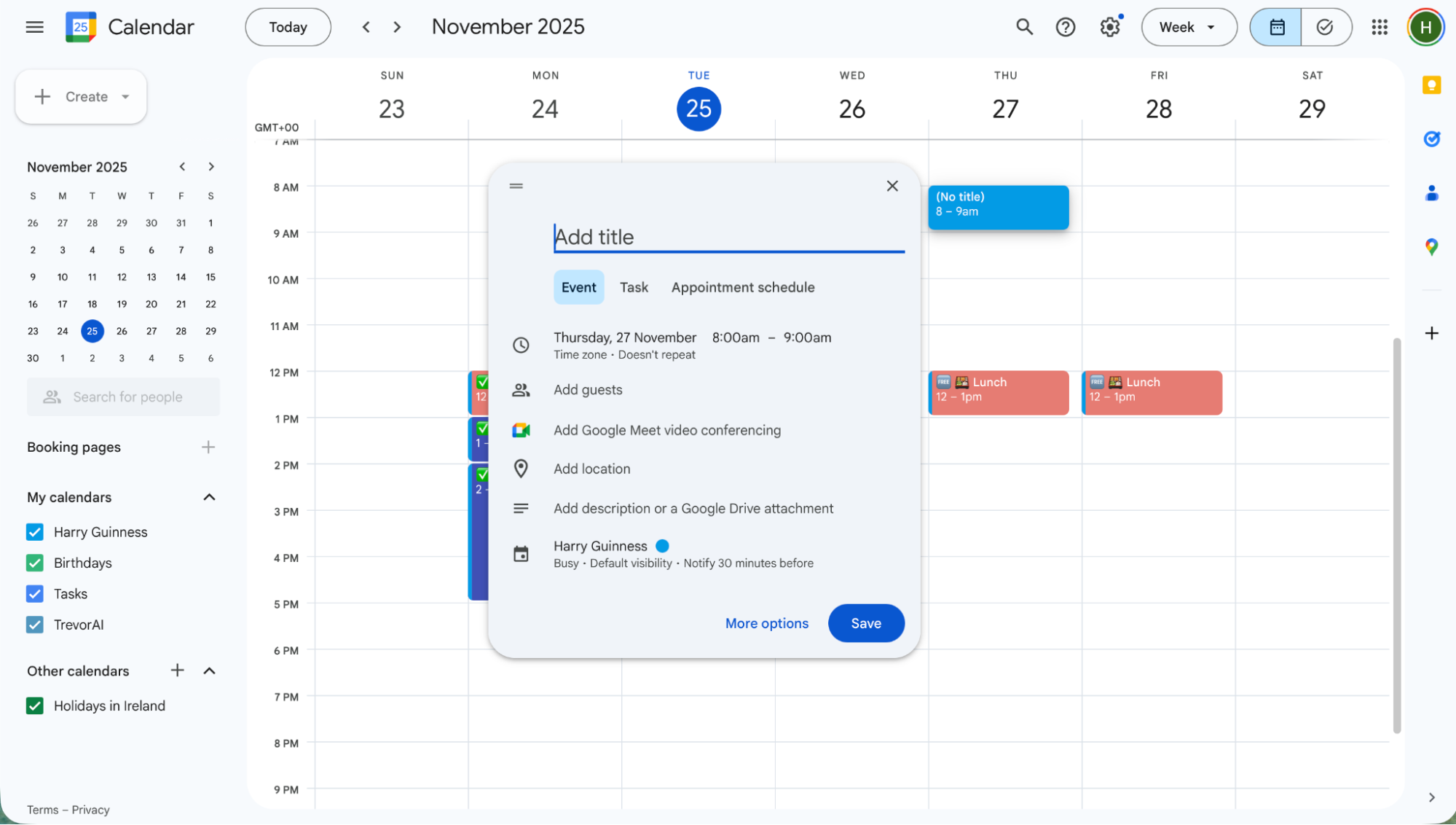
If you are still manually emailing back and forth to find a meeting time, you are operating in the past. Knowledge workers frequently find that their calendars govern their lives rather than the other way around. In 2026, the environment has shifted from passive calendars to autonomous AI agents that handle the logistics for you. Using ai-powered productivity tools 2026 like Microsoft 365 Copilot or Google Gemini for workspace automation can drastically reduce the administrative burden of your workweek.
These tools do not just show you a grid; they understand the context of your projects. An AI agent can look at your deadlines, realize you need three hours of focus time before a Thursday presentation, and automatically block that time off before a colleague can book a meeting. For professionals using Microsoft 365 Copilot, the $30/month investment pays for itself within the first week simply by automating these routine logistics.
Beyond just individual scheduling, smart scheduling agents can now coordinate between different organizations. Instead of using a static link, these productivity tools for work act as a concierge, vetting participants and finding the optimal slot that respects everyone's deep work preferences. This hands-free planning allows you to stay in your creative flow rather than constantly context-switching to manage your availability.
3. High-Frequency Keyboard Shortcuts & Tool Finders
Savings: 15 mins/day
The mouse is a precision instrument, but for general navigation, it is incredibly slow. When we look at micro-efficiency, the numbers are staggering. Studies have found that using keyboard shortcuts instead of a mouse saves an average of 2 seconds per minute, which accumulates to over 60 hours saved every single year. That is roughly eight full workdays regained just by keeping your hands on the keys.
Start with the essentials in your browser hygiene. If you use google workspace productivity tools, mastering Ctrl + / (or Cmd + /) will instantly show you a shortcut map for any application. In the browser, productivity tools chrome extensions like Raycast (for Mac) or PowerToys Run (for Windows) act as a global command bar. Instead of clicking through folders to find a document, you simply hit a shortcut, type the first three letters of the file name, and hit enter.
Pro Tip: For researchers, some of the best productivity tools examples include 'Vim-style' navigation plugins for Chrome. These allow you to click links on any webpage using only your keyboard, eliminating the need to move your hand to the mouse while reading.

Moving from a mouse-heavy workflow to a keyboard-centric one takes about a week of practice to build muscle memory, but the long-term ROI is one of the highest in the tech world. It turns task batching and browser navigation into a fluid, almost thoughtless process.
4. Deep Work via Native Focus Modes
Savings: 60 mins/day
The greatest threat to your time is the notification. We have found that it takes an average of 23 minutes to fully regain deep focus after being interrupted. Most people spend their day in a state of terminal focus—reacting to every ping, buzz, and red dot on their screen. To reclaim your time, you must become aggressive about notification management.
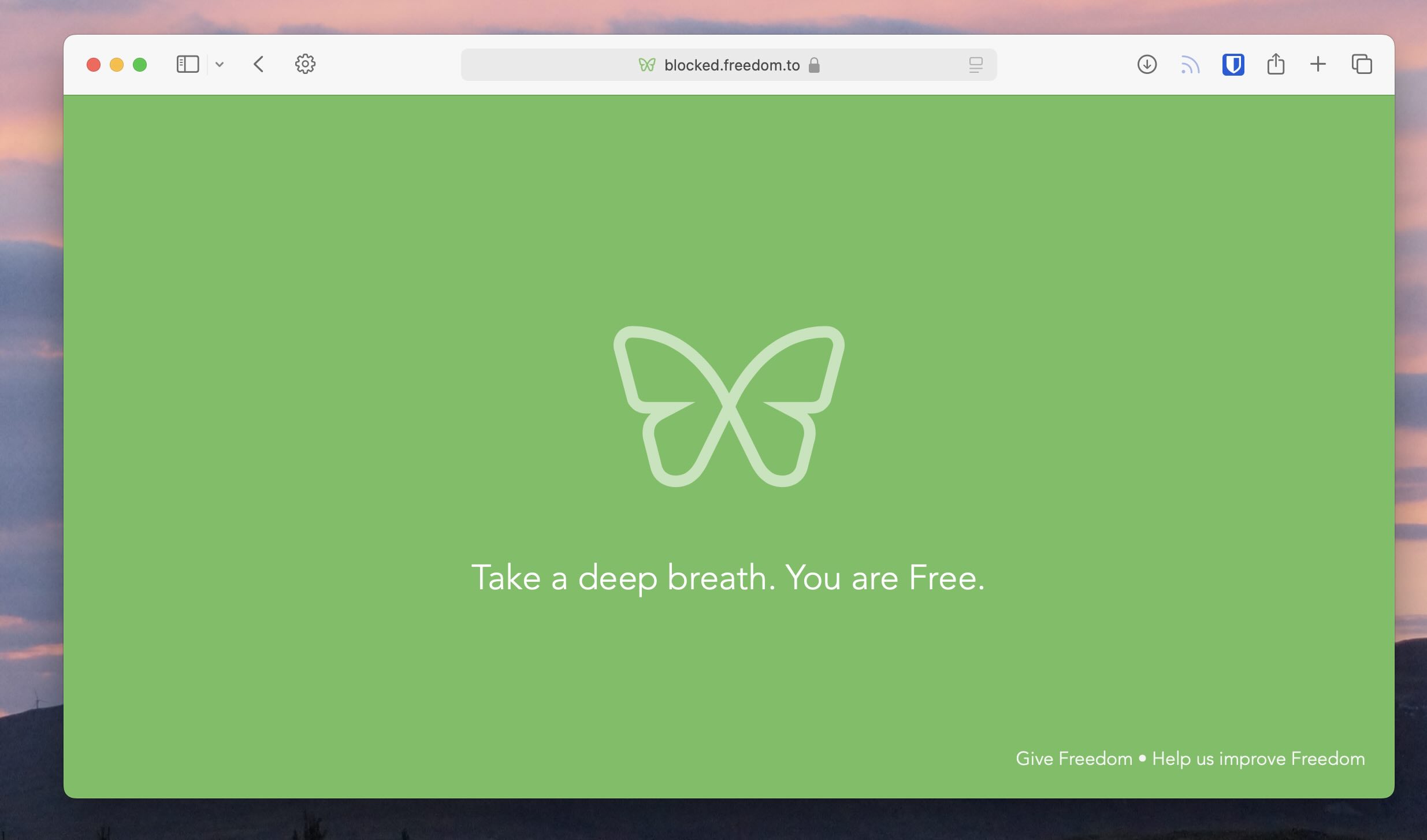
Native focus modes are now built into every major operating system. Whether you are using Windows Focus Sessions or macOS Focus filters, these are essential productivity tools to block distractions. By setting specific profiles—Work, Creative, Personal—you can whitelist only the apps you need for the current task. When Focus Mode is on, Slack is silenced, social media is blocked, and your phone only lets through emergency calls.
This creates a distraction-free environment that is necessary for deep work. Instead of manually turning off apps, your system does it for you based on your calendar or location. When combined with cloud synchronization, your focus settings can follow you from your desktop to your mobile devices, ensuring that your concentration isn't broken by a random notification during a commute or a deep work session at a cafe.
5. Automation-First Workflow Stacks
Savings: 45 mins/day
The hallmark of a modern professional is the refusal to do the same manual task twice. If you find yourself copying data from a spreadsheet into an email, or manually moving lead information from a web form into a CRM, you are wasting time. You should prioritize workflow automation wherever possible.
Connectivity platforms like Zapier or Make serve as the connective tissue for your digital world. These productivity tools examples allow you to build 'if-this-then-that' loops that work in the background 24/7. For instance, a common loop for productivity tools for freelancers involves automatically generating an invoice and a project folder the moment a client signs a contract via an e-signature tool.
Integrating these tools ensures remote work optimization by keeping all team members updated without the need for status meetings. If a developer pushes code in GitHub, the project manager gets an automated brief in Notion, and the client receives a progress notification. By automating the routine, you reserve your energy for high-priority projects that require human intuition and creativity.
Role-Based Tech Stacks: From Founders to Engineers
Finding the right productivity tools for time management often depends on your specific role. A graphic designer doesn't need the same stack as a backend engineer or a startup founder. Choosing the right cloud-native suite is the foundation of a modern productivity stack, but narrowing down the specific apps can be daunting.
| Role | Core Focus | Recommend Tech Stack | Unique Benefit |
|---|---|---|---|
| Founders | Strategy & Sales | MS Office productivity tools + Salesforce + Copilot | Seamless enterprise-grade security and SOC 2 integration. |
| Freelancers | Flexibility & Speed | Obsidian + Zapier + productivity tools for ipad | Portability and zero-overhead automation for client management. |
| Engineers | Deep Work & Code | GitHub Copilot + Obsidian + Raycast | Extreme micro-efficiency through keyboard-centric navigation. |
| Creatives | Visual Organization | Notion + Canva + best productivity tools for ipad | Highly visual databases and tactile design workflows. |
Even within these roles, the most effective habit remains inbox management. Recent data shows that knowledge workers spend 11.2 hours managing emails every week, but utilizing AI tools for inbox management can reduce this workload by nearly 3 hours per week. Whether you are a corporate executive or a solo creative, reducing the time spent in your inbox is a universal win.
FAQ
What are the productivity tools?
Productivity tools are software applications, platforms, or hardware solutions designed to improve the efficiency and output of individuals or teams. They range from simple digital note-taking apps to complex AI-powered assistants that automate scheduling, file management, and communication, ultimately reducing the time required to complete routine tasks.
What are the top 10 productivity apps?
In the 2026 landscape, the top apps include Obsidian for knowledge management, Microsoft 365 Copilot for office automation, Notion for team collaboration, Raycast for system navigation, Zapier for workflow automation, Todoist for task management, Slack for communication, Google Drive for cloud synchronization, Freedom for distraction blocking, and Clean Email for AI-driven inbox management.
What is the 3 3 3 rule for productivity?
The 3-3-3 rule is a time management framework where you dedicate your day to three specific blocks. You spend three hours on your most important project (deep work), complete three shorter tasks that require urgent attention, and perform three maintenance activities like checking emails, scheduling, or housekeeping. This helps balance heavy output with necessary administrative duties.
What are the 4 pillars of productivity?
The four pillars of productivity are focus, systems, energy, and tools. Focus involves managing your attention and environment; systems relate to the workflows and habits you follow; energy focuses on maintaining your physical and mental readiness; and tools involve the hardware and software you use to execute your tasks with maximum efficiency and minimal friction.
Reclaiming your time in 2026 isn't about working harder; it is about working smarter by mastering the technology at your fingertips. By centralizing your knowledge into a second brain, automating your scheduling with AI, and utilizing the power of keyboard shortcuts, you can easily save 10 or more hours every week. Start with one habit today, and watch your efficiency compound.