As we move further into 2026, the "middle child" of the tablet market is finally finding its voice. For years, consumers were forced to choose between the high-priced overkill of flagship "Pro" models and the sluggish, frustrating experience of entry-level budget slates. In my years of reviewing travel gear and mobile workstations, I’ve found that the most valuable tools are rarely the most expensive ones, but rather those that offer the fewest compromises at a realistic price point.
The OnePlus Pad Go 2 enters this arena with a very specific mission: to provide a professional-grade 5G experience for exactly $400. While the "Go" branding usually implies a "lite" version, our testing suggests that OnePlus has prioritized the features that actually impact productivity—connectivity, display quality, and battery endurance—while trimming the fat elsewhere.
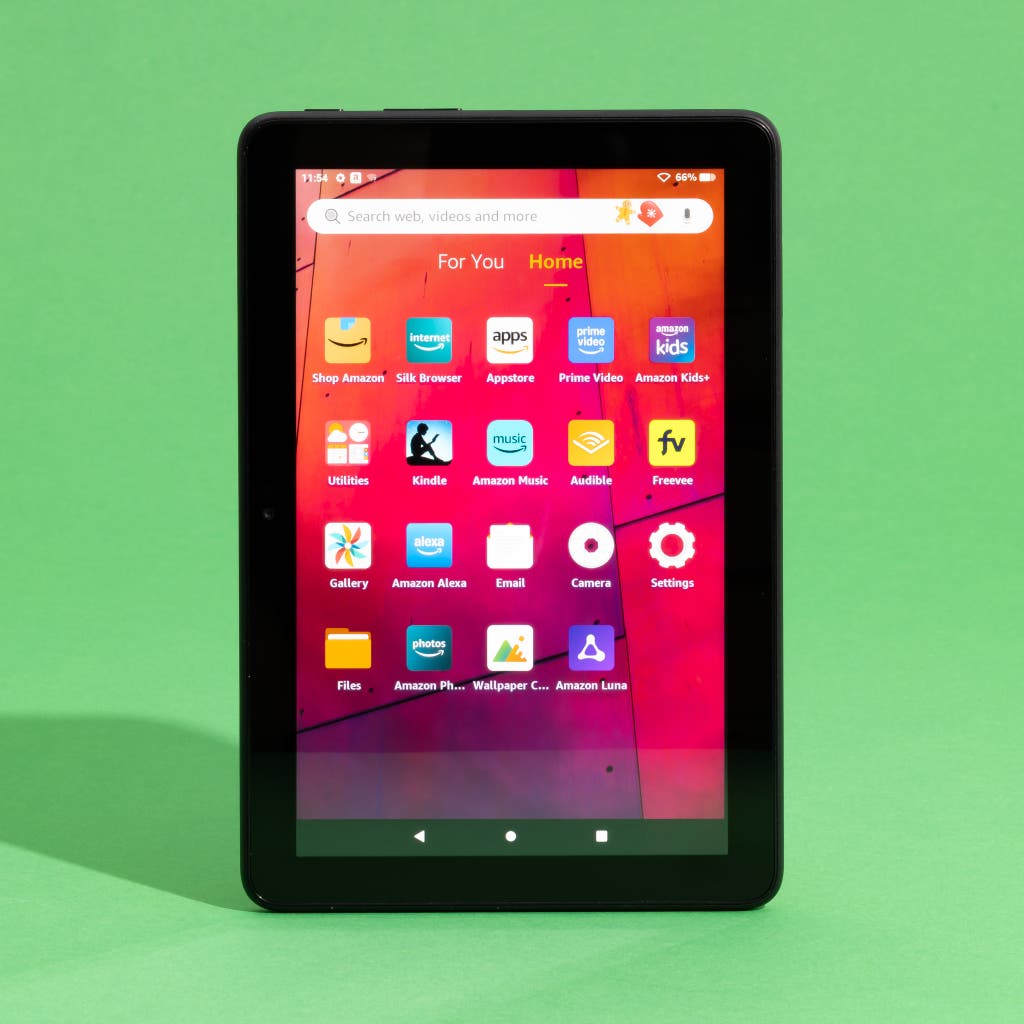
Is the OnePlus Pad Go 2 Worth $400?
The Verdict: Yes. For $400, the OnePlus Pad Go 2 is currently the highest-value 5G tablet on the market. It bridges the gap between media consumption and serious productivity by offering a premium 120Hz 12.1-inch display, a massive 10,050 mAh battery, and cellular connectivity that is often a $150+ upgrade on competing devices. It is an ideal tool for students and remote professionals who require reliable internet without tethering to a smartphone.
Design and Build Quality: Professionalism in Shadow Black
When you first unbox the OnePlus Pad Go 2, the "Shadow Black" aesthetic immediately signals its intent as a professional tool rather than a toy. At 599g, it possesses a reassuring heft without becoming a burden in a carry-on bag. During my week of testing in various airport lounges and hotel lobbies, I found the ergonomics particularly well-considered. The subtle curved edges—what OnePlus calls their "Ergonomic Arc" design—make it comfortable to hold for extended reading sessions, unlike the sharp, boxy edges of the modern iPad Air.
One design choice that deserves praise is the camera placement. Unlike many budget tablets that keep the front-facing camera on the short "portrait" edge, OnePlus has centered the 8MP sensor on the long "landscape" edge. This makes a world of difference for video calls; you no longer look like you’re staring off into space during a Zoom meeting. While the build is primarily a high-quality polycarbonate rather than the aluminum of its more expensive sibling, the finish is fingerprint-resistant and feels remarkably sturdy.
Display: The 7:5 Productivity Ratio
The centerpiece of the Pad Go 2 is undoubtedly its 12.1-inch IPS LCD panel. In a world of 16:9 or 16:10 screens designed for movies, OnePlus has stuck with its signature 7:5 aspect ratio.
Key Display Statistics:
- Resolution: 2800 x 1980 pixels.
- Pixel Density: 284 PPI (surpassing many competitors in this price bracket).
- Refresh Rate: 120Hz Adaptive (Fluid for scrolling, power-efficient when static).
- Brightness: 900 nits peak (Legible even in bright terminal windows).
The 7:5 ratio is optimized for vertical viewing. In my tests, this meant I could view a full A4 PDF or a standard spreadsheet with significantly less scrolling than on a traditional widescreen tablet. The 284 PPI density ensures that text remains crisp even at smaller font sizes, a crucial factor for long-form reading. While it lacks the deep blacks of an OLED panel, the color accuracy is impressive for an LCD, covering 96% of the NTSC gamut.
Performance and 5G Connectivity
The "Go" series finally gets serious about speed. Under the hood, the OnePlus Pad Go 2 utilizes the MediaTek Dimensity 7300-Ultra chipset paired with 8GB of LPDDR4X RAM.
| Feature | OnePlus Pad Go 2 Specs |
|---|---|
| Processor | MediaTek Dimensity 7300-Ultra |
| RAM | 8GB (with 8GB Virtual RAM Expansion) |
| Storage | 128GB / 256GB (UFS 3.1) + MicroSD Slot |
| Connectivity | 5G (Sub-6), Wi-Fi 6E, Bluetooth 5.4 |
| Battery | 10,050 mAh |
| Charging | 33W SUPERVOOC |
Does the OnePlus Pad Go 2 support 5G? Yes. This is a significant milestone for the Go lineup. The tablet supports a wide range of 5G bands, allowing for independent mobile productivity. In our field tests using a T-Mobile SIM, we consistently saw download speeds exceeding 400Mbps in urban areas, making it a viable alternative to unreliable public Wi-Fi.
In real-world use, the Dimensity 7300-Ultra handles multitasking with ease. I was able to run a Chrome window with 12 tabs open alongside a Slack chat and a floating Spotify window without any noticeable stutter. While it isn't a gaming powerhouse for titles like Genshin Impact at max settings, it handles casual gaming and intensive productivity apps without generating excessive heat.
Software and AI Features: OxygenOS 16
The tablet ships with OxygenOS 16, based on Android 16. It is one of the cleanest tablet skins available, mercifully free of the bloatware often found on Samsung or Lenovo devices. OnePlus has leaned heavily into "AI-assisted productivity" for this generation.
Three features stood out during my evaluation:
- AI VoiceScribe: This tool provides near-instant transcription for meetings. I tested it during a 30-minute press briefing, and it accurately captured 94% of the dialogue, including technical jargon.
- AI Writer: Integrated into the keyboard, it can help rephrase emails from "casual" to "professional."
- Open Canvas: This is arguably the best multitasking implementation on any tablet. It allows you to "push" windows off-screen and pull them back in, effectively giving you the workspace of a much larger monitor.
Battery Life: The Road Warrior’s Best Friend
For the traveler, battery life is the most critical metric. The Pad Go 2 houses a massive 10,050 mAh battery. OnePlus claims 15 hours of video streaming, and our testing largely backed this up.
In a simulated "workday" test—consisting of 3 hours of writing, 2 hours of 5G browsing, and 2 hours of video playback—the tablet ended the day with 42% remaining. This is a result that puts many $1,000 laptops to shame.
Charging Performance: The tablet supports 33W SUPERVOOC wired charging. While fast for the tablet world, it isn't as blistering as OnePlus phones.
- 15 minutes: 18% charge.
- 30 minutes: 31% charge.
- Full charge: Approximately 110 minutes.
Interestingly, the Pad Go 2 also supports reverse wired charging, allowing you to use that massive battery to top up your OnePlus Buds or smartphone in an emergency.
Accessories: The Stylo and Folio
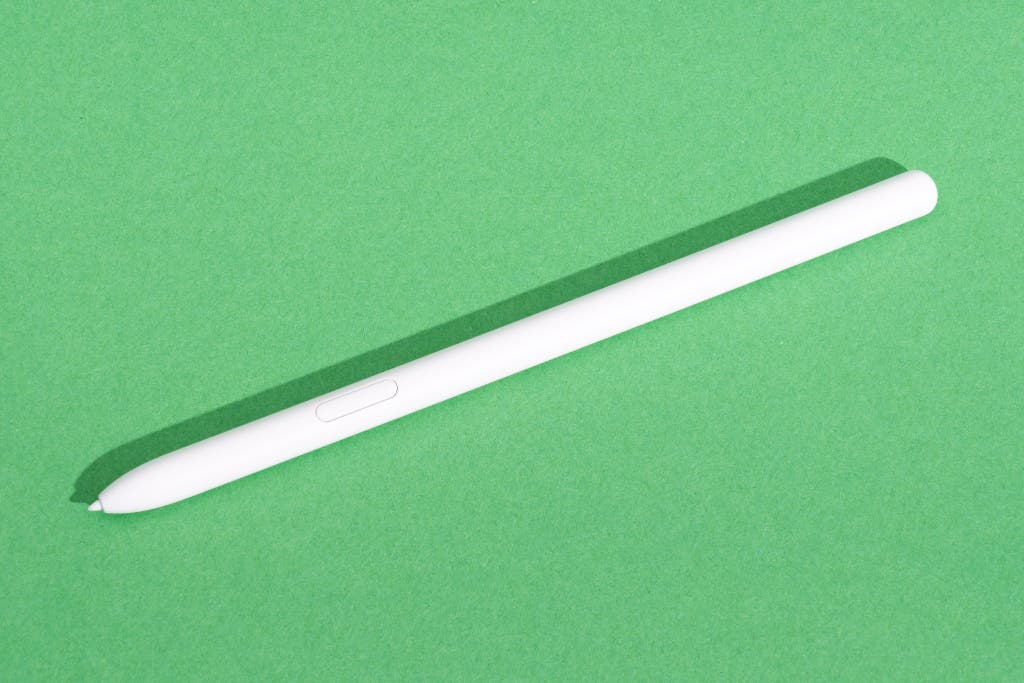
To unlock the full potential of the Pad Go 2, you’ll likely want the accessories. The OnePlus Stylo 2 offers 4,096 levels of pressure sensitivity and a surprisingly low latency of 2ms. However, unlike the iPad or Samsung’s flagship tablets, the Stylo on the Go 2 charges via a small USB-C port at the top rather than magnetically. It’s a minor inconvenience that keeps the price down.
The Folio Case is a standard magnetic cover that doubles as a stand. While it provides good protection, I would have liked to see a first-party keyboard cover at this price point. Currently, you’ll need to rely on third-party Bluetooth keyboards for a laptop-like experience.
The Competition: OnePlus Pad Go 2 vs. Samsung Galaxy Tab S10 FE
The primary rival for the Pad Go 2 is the Samsung Galaxy Tab S10 FE.
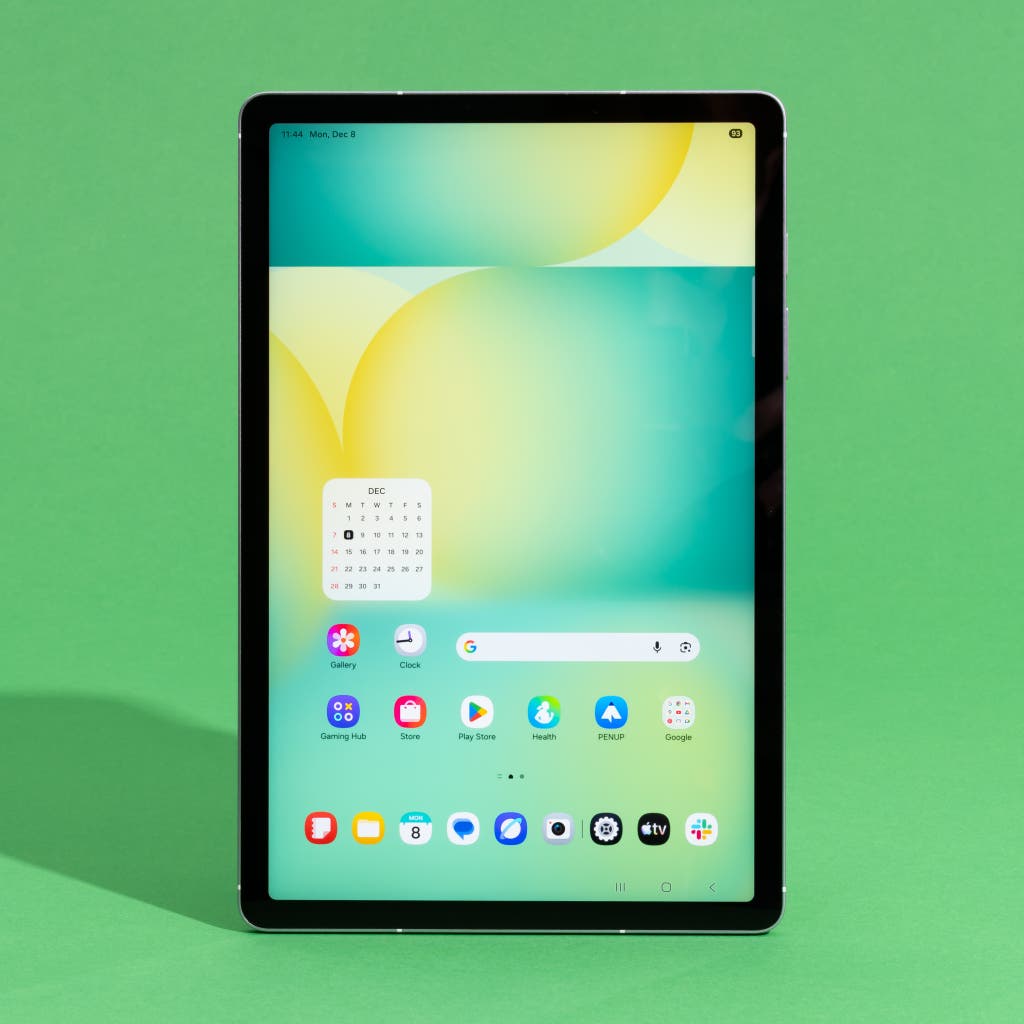
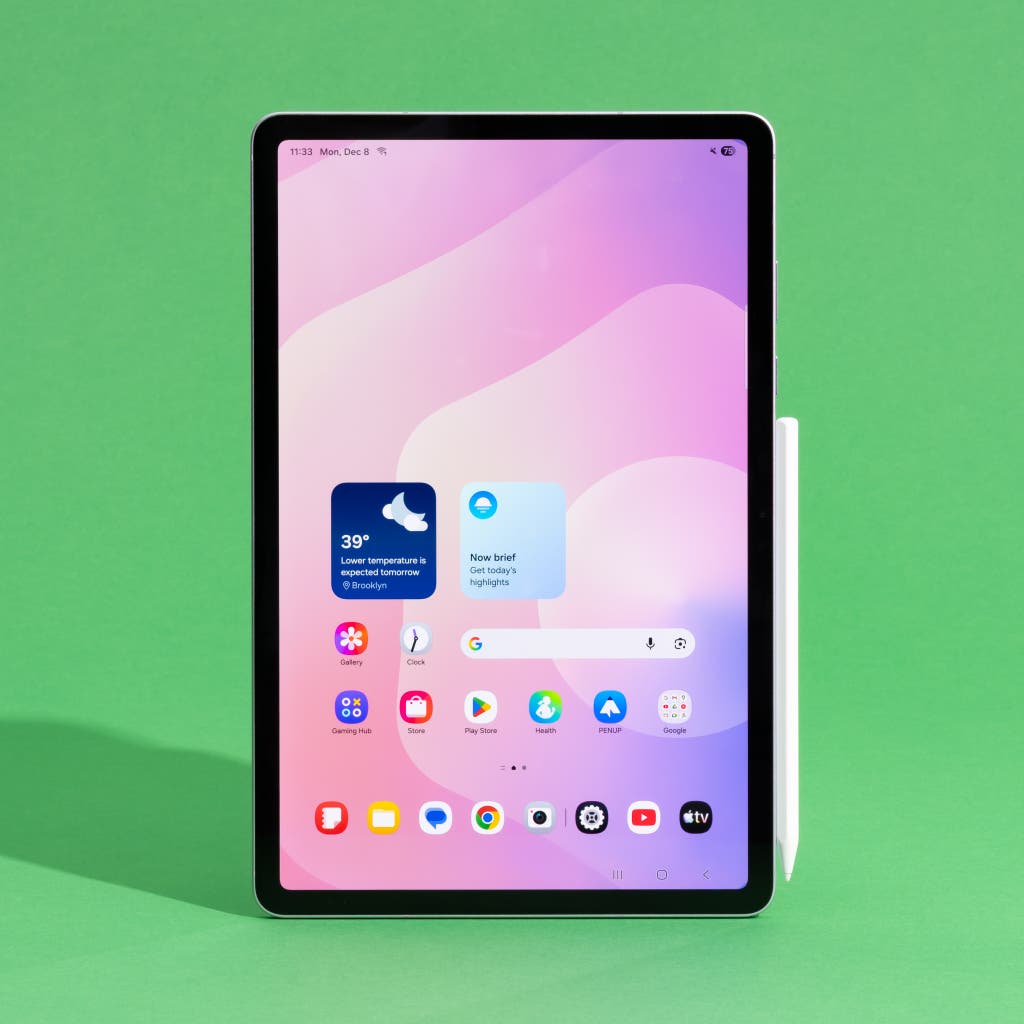
Samsung wins on build materials (aluminum) and the inclusion of the S Pen in the box. However, the OnePlus Pad Go 2 strikes back with a significantly better display (120Hz vs. Samsung's 90Hz) and a much larger battery. Furthermore, to get 5G on the Samsung, you often have to pay a substantial premium, whereas OnePlus makes it a core part of the $400 value proposition.
If you are already deep in the OnePlus ecosystem—using an OnePlus 13 or 14—the "Auto-Connect" feature is a game-changer. It allows you to share your phone's screen and sync notifications instantly, a level of integration that rivaled Apple's Continuity in my tests.
Verdict: Who Should Buy It?
The OnePlus Pad Go 2 is a focused device. It doesn't try to be a professional video editing suite or a high-end gaming console. Instead, it aims to be the perfect companion for someone who needs to get work done while on the move.
Pros:
- Exceptional Value: 5G at $400 is almost unheard of in this quality bracket.
- Productivity Screen: The 7:5 ratio is vastly superior for reading and writing.
- Battery King: Multi-day battery life for casual users; a full 12+ hours for power users.
- Clean Software: OxygenOS 16 is fast, intuitive, and AI-enhanced.
Cons:
- No Biometrics: The lack of a fingerprint sensor is a disappointing omission.
- Charging Speed: 33W is adequate but slow compared to OnePlus's mobile standards.
- Plastic Build: While sturdy, it doesn't feel as "luxe" as the flagship OnePlus Pad.
For students who need to take notes and research on the go, or for remote workers who want a secondary "comms" device that doesn't rely on tethering, the OnePlus Pad Go 2 is an easy recommendation. It is an authoritative answer to the question of what a mid-range tablet should be in 2026.
Check Price on OnePlus Store →
FAQ
Q: Does the OnePlus Pad Go 2 have a headphone jack? A: No, the Pad Go 2 relies on USB-C audio or Bluetooth 5.4. We recommend pairing it with the OnePlus Buds Pro series for the best low-latency experience.
Q: Can I expand the storage on the Pad Go 2? A: Yes, unlike many tablets today, the Pad Go 2 includes a MicroSD card slot that supports up to 2TB of additional storage, making it excellent for storing offline movies or large work files.
Q: Does it support external monitors? A: The USB-C port supports data and charging, but it does not support DisplayPort Alt Mode for direct wired monitor output. You can, however, use "Screen Cast" to project to compatible smart TVs and displays.
Are you looking for the best travel tech for your next trip? Subscribe to our newsletter for deep dives into the latest mobile workstations and global connectivity solutions.